
Carve ist die Blue Moon AI-Alternative für schnelles, fotorealistisches Rendering
Blue Moon AI ist eine KI-Archviz-Webanwendung vom Team hinter einem etablierten Rendering-Studio, die Render, Upscale, Grundriss, Bearbeitung und Animation abdeckt. Carve ist ein browserbasierter KI-Renderer mit nativem CAD-Input und einem Projekt-Workflow. Hier ist ein Vergleich der beiden.
 Carve
CarveCarve vs Blue Moon AI: auf einen Blick
Blue Moon AI is a broad, affordable archviz app. It renders from sketches, plans, and 3D views, upscales, turns floor plans into renders, edits in app, and animates stills, backed by the credibility of a working rendering studio.
Carve covers similar ground with native CAD-export input, geometry preserved, virtual staging for listings, and a branching project workflow.
Pick Blue Moon AI for a broad, low-cost toolset including floor-plan rendering. Pick Carve for CAD input, staging, and a structured project workflow.
Carve
Browserbasiertes KI-Rendering für Architekten, Innenarchitekten und Immobilienteams
$29
/mo
Strengths
- Nativer CAD-Import mit erhaltener Geometrie
- Virtuelles Staging für Immobilieninserate
- Verzweigter Projekt-Workflow
- Innenräume und Außenbereiche
Limitations
- Kein dediziertes Werkzeug für die Umwandlung von Grundrissen in Renders
Blue Moon AI
Render, Upscale, Grundriss, Bearbeiten und Animate, von einem Studio-Team
$16
/mo
Strengths
- Breites Werkzeugspektrum inklusive Grundriss-Rendering
- Entwickelt von einem aktiven Archviz-Studio
- Günstiger Einstiegspreis von ca. 16 $/Monat
- Rendern, hochskalieren, bearbeiten und animieren
Limitations
- Arbeitet mit Bildern und Plänen, nicht mit nativen CAD-Dateien
- Weniger Fokus auf die Immobilienvermarktung
- Wenig veröffentlichte Details
Anerkennung, wo Anerkennung verdient ist
Blue Moon AI bringt echte Archviz-Studio-Erfahrung in eine kostengünstige App, mit einem breiten Werkzeugset, das das ungewöhnliche Grundriss-zu-Render-Feature einschließt. Für erschwingliches, vielseitiges Rendering ist es eine fähige Option.
Diese Seite ist nicht dazu da, das Gegenteil zu behaupten. Die Website von Blue Moon AI ist sparsam mit konkreten Angaben, und die Anwendung arbeitet mit Bildern und Grundrissansichten statt mit nativen CAD-Dateien, weshalb CAD-Import und Staging die Bereiche sind, in denen Carve den Unterschied macht.
3 Gründe, warum Carve die bessere Wahl ist als Blue Moon AI
Die drei wichtigsten Gründe, warum Teams von Blue Moon AI zu Carve wechseln.
Nativer CAD-Import
Carve erstellt Renders aus CAD-Exporten mit erhaltener Geometrie. Blue Moon AI arbeitet mit Bildern und Grundrissansichten.
Virtuelles Staging für Inserate
Carve verwandelt leere Räume anhand eines Fotos. Blue Moon AI konzentriert sich auf Rendering und Grundrisse.
Ein strukturierter Projekt-Workflow
Carve hält Renders, Edits und Animationen in einem verzweigten Projekt zusammen.
Ein grundlegend anderes Rendering-Erlebnis
Blue Moon erstellt KI-Renders aus Bildern, Skizzen, Plänen und 3D-Ansichten. Carve ergänzt dies um nativen CAD-Export-Import mit erhaltener Geometrie, virtuelles Staging für Immobilienangebote und einen Projektbaum, der jeden Render, jede Bearbeitung und jede Animation zusammenhält. Beide überschneiden sich in vielen Bereichen; Carve setzt den Schwerpunkt auf CAD und Staging.
Warum moderne Büros Carve statt Blue Moon AI wählen
Fotorealistische Ergebnisse in unter einer Minute
Carves KI-Pipeline liefert ein fertiges, fotorealistisches Bild in unter einer Minute, direkt im Browser. Es gibt keine Szene zusammenzustellen und keine lokale GPU, auf die man warten müsste.
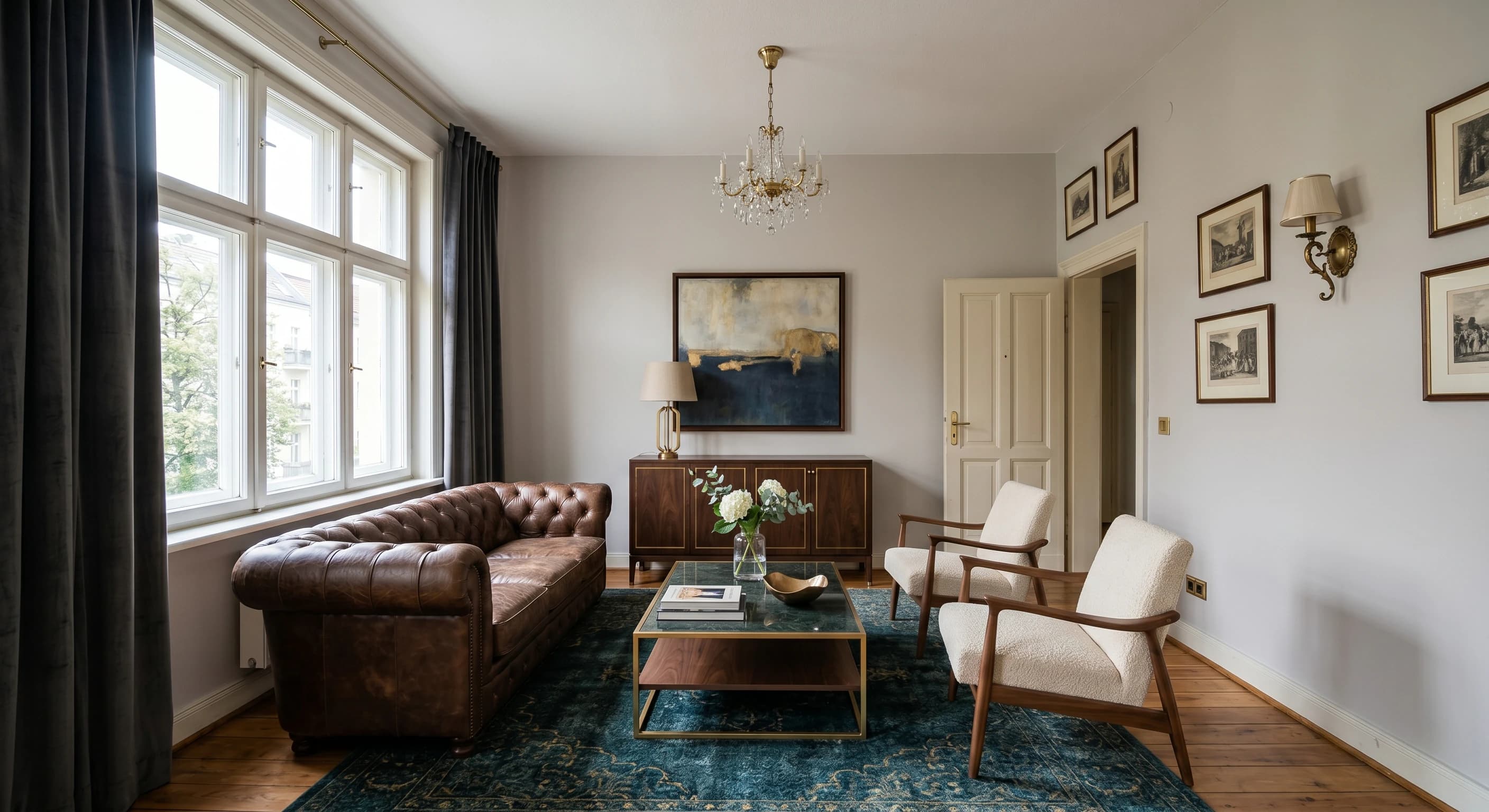
Render direkt aus einer Skizze oder CAD
Laden Sie eine Handskizze, einen CAD-Export oder ein SketchUp-Modell hoch, und Carve rendert direkt daraus. Tiefen- und Kantenführung hält die Geometrie präzise an Ihrem Entwurf.
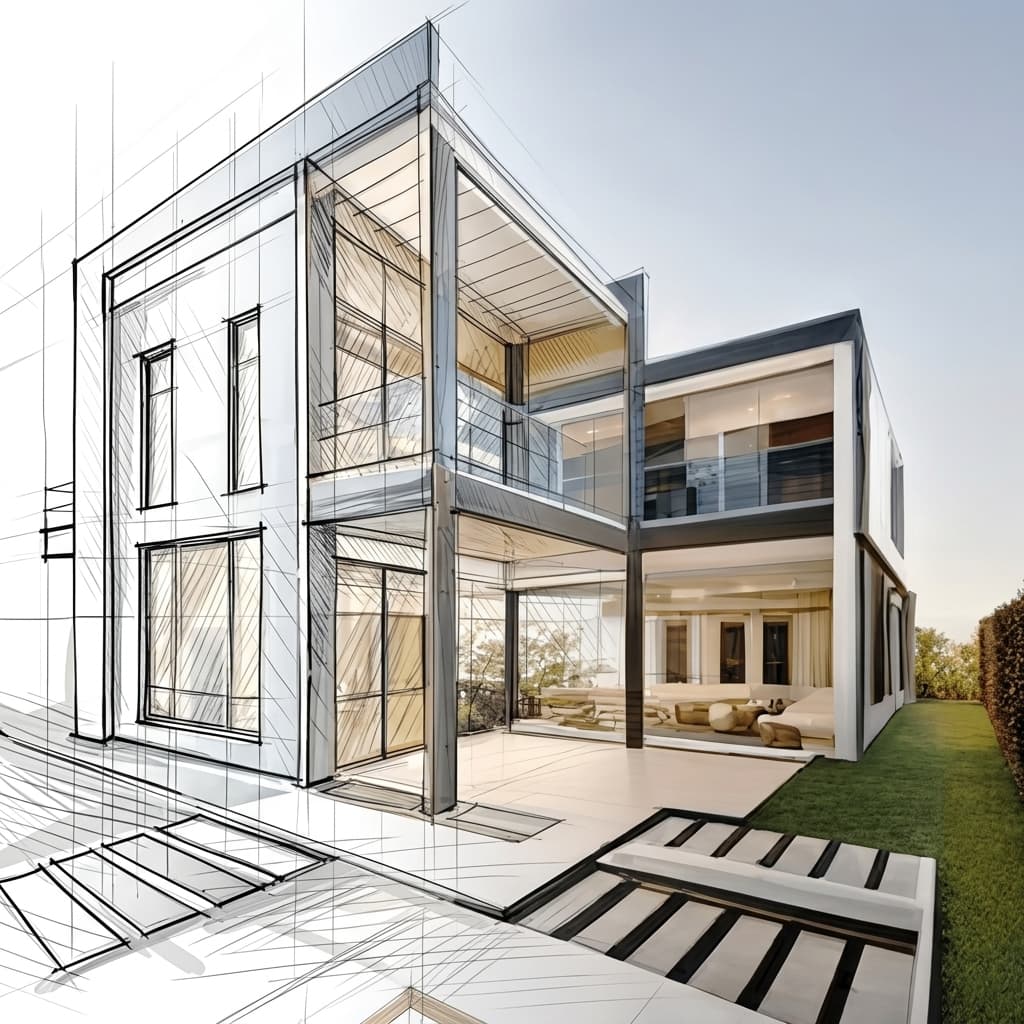
Virtuelles Homestaging aus einem einzigen Foto
Ein leeres Zimmer anhand eines einzigen Fotos einrichten und neu gestalten. Kein 3D-Modell, kein manuelles Einrichten, nur ein fertig gestaltetes, insertionstaugliches Bild.
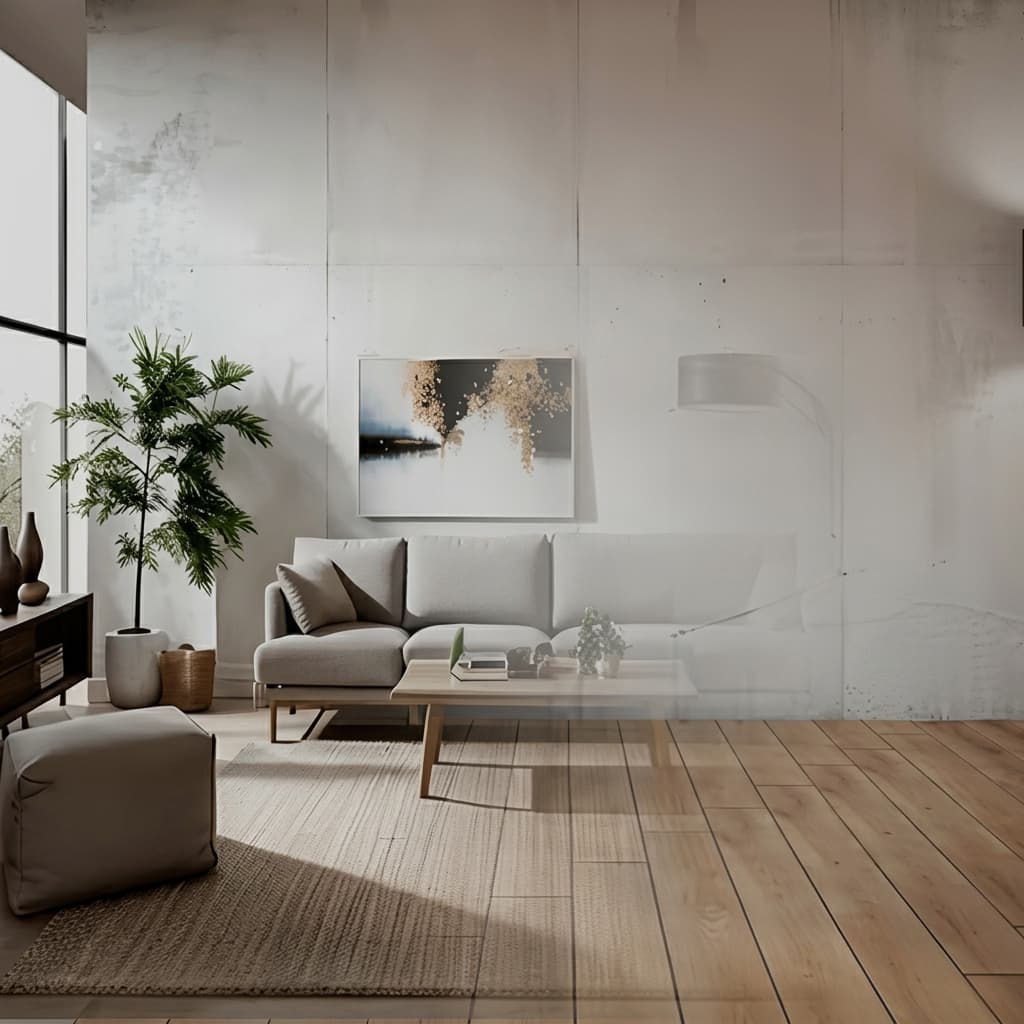
Keine Installation, läuft auf jedem Gerät
Carve läuft vollständig in der Cloud, es gibt also nichts herunterzuladen und keine GPU zu kaufen. Melde dich von jedem Browser auf Mac, Windows oder Chromebook an und erstelle Renders aus Exporten, die in Revit, SketchUp, Rhino und weiteren Programmen erstellt wurden.

Ein Bruchteil der Kosten
Carve beginnt bei 29 $ pro Monat, ohne Jahresvertrag und ohne Hardware-Anschaffung. Du erhältst fotorealistische, präsentationsfertige Renders für einen Bruchteil der Kosten eines traditionellen Rendering-Studios oder einer Desktop-Suite.
 Pushpit, Mitgründer
Gründergeführter Support
Carves Rendering-Engine wird von KI angetrieben, aber der Support dahinter kommt von den Menschen, die das Produkt entwickeln. Erreiche das Team direkt per E-Mail und Live-Chat und erhalte echte Antworten, meist innerhalb weniger Stunden.
Preisvergleich
Carve$29/mo (50 credits)
$16/mo (Light)
Kategorie-für-Kategorie-Aufschlüsselung
6 Bereiche, in denen sich die beiden Tools am stärksten unterscheiden. Carve gewinnt 3, Blue Moon AI gewinnt 2, und 1 ist unentschieden.
Grundriss-Rendering
Blue Moon AIBlue Moon AI verwandelt Grundrisse in Renders, ein Bereich, auf den Carve keinen Fokus legt.
Werkzeugbreite
TiedBeide umfassen Render, Upscale, Edit und Animate.
CAD-Eingabe
CarveCarve erstellt Renders aus CAD-Exporten mit erhaltener Geometrie. Blue Moon AI arbeitet mit Bildern und Plänen.
Virtuelles Staging
CarveCarve inszeniert leere Räume für Immobilienangebote. Blue Moon AI konzentriert sich auf Rendering.
Projekt-Workflow
CarveCarve organisiert Arbeit als verzweigten Projektbaum.
Einstiegspreis
Blue Moon AIBlue Moon AI beginnt günstiger, bei etwa 16 $/Monat.
Funktionsvergleich
CarveBased on each tool's publicly listed features. Blue Moon AI capabilities may change.
Für wen ist Blue Moon AI am besten geeignet?
Blue Moon AI ist die bessere Wahl, wenn Sie ein breites, kostengünstiges Toolset einschließlich Grundriss-Rendering suchen. Blue Moon AI ist die bessere Option, wenn Sie:
- Render, Upscale, Grundriss, Bearbeitung und Animate in einer günstigen App vereinen möchten
- Aus Grundrissen, Ansichten und 3D-Ansichten rendern
- Den Hintergrund eines Archviz-Studios schätzen
- Keine native CAD-Integration oder Immobilien-Staging benötigen
Für wen ist Carve am besten geeignet?
Carve ist die bessere Wahl, wenn Geschwindigkeit, Kosten und Zugänglichkeit an erster Stelle stehen. Entscheide dich für Carve, wenn du:
- kein eigenes Rendering-Team hast
- mit engen Kundenfristen arbeitest
- schnell Konzept- und Marketingvisuals brauchst
- auf einem Mac, unter Windows oder im Browser arbeiten möchtest
- auf die Kosten pro Bild achtest
Welche solltest du wählen?
Carve wins2Rendering aus einem CAD-Export
Carve verarbeitet CAD-Dateien mit erhaltener Geometrie; Blue Moon AI arbeitet auf Basis von Bildern und Plänen.
Eine Immobilie anhand eines Fotos virtuell einrichten
Carve umfasst virtuelles Staging; Blue Moon AI konzentriert sich auf Rendering.
Einen Grundriss in ein Render verwandeln
Blue Moon AI verfügt über ein spezielles Tool zur Umwandlung von Grundrissen in Renders.
Verdict
Abschließendes Urteil
Blue Moon AI ist eine vielseitige, günstige Archviz-App mit einem nützlichen Grundriss-zu-Render-Tool und Studio-Erfahrung. Carve ergänzt das durch native CAD-Eingabe, virtuelles Staging und einen strukturierten Projekt-Workflow. Wählen Sie Blue Moon AI für Vielseitigkeit zum kleinen Preis, Carve für CAD und Staging.
Vergleiche Carve mit anderen Tools
Gleiche Testmethodik, andere Gegenüberstellungen. Wählen Sie einen Mitbewerber.
Carve ist mehr als nur eine Alternative zu Blue Moon AI.
Laden Sie eine Skizze oder einen CAD-Export hoch und erhalten Sie einen photorealistischen Render in unter einer Minute – zu einem Bruchteil der Kosten von Blue Moon AI.
Kostenlos starten. Keine Kreditkarte erforderlich.
Häufig gestellte Fragen
Ja. Sie überschneiden sich in vielen Bereichen. Carve bietet native CAD-Eingabe, virtuelles Staging und einen Projekt-Workflow; Blue Moon AI bietet Grundriss-Rendering und einen günstigen Preis.