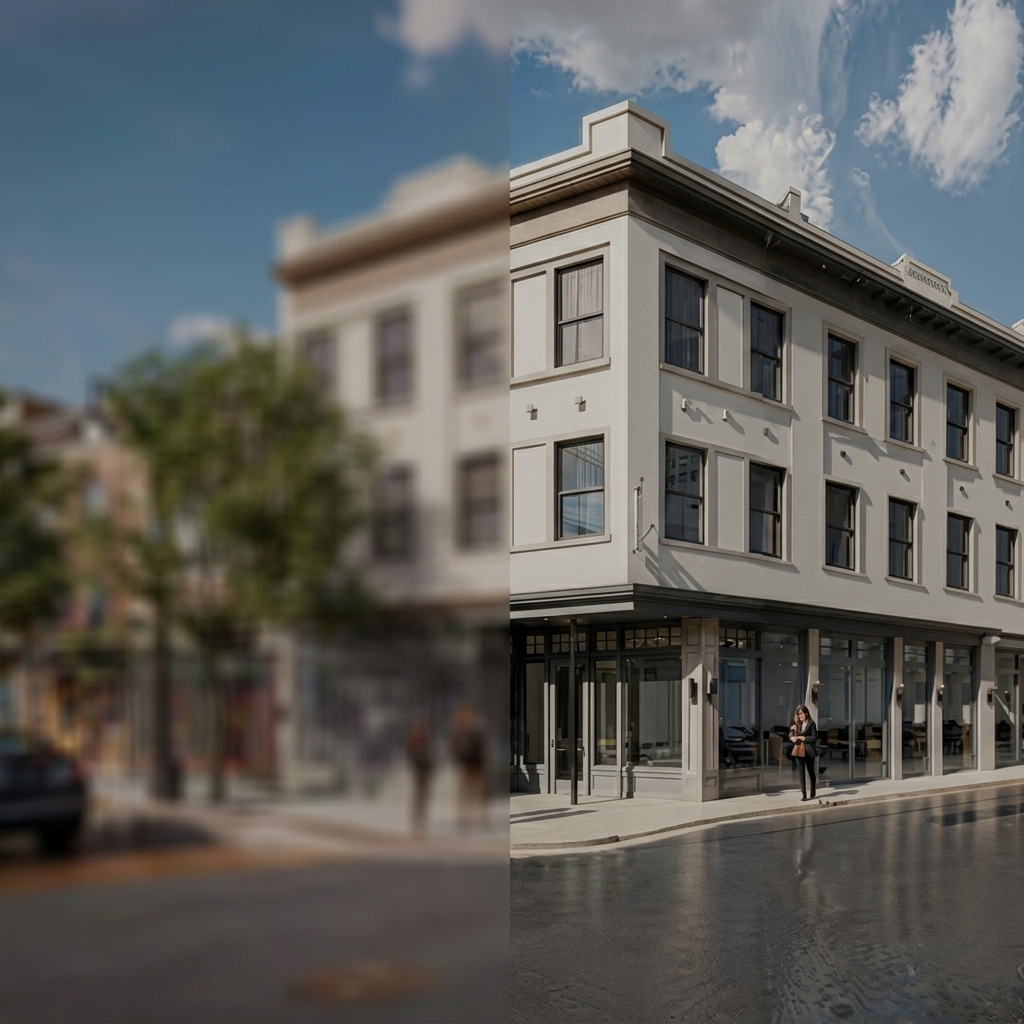
Make any architectural or interior render more realistic with no manual work. Sharper textures, better lighting, and 4x the resolution, automatically.
1 credit per enhance · runs automatically after every render
Real-ESRGAN adds a final layer of detail to your renders, refining textures, lighting, and reflections to make every scene more convincing.
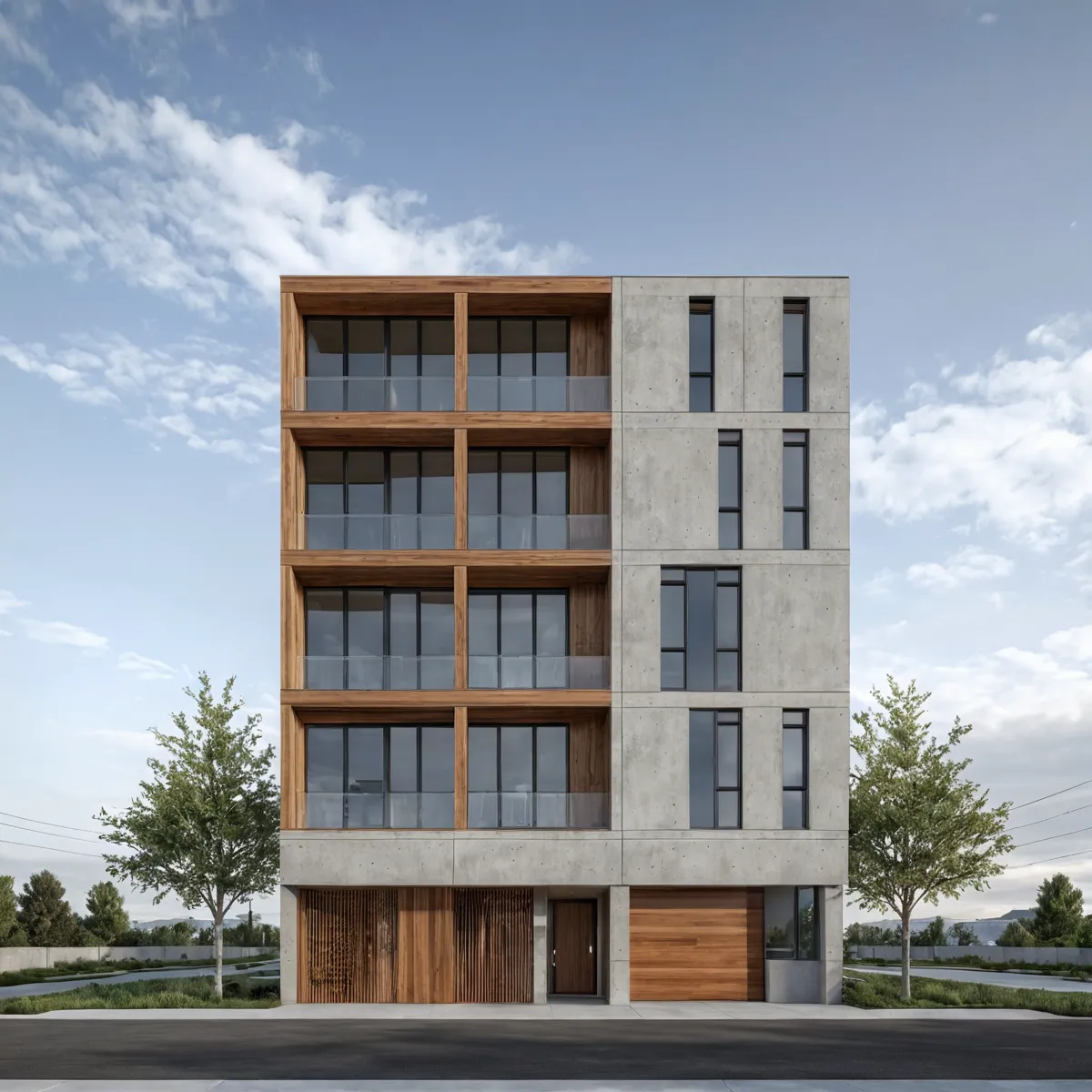
Sharper materials, crisper edges, richer sky detail and vegetation.
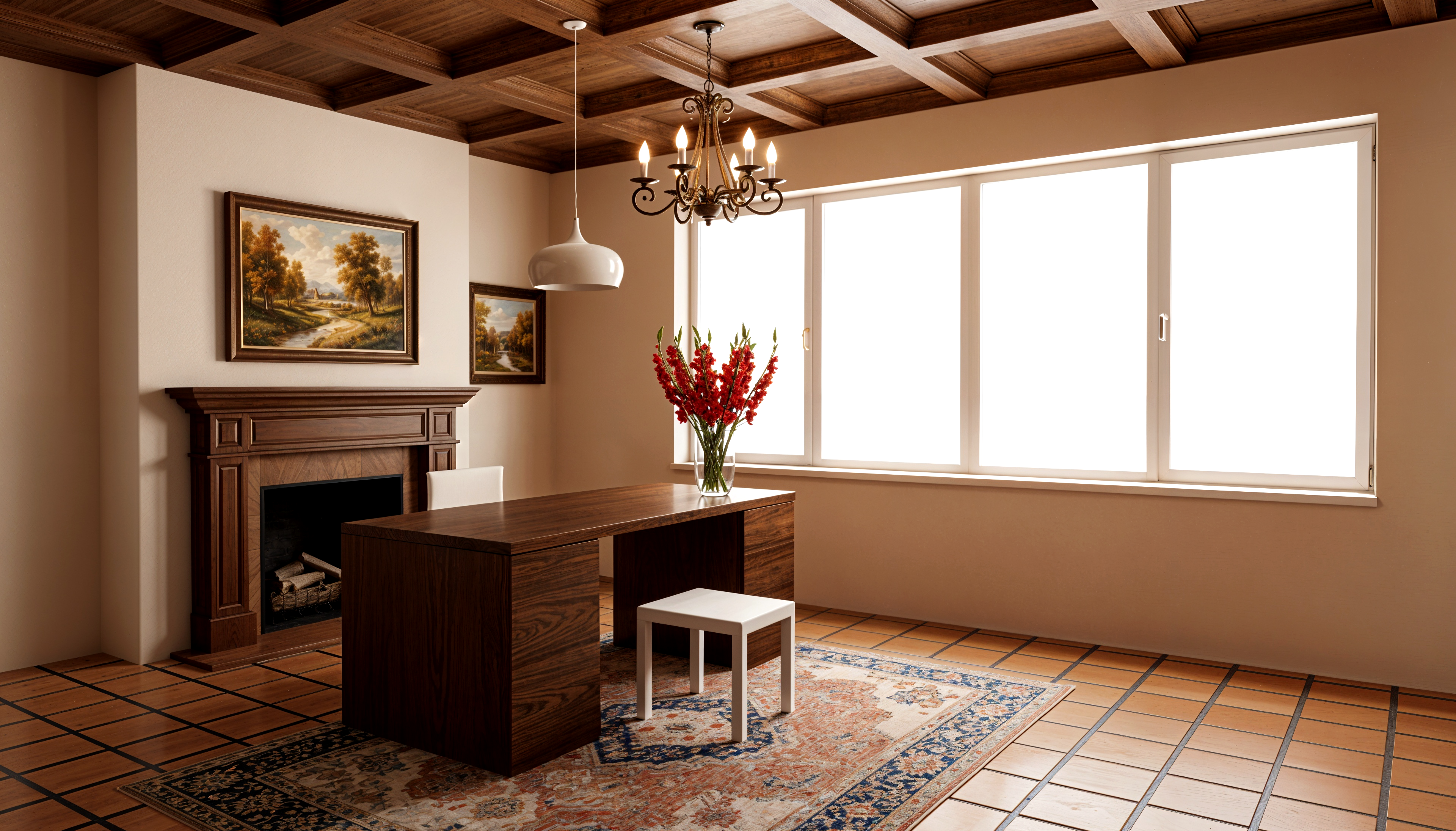
Improved lighting, deeper reflections, and truer material finish.
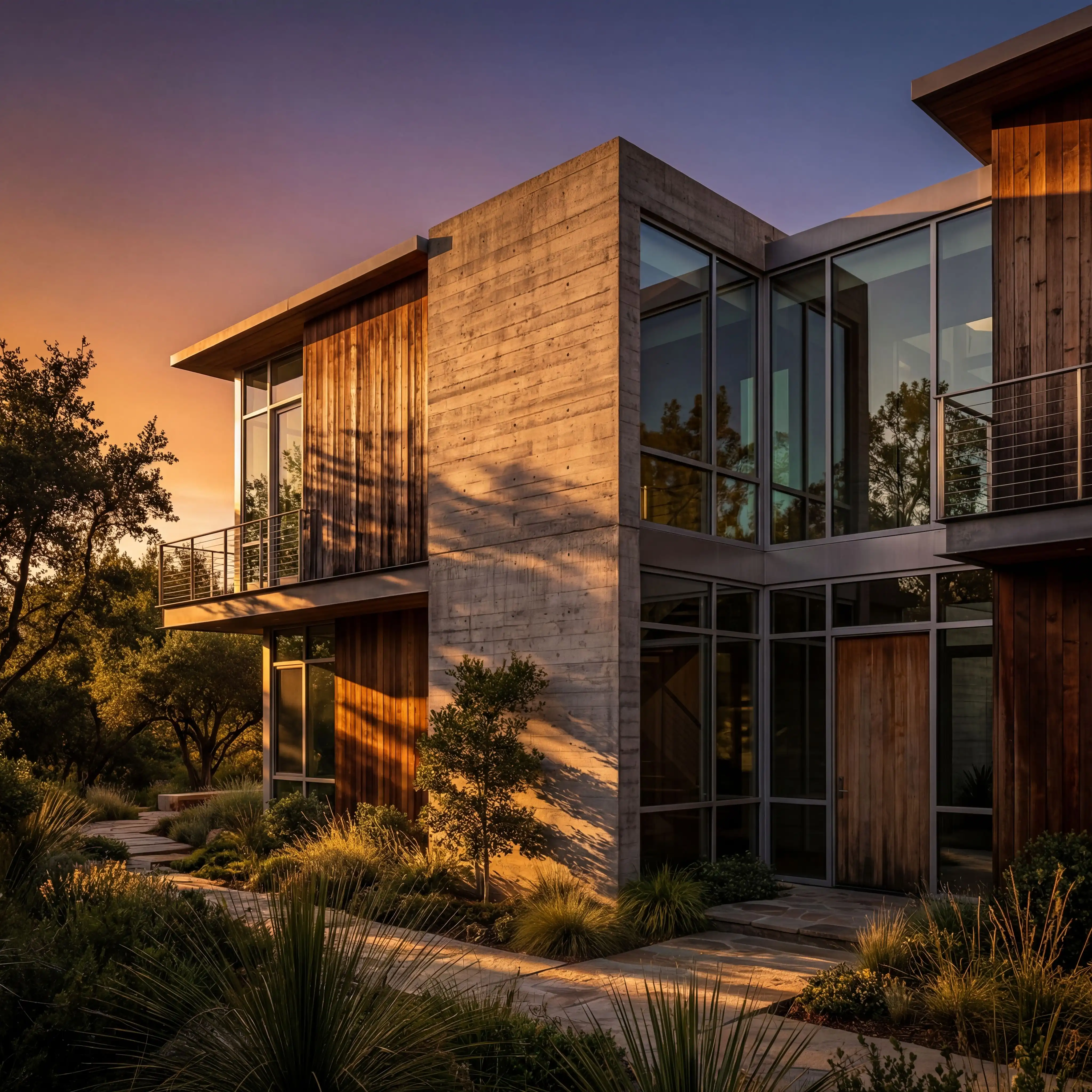
Make foliage feel alive, with natural translucency and form instead of flat polygons.
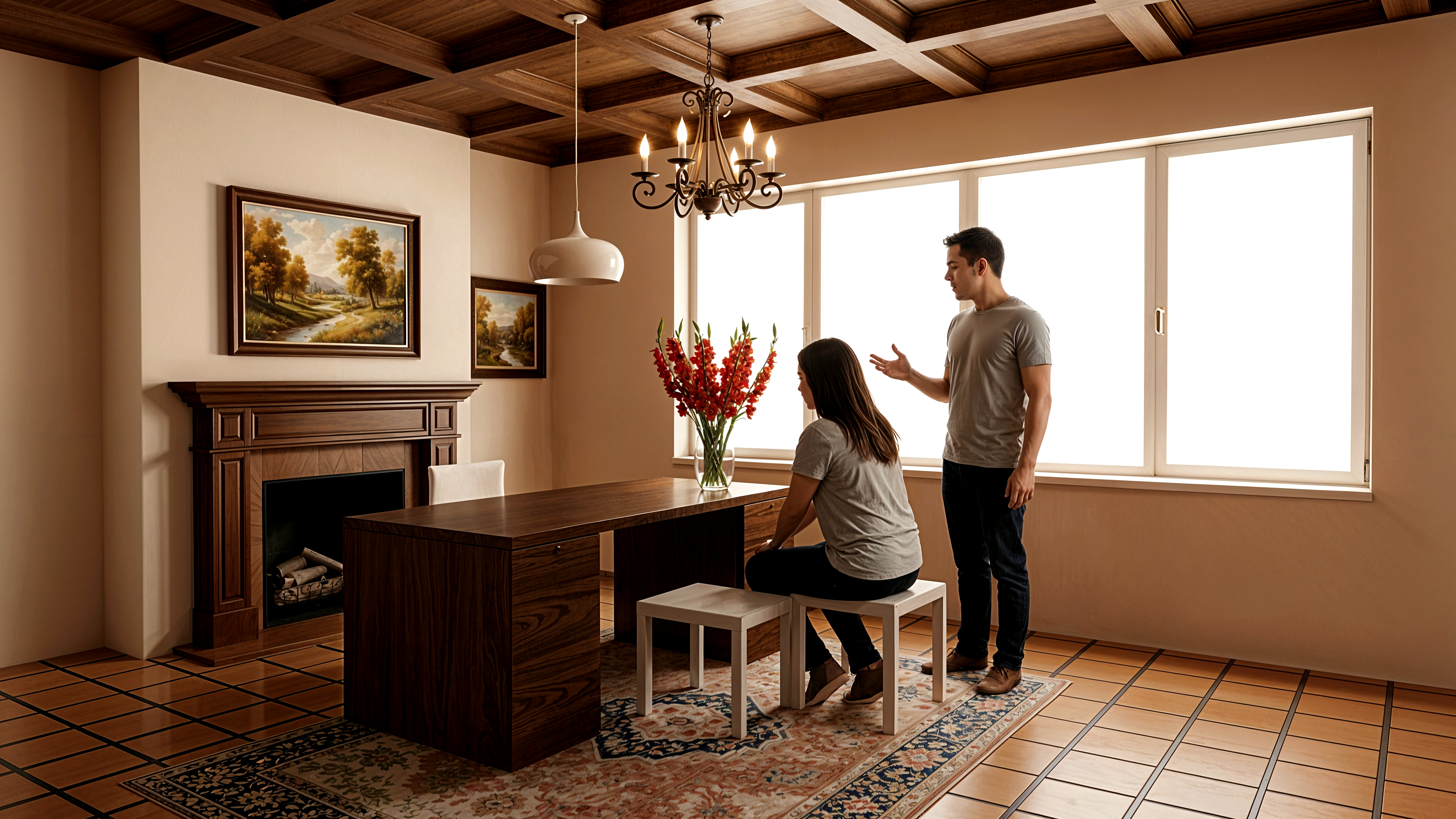
No more video-game figures. AI refines skin, clothing, and posture into believable humans.
Forget spending hours adjusting lighting, sharpness, and textures in Photoshop.
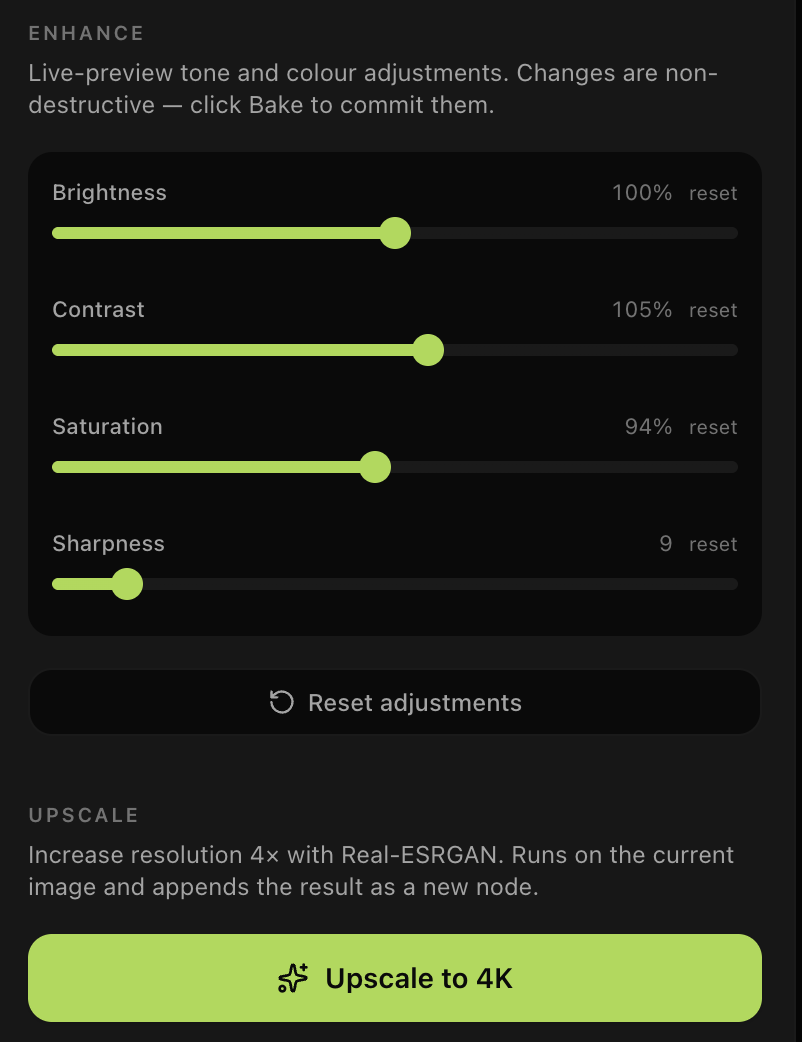
Upload any render to Carve, open the Enhance tab, and click "Upscale to 8K". Real-ESRGAN intelligently refines every detail. You just download the result.
It also runs automatically after every render so your output is always 8K-ready without an extra step.
Every enhanced render is fully owned by you and stays private. We never use your work to train models.
Industry-standard upscaling model purpose-built for photo and render super-resolution, not a generic sharpening filter.
8K upscaling runs automatically after every render job. You can also run it standalone on any existing render from the Enhance tab.
Real-ESRGAN upscaling. Automatic on every render. 1 credit per enhance.