
AI Renders for Architects
Turn CAD exports, sketches, and 3D models into client-ready photorealistic renders in under 60 seconds. Win tenders, present design alternatives, and close pitches faster, at a fraction of studio cost.
From drawing to deliverable, instantly
Upload a hand sketch or floor plan, and Carve extracts depth and produces a photorealistic interior or exterior in seconds.
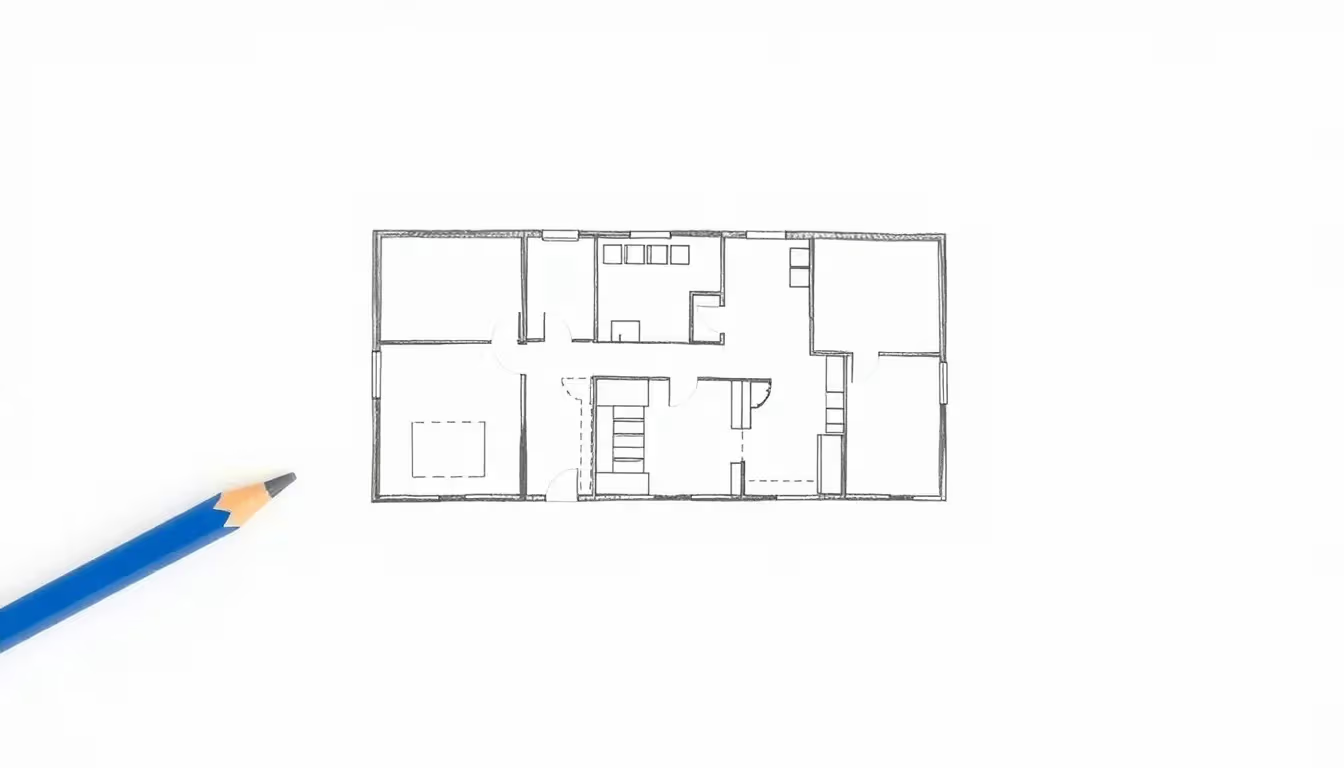 Hand sketch
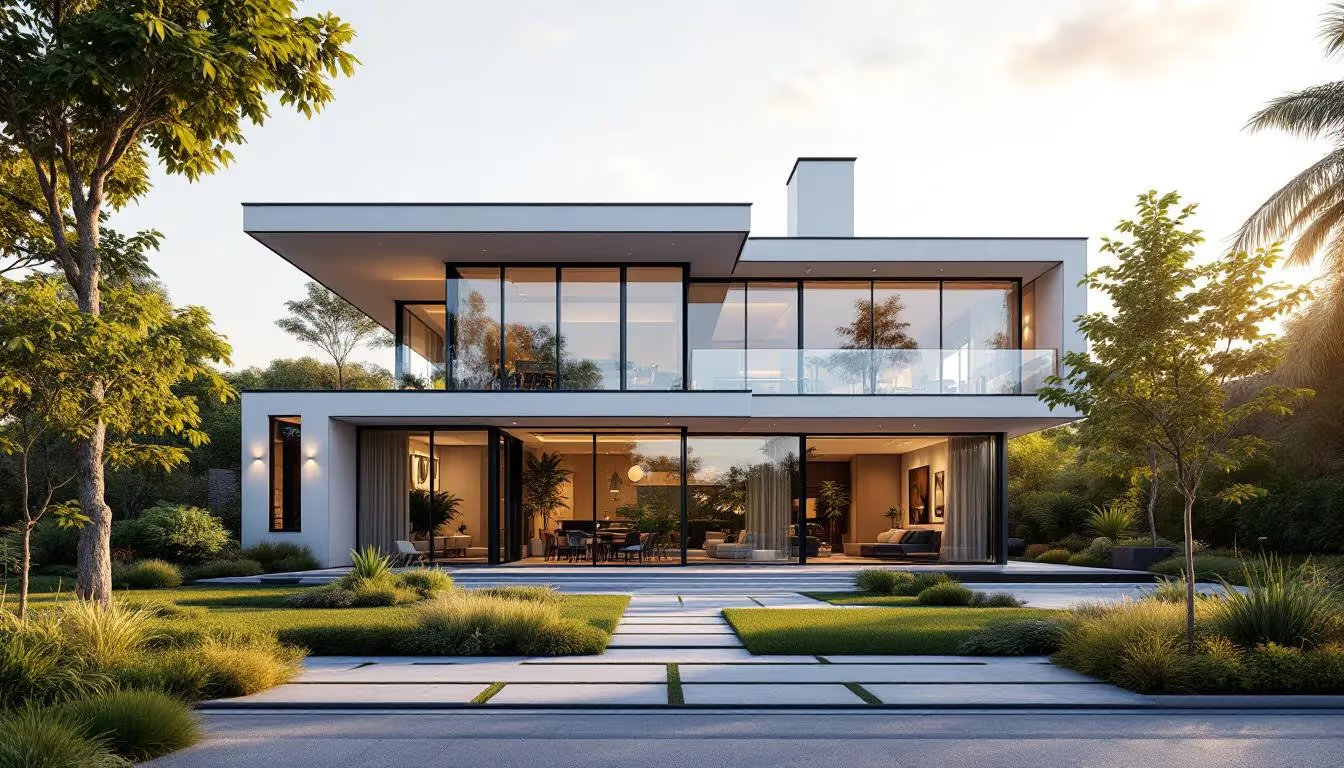 Photorealistic render
The problems Carve solves
Before Carve
Weeks of waiting
External rendering studios take days or weeks. There's no time for fast variant studies mid-design.
Eye-watering cost
Professional 3D visualisations cost thousands per perspective, prohibitive for early-stage exploration.
No visuals when it matters most
In early design stages, convincing images for clients and competition juries are often missing entirely.
With Carve
Renders in under 60 seconds
Show clients what the building looks like with different materials, without waiting on an external studio.
Compare design variants instantly
Test facades, windows, and roof shapes digitally, with no physical models and no re-briefs.
Fewer revisions, happier clients
Clients decide from realistic images. Expensive late-stage changes become a thing of the past.
Everything you need to visualise faster
Visualise facades
Test different facade materials, brick, timber, render, glass, photorealistically on your actual model.
Interior space testing
Visualise room layouts, material palettes, and lighting in planned spaces before a single wall goes up.
Materials & textures
See how wood, concrete, glass, and steel read in context, not just on a material sample board.
Rapid design variants
Generate multiple iterations of a concept in minutes. Pick the strongest direction, present with confidence.
Light & shadow control
Simulate daylight conditions and artificial lighting accurately to show the building at its best.
High-resolution output
4K upscaling built in. Print-ready images for competitions, planning submissions, and client decks.
The rendering studio in your browser
Rapid iteration
Test design variations in seconds, not days.
Win competitions
High-end visualisations that convince juries and investors.
Cost efficiency
Reduce expensive external 3D rendering costs by 90%+.
Client alignment
Everyone sees the same end result, with fewer surprises.
Material exploration
Explore facade and interior materials with ease.
Marketing edge
Showcase your portfolio with studio-quality imagery.
Questions from architects
CAD exports (screenshots or image exports of DWG/DXF views), hand sketches, floor plan drawings, elevation images, and photos of physical models, as JPG or PNG. Carve automatically extracts depth and edge maps so geometry stays intact.
Ready to render at full speed?
Join architects already using Carve to win tenders, impress clients, and cut visualisation costs by 90%+.