
AI Renders for Kitchen Builders
Show clients exactly what their new kitchen will look like before a single cabinet ships. Turn layouts and sketches into photorealistic renders in under 60 seconds, and close more sales at the quote stage.
From layout to signed order, faster
Upload a hand-drawn layout or CAD plan and generate a photorealistic kitchen render placed in the client's actual room. No guesswork: they see the finished kitchen before agreeing to the quote.
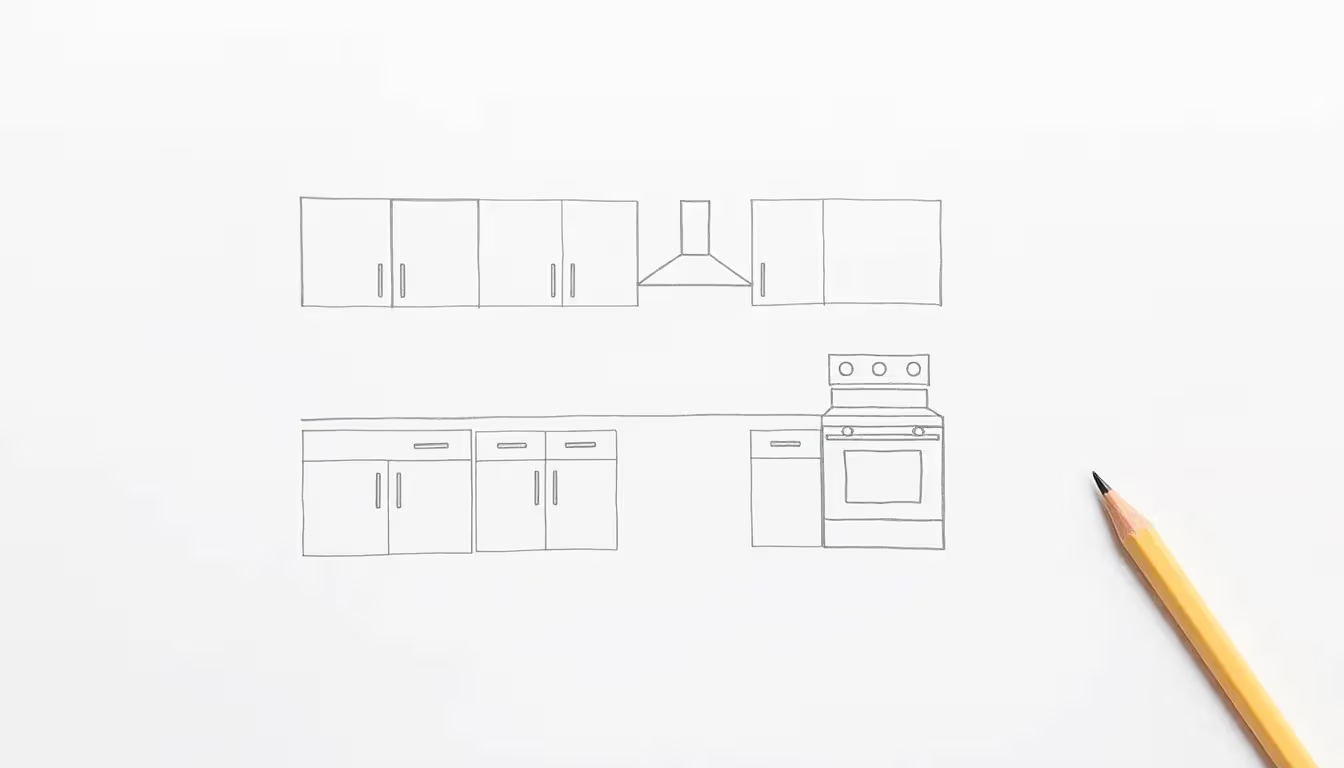 Layout sketch
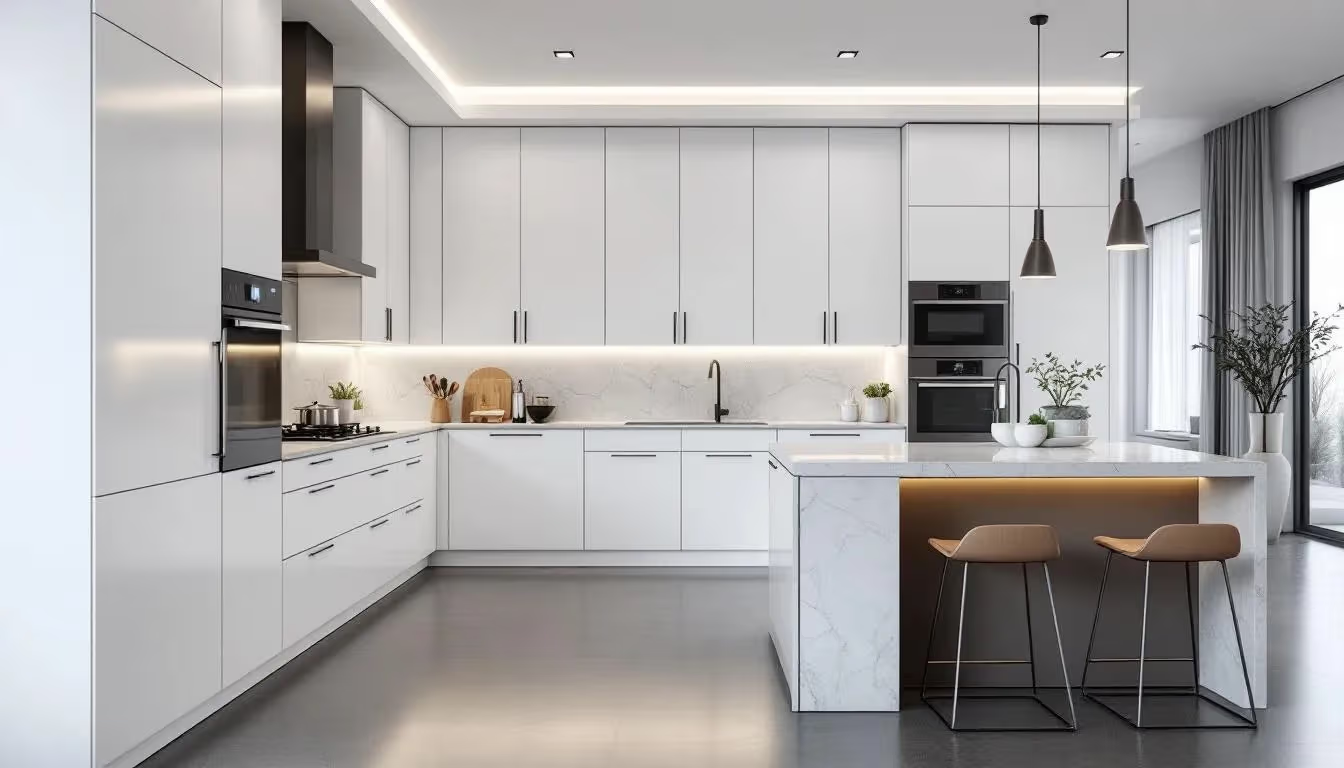 Photorealistic kitchen
The problems Carve solves
Before Carve
Clients buy blind
A CAD printout and a material sample board don't tell clients what the finished kitchen will actually look like. Doubt creeps in and sales stall.
Slow design and sign-off cycles
Back and forth on layouts and finishes before a quote is signed delays the pipeline and ties up your designers.
Expensive mid-install changes
When clients don't have a clear picture upfront, they request changes after cabinets are already in the van, costing time and money.
With Carve
Renders clients say yes to
Show the finished kitchen in the client's actual room. They see it, love it, and sign off on the spot.
Quote visuals in 60 seconds
Attach a photorealistic render to every proposal. No CAD drawings, just something the client can actually react to.
Lock in decisions early
Clients choose finishes, worktops, and handles from a render. Changes before production are free; changes after are avoided.
Everything you need to close the sale
Layout to photorealistic render
Upload any kitchen layout, sketch, CAD, or floor plan, and get a photorealistic render in the client's actual space.
Door style & colour variants
Show handleless gloss, shaker, slab, and painted finishes side by side. Clients decide at quote stage, not after delivery.
Worktop & material swaps
Switch quartz, granite, timber, and laminate worktops instantly. Preview with matching splashbacks and flooring.
Multiple layout options
Generate L-shape, U-shape, galley, and island layouts from the same brief. Present the strongest option first.
In-room context renders
Place the kitchen design into a photo of the client's actual room. Scale, proportion, and natural light all read correctly.
4K output for proposals
Every render upscaled to 4K. Print-ready for brochures, quotation packs, and showroom displays.
Your showroom, now with a render studio
60-second renders
A kitchen visual ready before the client leaves the showroom.
Higher close rates
Clients who see the finished kitchen say yes at the quote stage.
Fewer costly changes
Material decisions locked in before production starts, not after.
Stand out from competitors
Attach renders to every quote while others send PDF drawings.
Endless finish options
Show any door colour, worktop, and hardware combination instantly.
Showroom & portfolio use
Use renders on your website, in your showroom, and on social media.
Questions from kitchen builders
Hand-drawn layouts, CAD screenshots, floor plans, or a photo of the empty room, as JPG or PNG. Carve reads the space and geometry automatically so proportions stay accurate in the final render.
Ready to close more sales at the quote stage?
Join kitchen builders already using Carve to convert more quotes, reduce revision rounds, and deliver a buying experience clients remember.