Swap materials, remove objects, add furniture, and refine any area, without re-rendering from scratch or opening Photoshop. Brush, describe, done.
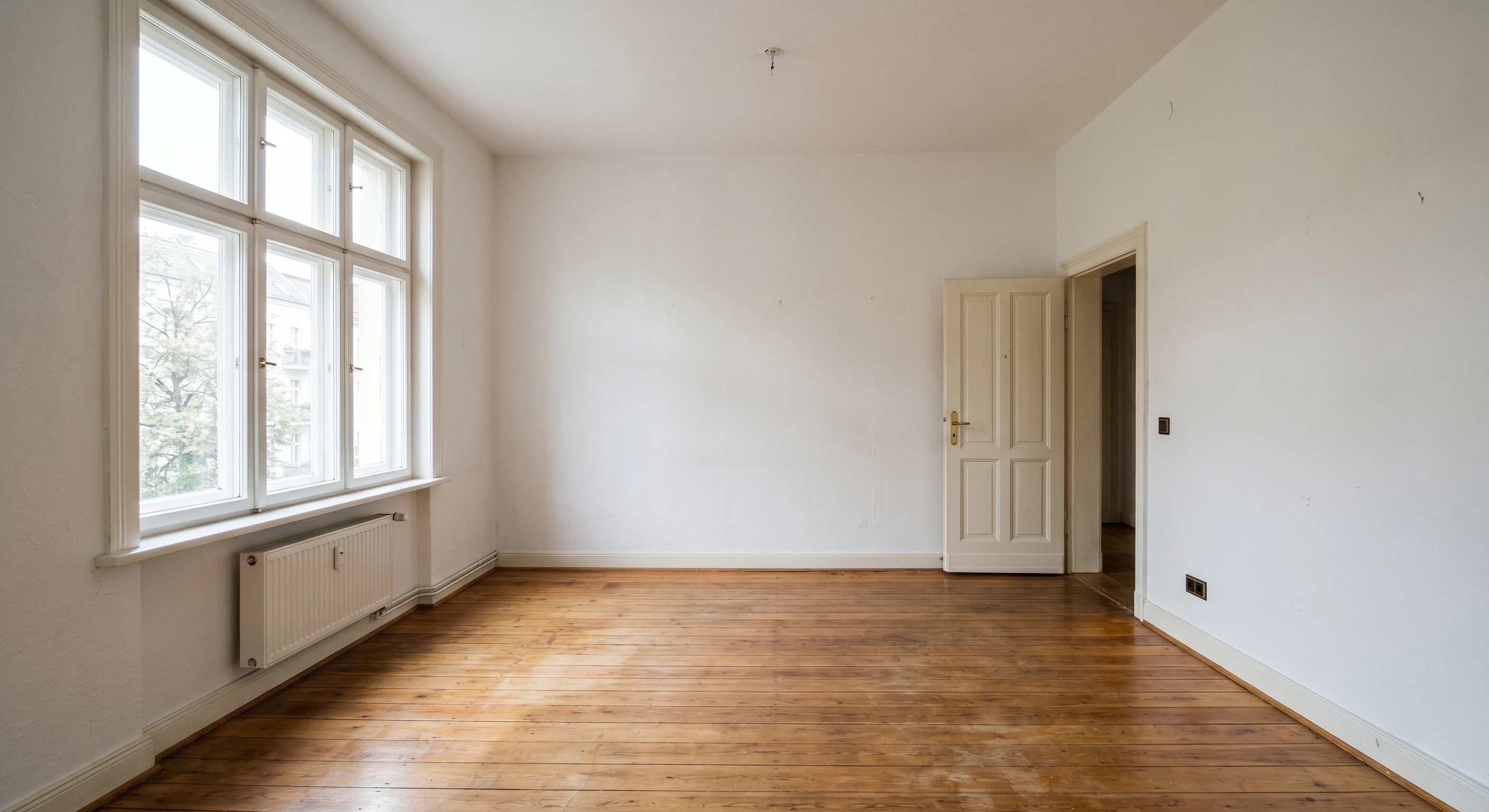
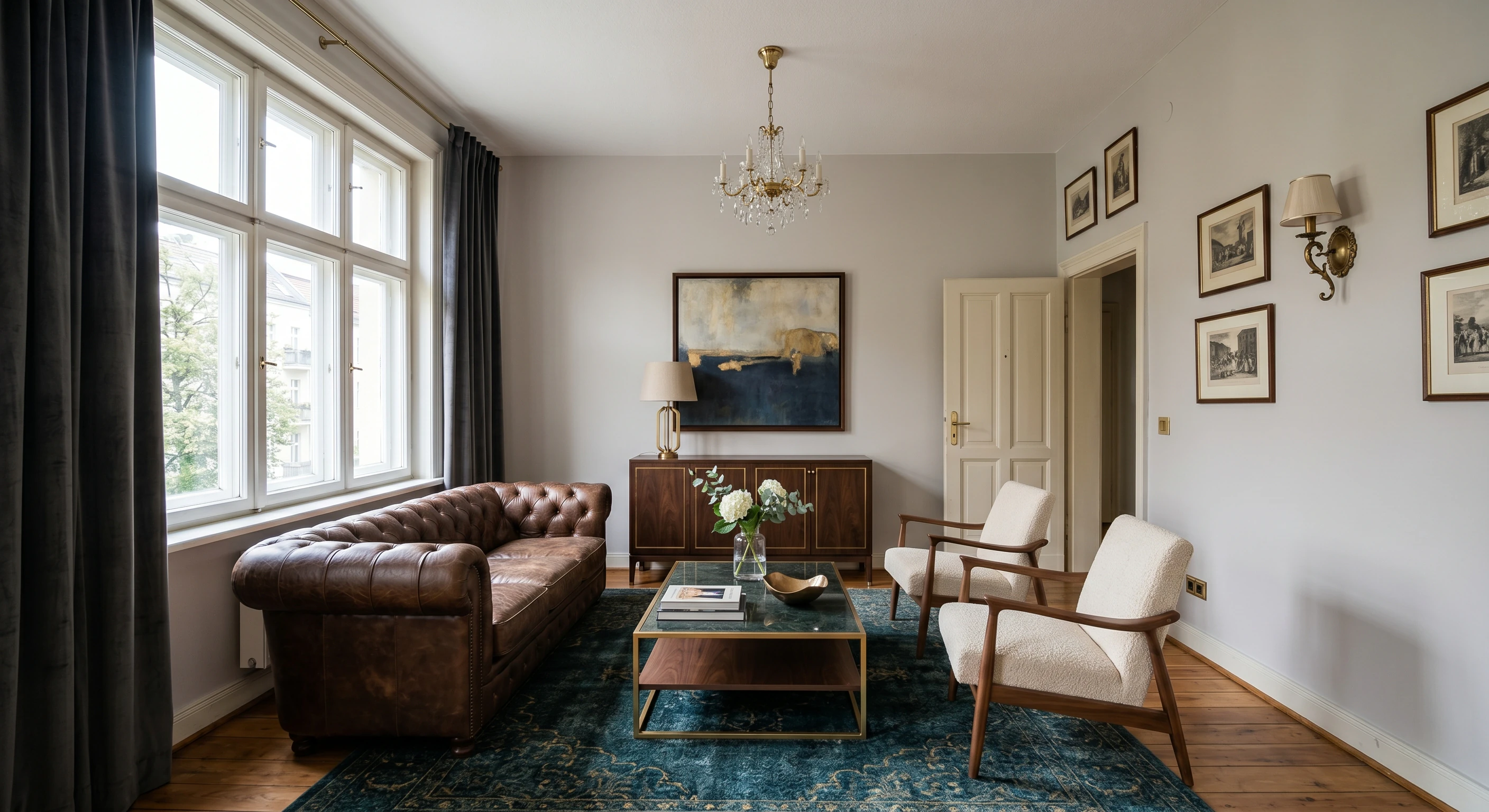
Shift noon to golden hour, swap summer for winter, redesign the landscape, add people, or adjust the lighting atmosphere, all by describing what you want. No Photoshop, no layers, no manual masking required.
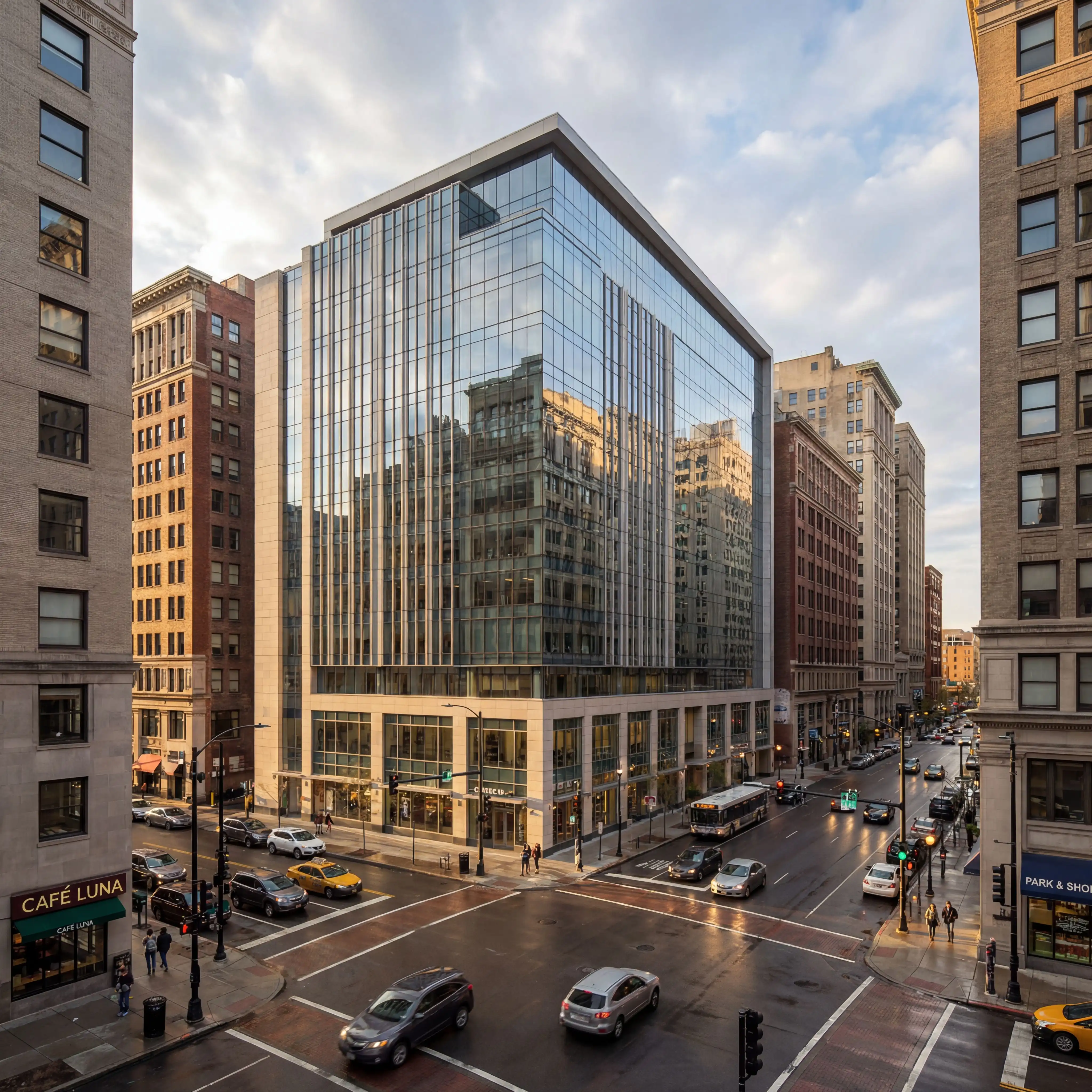
Describe the furniture, greenery, or people you want added and the AI integrates each item at the correct scale, matching your scene's lighting, perspective, and material finish automatically.
Select a surface (floor, wall, countertop, façade), then describe the material or upload a reference texture. The AI blends it in automatically. No UV-mapping or Photoshop compositing.
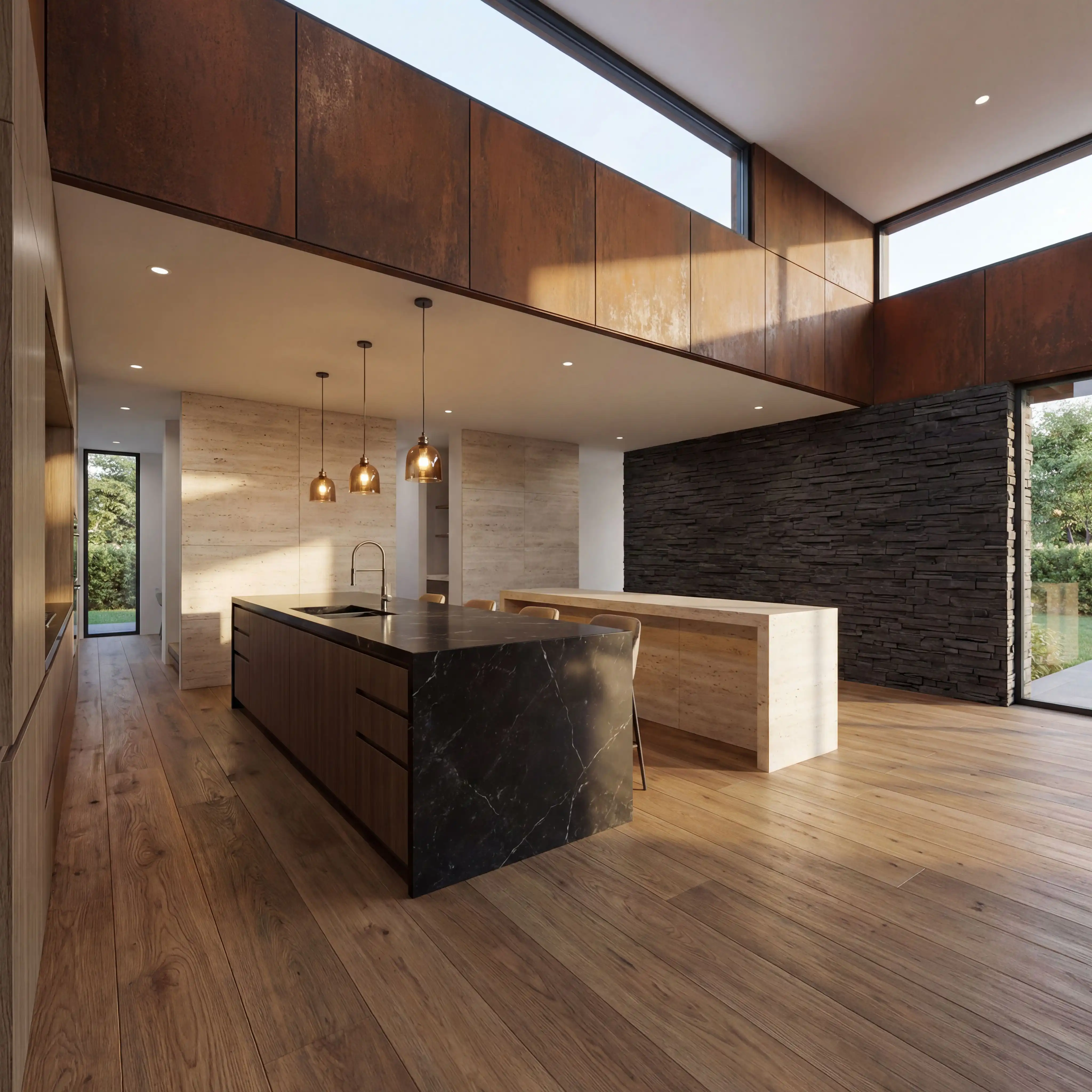
Brush over anything that doesn't belong and the AI rebuilds the background behind it. No re-modelling, no re-rendering from the CAD file.
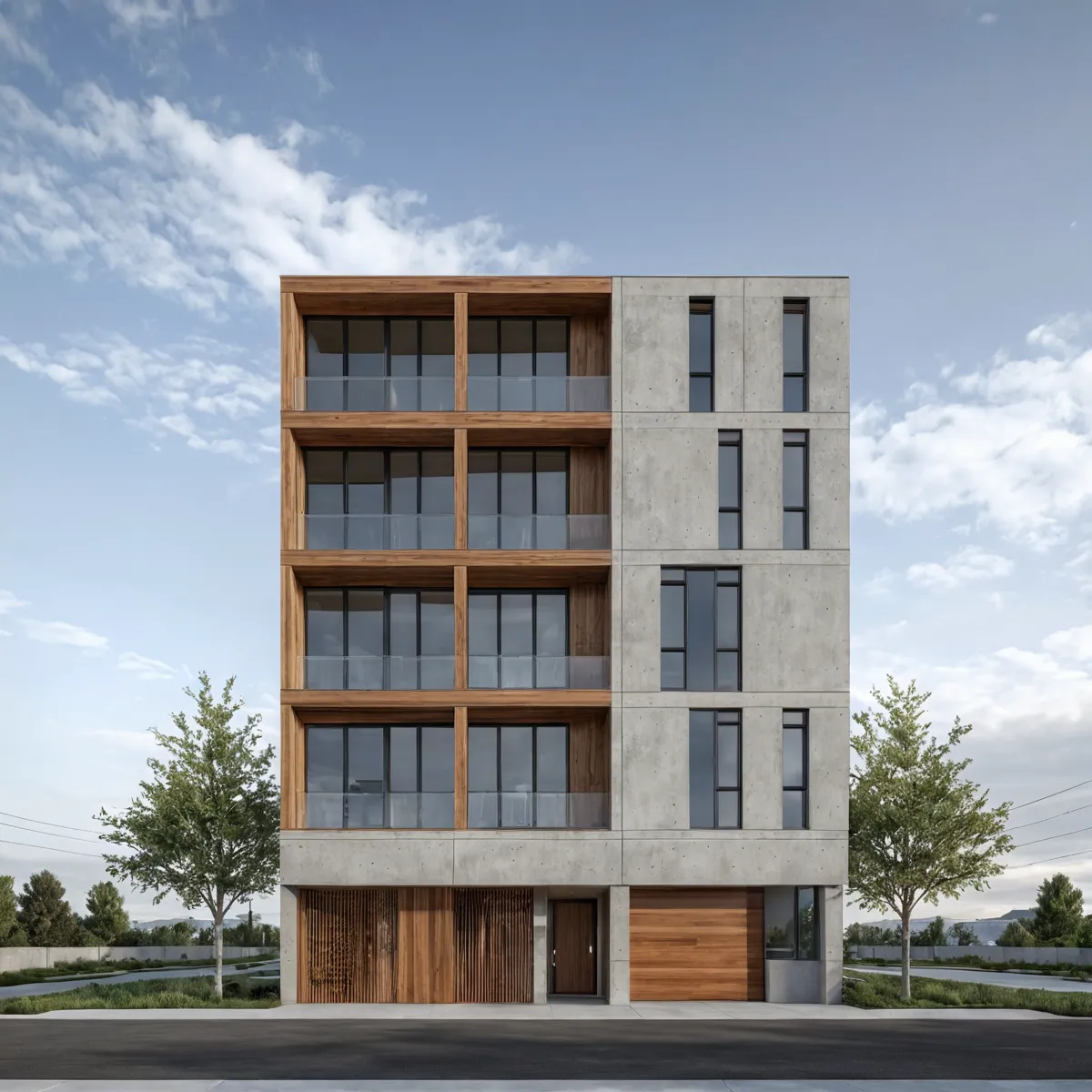
Edit renders you created in Carve directly from your project history, or upload an image from any other tool.
Every render you've ever created in Carve is one click away in the Edit tab.
Bring renders from Lumion, Enscape, V-Ray, or any other tool.
Render a space, edit it to perfection, then animate it, all in one session.
5 edit tools. Powered by Wan 2.7. Ready in ~60 seconds.
