
Carve es la alternativa a AI HomeDesign para renders fotorrealistas rápidos
AI HomeDesign es un conjunto de herramientas para fotos de listados, con staging virtual, eliminación de objetos y mejora de fotos, además de staging humano opcional. Carve genera Renders a partir de bocetos y CAD también, con video. Así es como se comparan.
 Carve
CarveCarve vs AI HomeDesign: de un vistazo
AI HomeDesign focuses on listing photos: stage empty rooms, remove items, enhance images, and order human staging when you need it. For agents and photographers, it's a practical real-estate toolkit with a free instant-staging tier.
Carve stages from photos too, but it's a broader renderer: sketches and CAD exports as inputs with geometry preserved, interiors and exteriors, and short video.
Pick AI HomeDesign for a listing-photo toolkit. Pick Carve when you also render from designs or need video.
Carve
Renderizado con IA basado en navegador para arquitectos, diseñadores de interiores y equipos inmobiliarios
$29
/mo
Strengths
- Renders desde bocetos y CAD con la geometría conservada
- Interiores y exteriores
- Staging virtual más video corto
- Resultado de la fase de diseño
Limitations
- Menos especializado en la limpieza de fotos para listados
AI HomeDesign
Staging virtual, eliminación de elementos y mejora de fotos para tus listados
$19
/mo
Strengths
- Kit completo de herramientas para fotos de listado
- Eliminación y mejora de elementos
- Puesta en escena humana opcional
- Nivel gratuito de staging instantáneo
Limitations
- Solo entrada de fotos, sin bocetos ni CAD
- Renders de diseño limitados, con foco en interiores
- Sin salida de video
Crédito donde corresponde
AI HomeDesign es un conjunto de herramientas práctico y completo para fotografías de listados inmobiliarios, y la opción de recurrir a staging humano es un detalle genuinamente útil. Para trabajo fotográfico en bienes raíces, cubre los aspectos esenciales muy bien.
Esta página no está aquí para contradecir eso. Su enfoque es la fotografía, así que los sketches, el rendering CAD y el video no forman parte de él. Ahí es donde Carve amplía el alcance.
3 razones para elegir Carve sobre AI HomeDesign
Las tres razones principales por las que los equipos dejan AI HomeDesign y se pasan a Carve.
Sketch y CAD rendering
Carve genera Renders a partir de bocetos y exportaciones CAD con la geometría preservada. AI HomeDesign trabaja a partir de fotografías.
Exteriores y video
Carve genera Renders de exteriores y produce video corto. AI HomeDesign se enfoca en fotografías estáticas para listados de propiedades.
Resultados en fase de diseño
Carve renderiza tu diseño real antes de que exista una foto. AI HomeDesign edita la foto que tienes.
Una experiencia de renderizado fundamentalmente diferente
AI HomeDesign edita y prepara fotos de listados que ya tienes. Carve hace lo mismo con el staging y además genera Renders a partir de bocetos y exportaciones CAD con la geometría preservada, más video corto. Uno es un kit de herramientas para fotos inmobiliarias; el otro es un renderer que incluye staging.
Por qué los estudios modernos eligen Carve sobre AI HomeDesign
Resultados fotorrealistas en menos de un minuto
El pipeline de IA de Carve devuelve una imagen fotorrealista terminada en menos de un minuto, directamente en el navegador. No hay escena que montar ni GPU local que esperar.
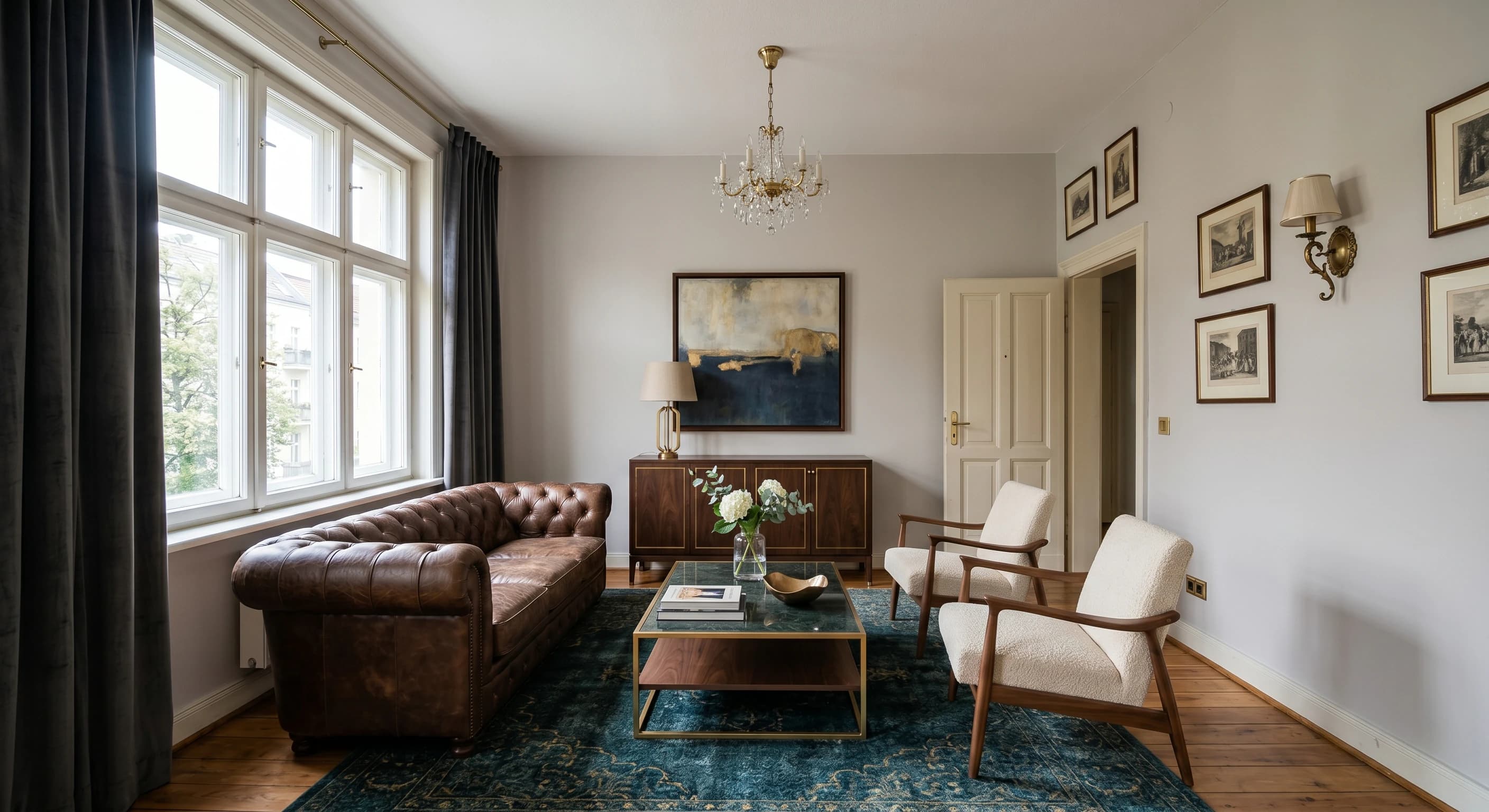
Render directamente desde un boceto o CAD
Sube un boceto a mano, una exportación CAD o un modelo de SketchUp y Carve genera Renders directamente desde él. El enrutamiento de profundidad y bordes mantiene la geometría fiel a tu diseño.
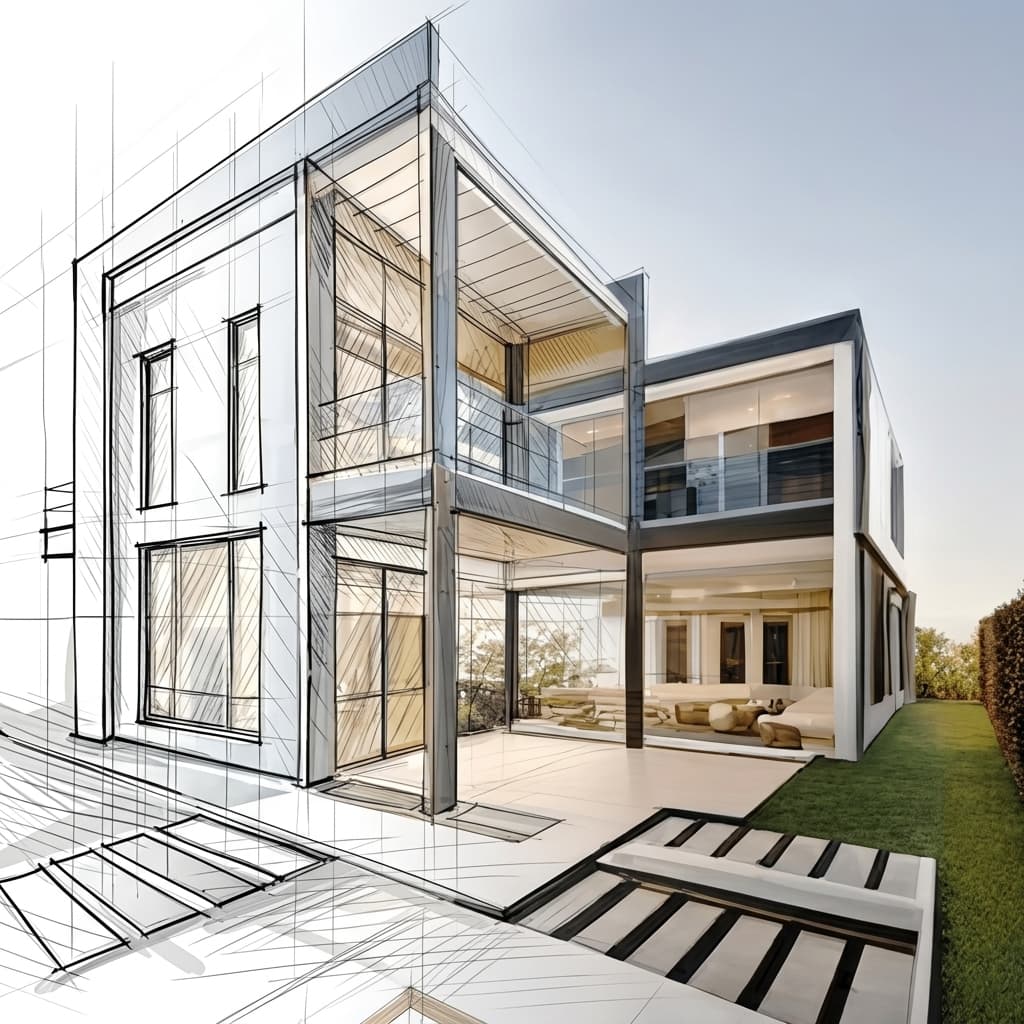
Staging virtual desde una sola foto
Amuebla y reestiliza una habitación vacía a partir de una sola fotografía. Sin modelo 3D y sin ambientación manual, solo una imagen lista para publicar en portales inmobiliarios.
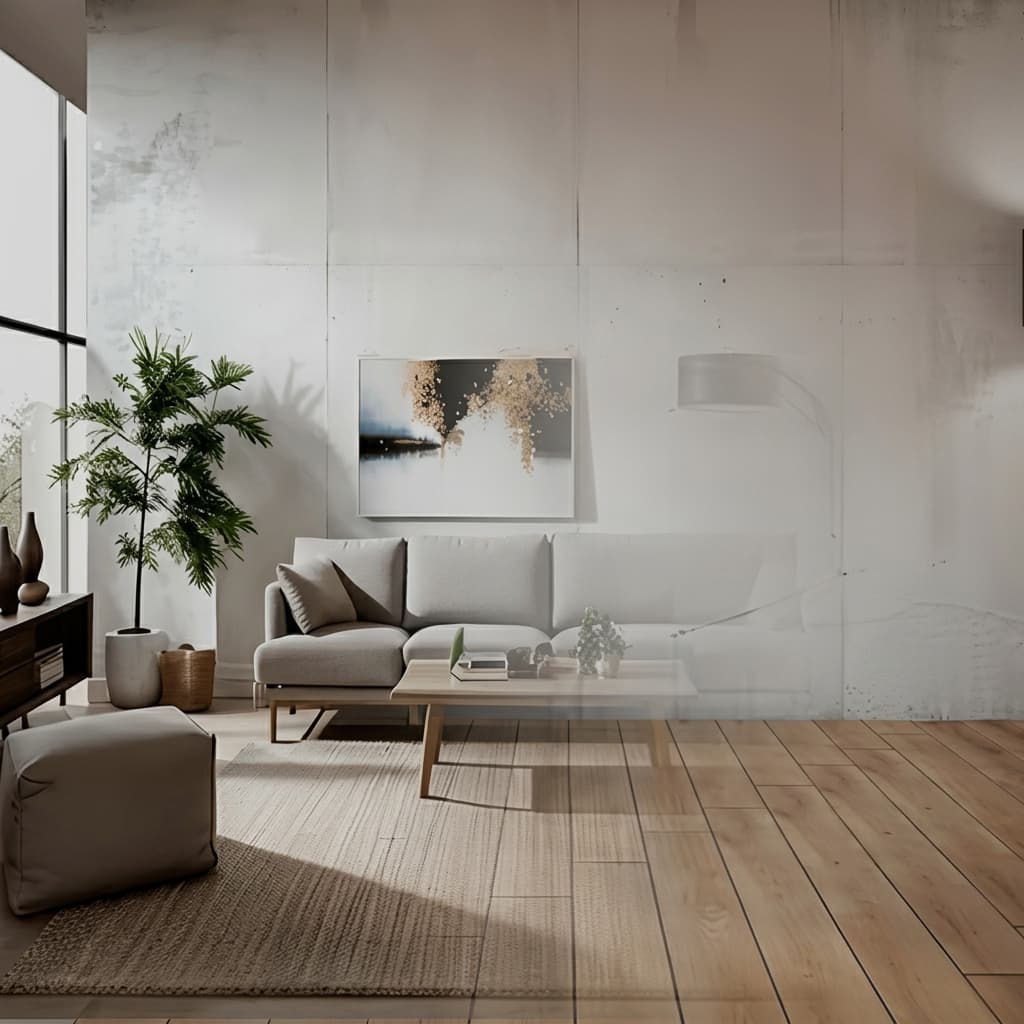
Sin instalaciones, funciona en cualquier equipo
Carve funciona completamente en la nube, así que no hay nada que descargar ni ninguna GPU que comprar. Inicia sesión desde cualquier navegador en Mac, Windows o Chromebook y crea Renders a partir de exportaciones hechas en Revit, SketchUp, Rhino y más.

Una fracción del costo
Carve comienza desde $29 al mes, sin contrato anual y sin hardware que comprar. Obtienes Renders fotorrealistas, listos para el cliente, por una fracción de lo que cuesta un Studio de renderizado tradicional o una suite de escritorio.
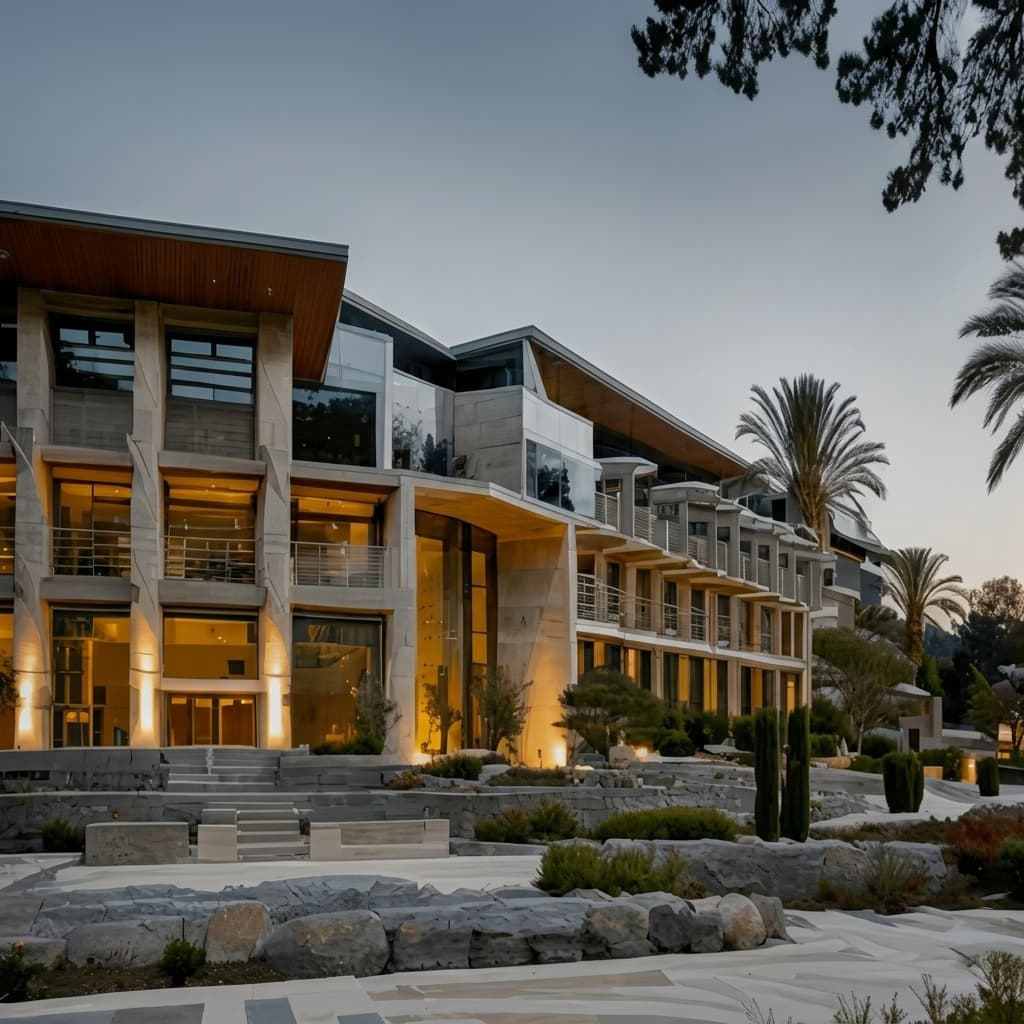
 Pushpit, Cofundador
Soporte liderado por el fundador
El motor de Render de Carve funciona con inteligencia artificial, pero el soporte detrás viene de las personas que construyen el producto. Contacta al equipo directamente por correo electrónico y chat en vivo, y obtén respuestas reales, normalmente en pocas horas.
Comparación de precios
Carve$29/mo (50 credits)
$19/mo (billed yearly)
Desglose por categoría
6 ejes donde las dos herramientas difieren más. Carve gana 3, AI HomeDesign gana 2, y 1 está empatado.
Edición de fotos para listados
AI HomeDesignAI HomeDesign profundiza en el staging, la eliminación de elementos y la mejora de imágenes para anuncios inmobiliarios.
Staging virtual
TiedAmbos virtualizan habitaciones vacías a partir de una foto.
Boceto y entrada CAD
CarveCarve genera Renders a partir de bocetos y exportaciones CAD. AI HomeDesign solo trabaja con fotos.
Exteriores y diseño de rendering
CarveCarve renderiza exteriores y diseños. AI HomeDesign edita fotos de propiedades.
Vídeo
CarveCarve incluye video corto. AI HomeDesign genera imágenes estáticas.
Opción de staging humano
AI HomeDesignAI HomeDesign ofrece staging humano como alternativa, algo que el renderer de autoservicio de Carve no incluye.
Comparación de funciones
CarveBased on each tool's publicly listed features. AI HomeDesign capabilities may change.
¿Para quién es mejor AI HomeDesign?
AI HomeDesign es la mejor opción cuando tu trabajo gira en torno a las fotos de propiedades. AI HomeDesign es la mejor elección si:
- Preparas, despejas y mejoras fotos de propiedades
- A veces quieres staging humano como alternativa
- Trabajas con fotos en lugar de bocetos o CAD
- Quieres un kit de herramientas de fotografía inmobiliaria a buen precio
¿Para quién es Carve ideal?
Carve es la mejor opción cuando la velocidad, el coste y la accesibilidad son lo más importante. Considera Carve si:
- No tienes un equipo dedicado a los Renders
- Trabajas con plazos de entrega ajustados
- Necesitas visuales de concepto y marketing rápidos
- Quieres trabajar desde Mac, Windows o un navegador
- Te importa el coste por imagen
¿Cuál deberías elegir?
Carve wins2Renderizar un diseño a partir de un boceto o CAD
Carve genera Renders a partir de diseños con la geometría preservada; AI HomeDesign trabaja solo con fotos.
Agregar un clip corto a un listado
Carve genera video corto; AI HomeDesign genera imágenes estáticas.
Preparación y limpieza de fotos para listados
El conjunto de herramientas de fotos para listados de AI HomeDesign está diseñado con un propósito específico.
Verdict
Veredicto final
AI HomeDesign es un kit de herramientas práctico para fotos de listados, con staging, edición y una opción humana. Carve se superpone en staging y añade Render desde boceto y CAD, exteriores y vídeo. Elige AI HomeDesign para fotos de listados, Carve para el rango de diseño a listado.
Descubre cómo Carve se compara con otras herramientas
Misma metodología de prueba, diferentes comparativas. Elige un competidor.
Carve es mucho más que una alternativa a AI HomeDesign.
Sube un boceto o exportación CAD y obtén un Render fotorrealista en menos de un minuto, a una fracción del costo de AI HomeDesign.
Gratis para comenzar. No se requiere tarjeta de crédito.
Preguntas frecuentes
Sí, especialmente si también haces Renders a partir de diseños. Carve parte de fotos como AI HomeDesign, y añade Renders de bocetos y CAD, exteriores y video.