
Interior designers use Carve to produce client-ready, photorealistic room renders from sketches or photos, with full material and lighting control, without waiting days for revisions.
Accepts sketches, photos, CAD exports, and mood boards
A client wants to see the same room in warm oak versus cool concrete. With traditional workflows, that means briefing a visualizer, waiting two to five days, and paying per scene. Concepts stall while clients hesitate.
2-5 days per revision roundOutsourced visualization studios charge per image, so showing three material options across four rooms quickly becomes a significant line item. Many designers absorb that cost rather than pass it on.
£1,200-£4,000 for a full setFloor plans and elevations are precise, but most clients can't picture a finished space from them. Mismatched expectations at handover are almost always traced back to a concept presentation that relied on annotations instead of visuals.
Drop in a sketch, photo, floor plan export, or mood board. Interior AI reads the spatial layout and existing elements automatically.
Choose from 49+ styles or apply Style Transfer to match a reference image. Adjust material finishes and lighting mood before generating.
Your first Render arrives in under 60 seconds. Use Edit & Modify to swap materials, change a surface finish, or produce a second variation without re-uploading.
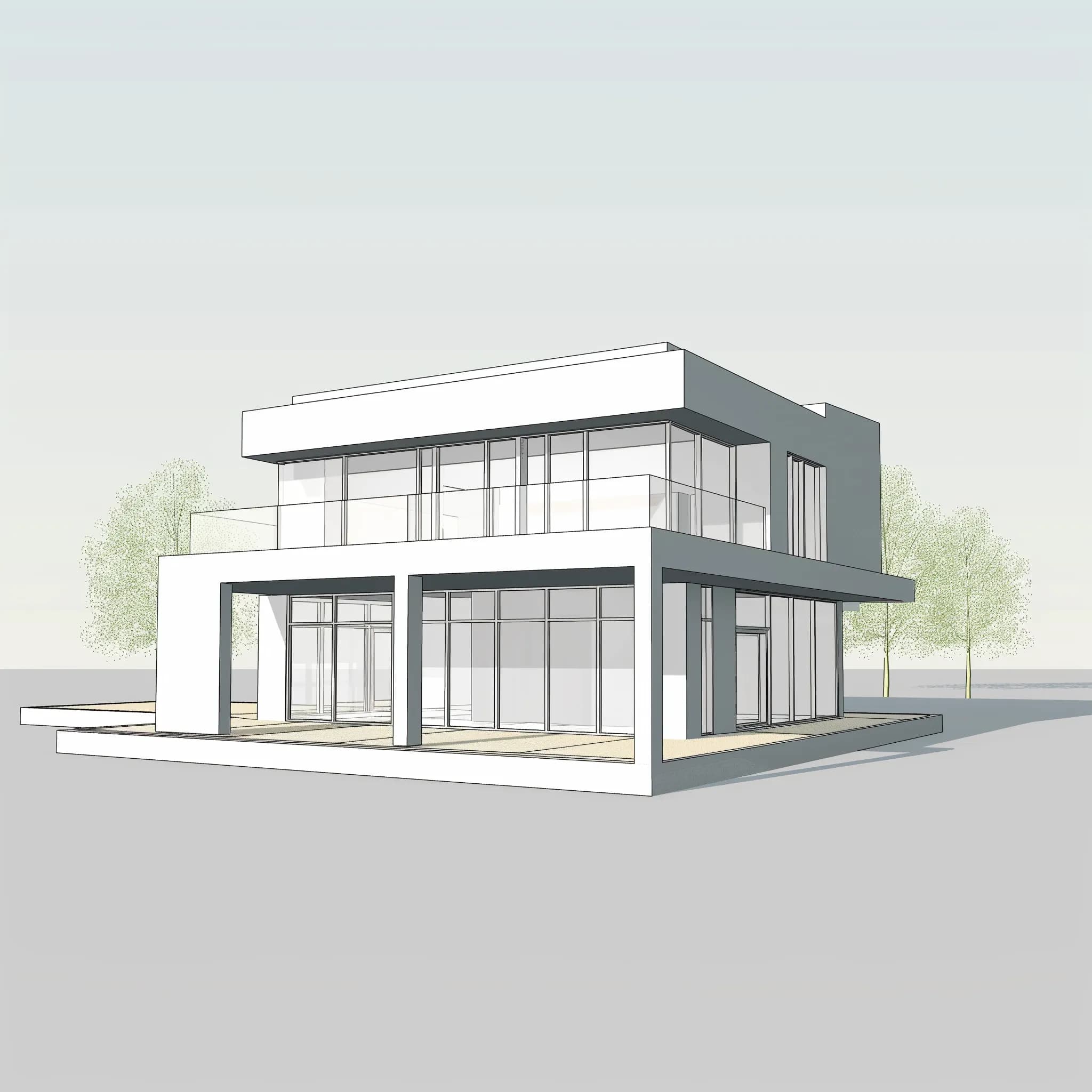 Concept model
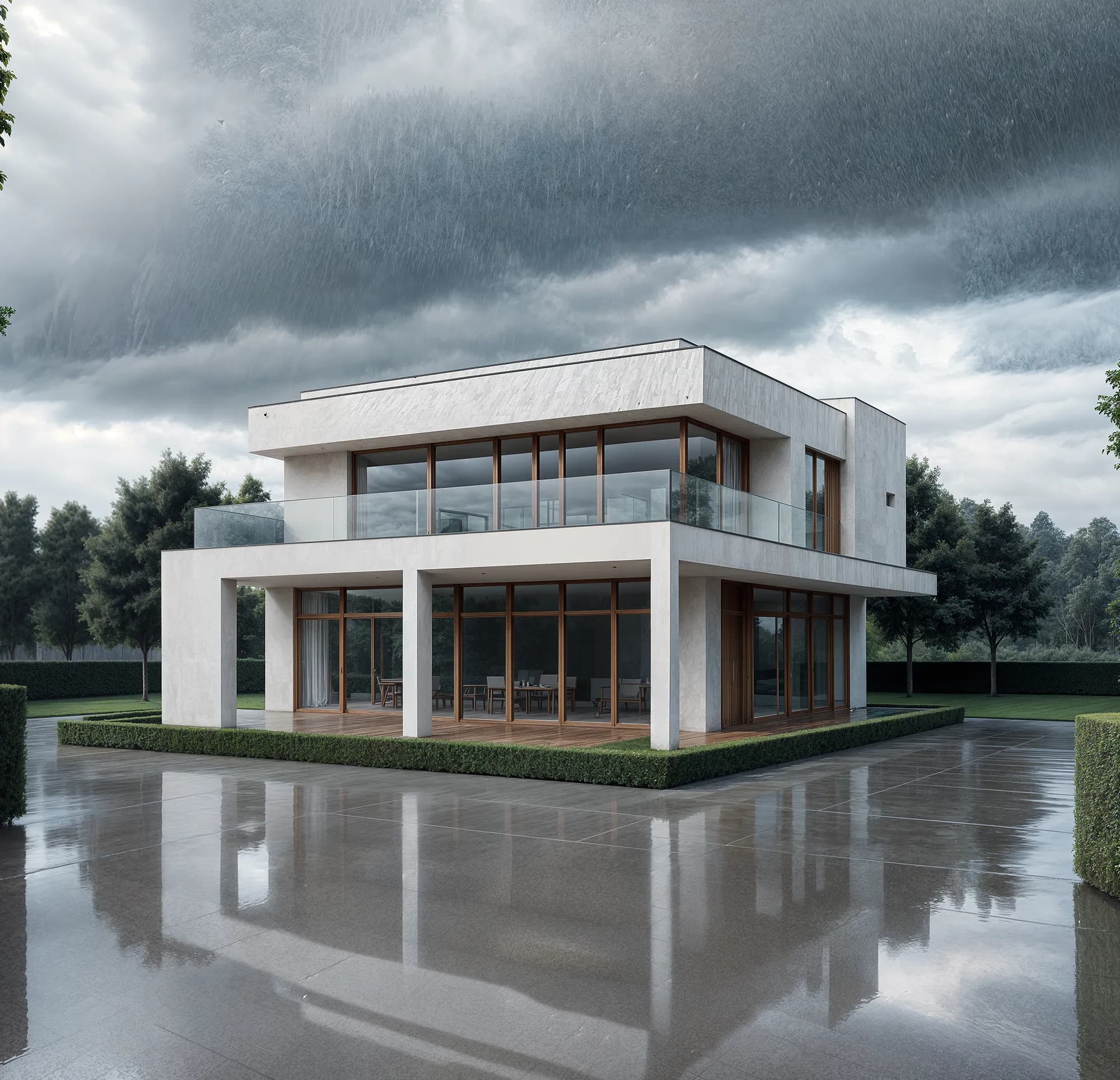 Styled interior
Interior AI reads your source file and holds the room proportions, furniture positions, and architectural details in place. Changing a material finish won't shift your sofa or warp a window reveal. You get accurate visuals your clients can trust.

Edit & Modify lets you target a specific surface, a floor, a wall, a countertop, and re-render only that element. Client wants brushed brass instead of matte black? Apply the change and have a new Render in under a minute. No new brief, no new file upload.

“The presentation moment changed completely once I could show a living room in three different material palettes side by side. Clients make decisions in the meeting instead of coming back two weeks later with a new direction.”
Open Studio, upload a sketch or photo, and produce a photoreal interior render your client can actually respond to. No visualization brief, no waiting.
No credit card needed to try your first Render
Crea Renders fotorrealistas de interiores de hotel en menos de 60 segundos con Carve. Gana licitaciones de hospitalidad más rápido con visualizaciones listas para el cliente.
Genera variaciones de materiales de interiores y Renders de cambio de acabados en menos de 60 segundos. Acelera la aprobación del cliente sin reconstruir tu escena desde cero.
