
Carve è l'alternativa a Krea per rendering fotorealistici veloci
Krea è una suite creativa AI generalista, forte nell'upscaling e nel video, spesso usata per migliorare i Render. Carve è uno strumento AI dedicato all'archviz, con input CAD, controllo della geometria e staging. Ecco come si confrontano.
 Carve
CarveCarve vs Krea: uno sguardo d'insieme
Krea is a broad, low-cost creative platform: image generation, a real-time canvas, video, and large upscaling up to very high resolutions. For architects, its real value is enhancing and upscaling existing renders, not running an end-to-end archviz workflow.
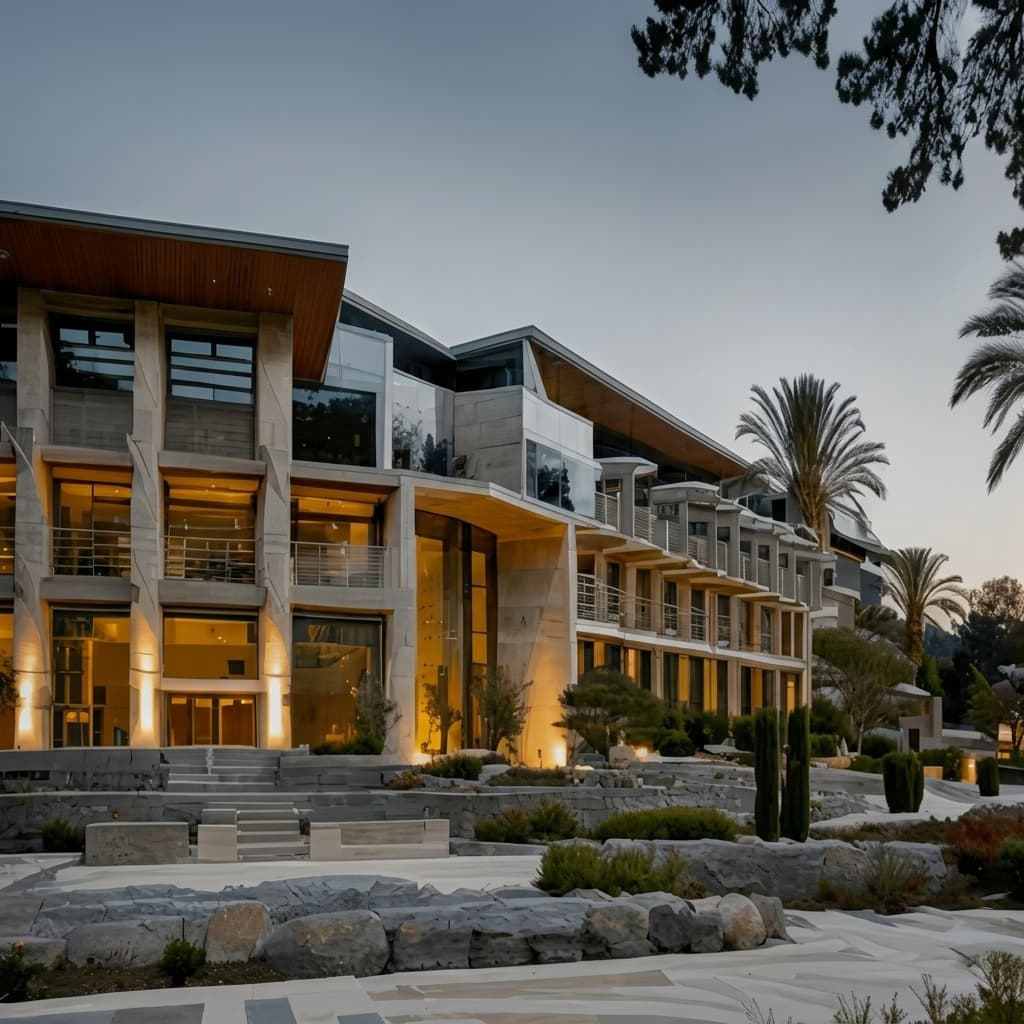
Carve is built specifically for architecture: render from sketches, CAD exports, and photos with geometry preserved, stage rooms, and produce short video.
Think of Krea as a general tool you bolt on for upscaling and video, and Carve as the archviz workflow itself.
Carve
Rendering AI basato su browser per architetti, interior designer e team immobiliari
$29
/mo
Strengths
- Input CAD e sketch con geometria preservata
- Staging virtuale
- Interni ed esterni
- Flusso di lavoro archviz end-to-end
Limitations
- Output 4K al posto del soffitto di upscaling molto elevato di Krea
Krea
Generazione AI generale e upscaling, utilizzati per migliorare i Renders
$9
/mo
Strengths
- Upscaling ad altissima risoluzione
- Generazione generale di immagini e video
- Prezzo molto basso, a partire da circa $9/mese
- Livello gratuito giornaliero
Limitations
- Nessun flusso di lavoro CAD o da sketch a Render
- Nessun virtual staging
- Non specifico per l'architettura
Il merito va a chi se lo merita
Krea è un'ottima suite AI generalista, in particolare per l'upscaling e il video, a un prezzo molto accessibile. Molti architetti la usano con soddisfazione per portare i Renders ad alta risoluzione.
Questa pagina non vuole sostenere il contrario. Krea è però uno strumento orizzontale, senza input CAD, senza un workflow di Sketch to Image dedicato all'architettura e senza blocco della geometria per gli edifici. Il confronto riguarda uno strumento archviz costruito su misura rispetto a uno generalista.
3 motivi per scegliere Carve invece di Krea
I tre principali motivi per cui i team passano da Krea a Carve.
Costruito per l'architettura
Carve genera Renders da CAD e schizzi con la geometria preservata. Krea è uno strumento generico per immagini e video.
Input CAD e staging
Carve elabora esportazioni CAD e allestisce gli ambienti. Krea non offre nessuna delle due cose.
Flusso di lavoro end-to-end
Carve ti porta da un input di progetto a un Render pronto per il cliente. Krea migliora principalmente le immagini che hai già.
Un'esperienza di rendering fondamentalmente diversa
Krea genera e migliora immagini e video su qualsiasi soggetto. Carve è costruito per l'architettura: acquisisce esportazioni CAD e schizzi, mantiene intatta la geometria, allestisce gli ambienti e produce Renders di interni ed esterni. Krea è uno strumento creativo generalista; Carve è un workflow archviz end-to-end.
Perché i professionisti moderni scelgono Carve invece di Krea
Risultati fotorealistici in meno di un minuto
La pipeline AI di Carve restituisce un'immagine finita e fotorealistica in meno di un minuto, direttamente nel browser. Non c'è nessuna scena da assemblare e nessuna GPU locale su cui attendere.
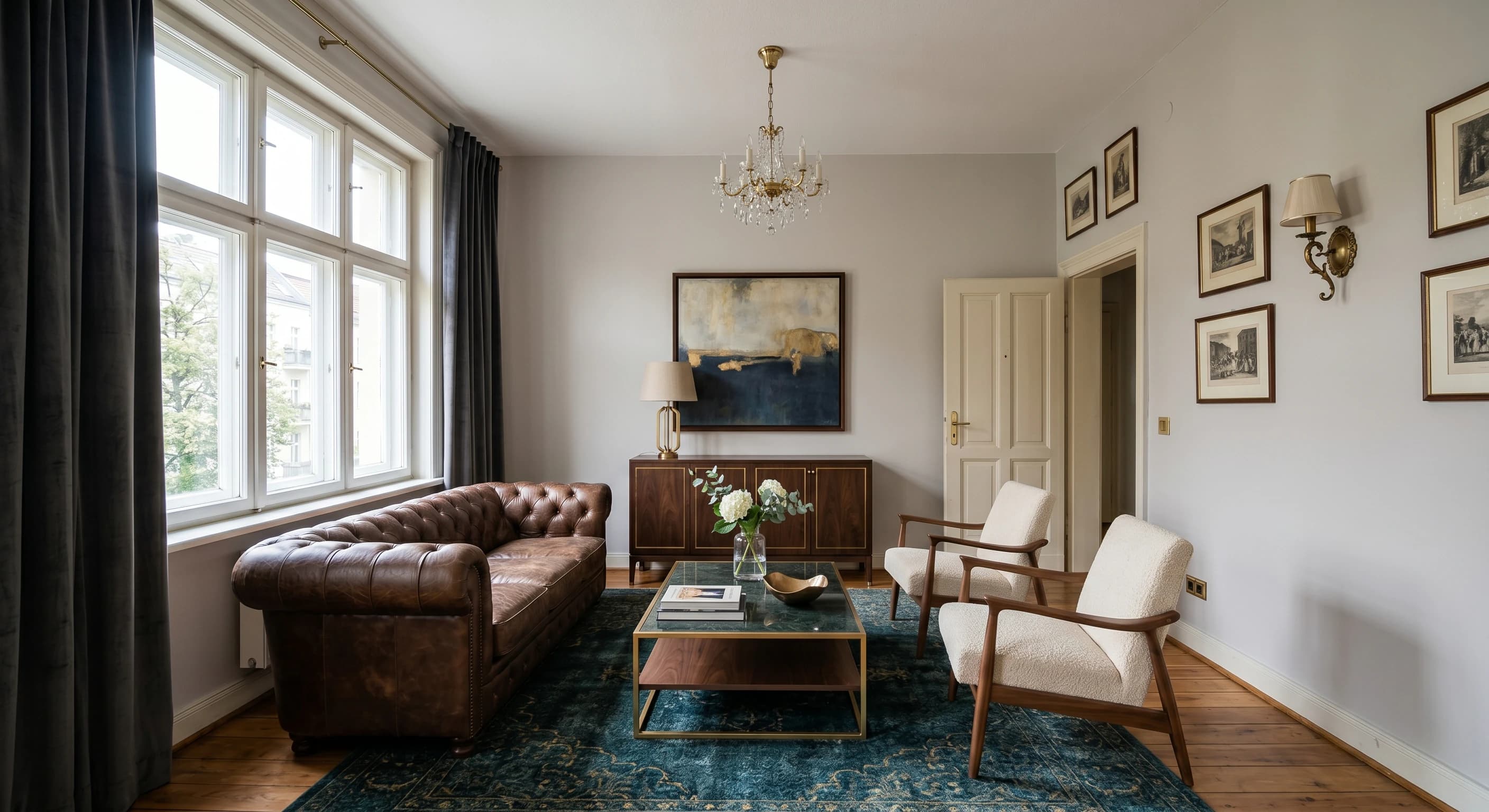
Render direttamente da uno schizzo o CAD
Carica uno schizzo a mano, un'esportazione CAD o un modello SketchUp e Carve esegue i Renders direttamente da esso. Il routing di profondità e bordi mantiene la geometria fedele al tuo progetto.
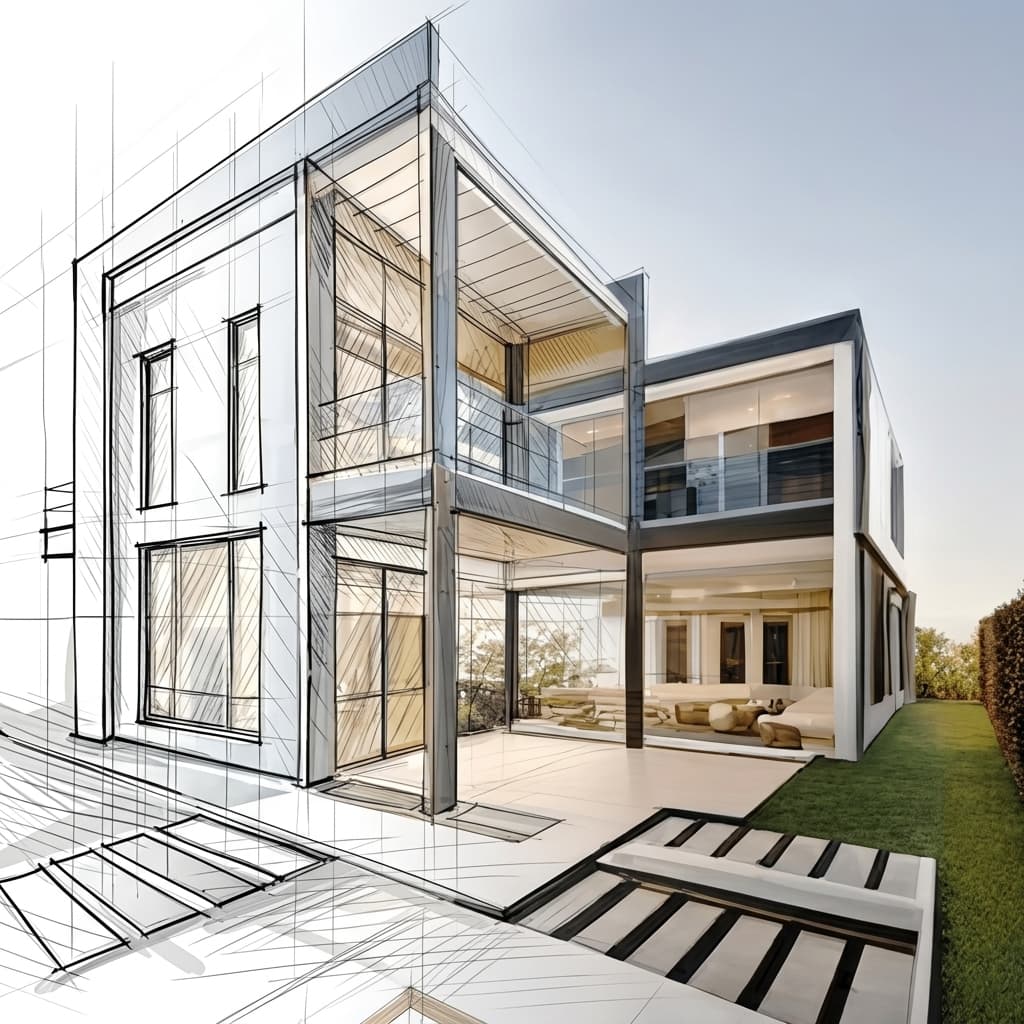
Staging virtuale da una singola foto
Arreda e ridisegna lo stile di una stanza vuota partendo da una sola fotografia. Nessun modello 3D e nessuna scenografia manuale, solo un'immagine pronta per il listing, già allestita.
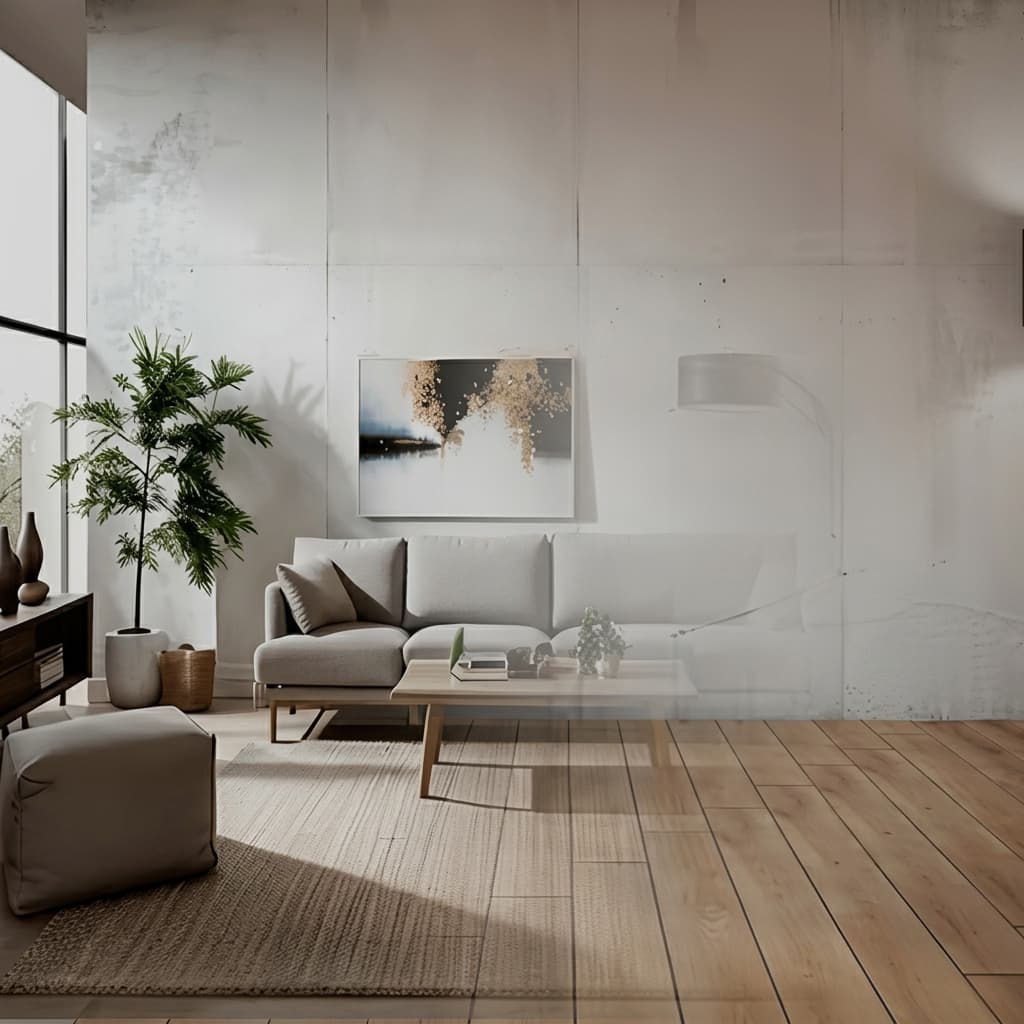
Nessuna installazione, funziona su qualsiasi dispositivo
Carve funziona interamente nel cloud, quindi non c'è nulla da scaricare e nessuna GPU da acquistare. Accedi da qualsiasi browser su Mac, Windows o Chromebook e crea Renders da esportazioni realizzate in Revit, SketchUp, Rhino e altro ancora.

Una frazione del costo
Carve parte da 29$ al mese, senza contratto annuale e senza hardware da acquistare. Ottieni Renders fotorealistici, pronti per il cliente, a una frazione del costo di uno Studio di rendering tradizionale o di una suite desktop.
 Pushpit, Co-Founder
Supporto diretto dal fondatore
Il motore di rendering di Carve è alimentato dall'intelligenza artificiale, ma il supporto che lo accompagna viene dalle persone che costruiscono il prodotto. Contatta il team direttamente via email e chat dal vivo, e ricevi risposte concrete, di solito entro poche ore.
Confronto prezzi
Carve$29/mo (50 credits)
$9/mo (Basic)
Analisi categoria per categoria
6 assi in cui i due strumenti differiscono di più. Carve vince 3, Krea vince 3.
Ridimensionamento del soffitto
KreaKrea porta le immagini a risoluzioni molto alte, oltre il 4K di Carve.
Immagini e video generali
KreaKrea genera immagini e video su qualsiasi soggetto.
Input CAD e sketch
CarveCarve crea Renders da esportazioni CAD e schizzi. Krea non ha un workflow per l'archviz.
Fedeltà geometrica
CarveCarve preserva la geometria del tuo progetto. Krea è uno strumento generico per immagini.
Staging virtuale
CarveCarve ricava stanze vuote da una foto. Krea no.
Prezzo
KreaKrea parte da un prezzo più basso, circa $9/mese.
Confronto tra funzionalità
CarveBased on each tool's publicly listed features. Krea capabilities may change.
Per chi è più adatto Krea?
Krea è la scelta più adatta quando vuoi un'IA generale per immagini e video, più un upscaling potente. Krea è la scelta giusta se:
- Fai upscale e migliori Renders esistenti ad altissima risoluzione
- Generi immagini e video generici al di là dell'architettura
- Vuoi un prezzo molto basso e strumenti creativi ampi
- Non hai bisogno di input CAD, Sketch to Image o staging
Per chi è pensato Carve?
Carve è la scelta più solida quando contano soprattutto velocità, costi e accessibilità. Considera Carve se:
- Non hai un team dedicato al rendering
- Lavori con scadenze clienti strette
- Hai bisogno di visual concettuali e di marketing in tempi rapidi
- Vuoi lavorare da Mac, Windows o da browser
- Tieni al costo per immagine
Quale scegliere?
Carve wins2Eseguire il Render di un progetto da CAD o da uno schizzo
Carve è progettato per l'archviz; Krea è uno strumento generico.
Allestire un immobile per la vendita a partire da una foto
Carve mette in scena gli ambienti; Krea no.
Aumentare la risoluzione di un Render fino a qualità molto alta
L'upscaling di Krea raggiunge risoluzioni superiori al 4K di Carve.
Verdict
Verdetto finale
Krea è un ottimo suite AI generalista per l'upscaling e il video a un prezzo contenuto, ideale per migliorare i Renders. Carve è lo strumento dedicato all'archviz, con input CAD, controllo della geometria e staging. Usa Krea per migliorare, Carve per i Renders.
Scopri come Carve si confronta con gli altri strumenti
Stessa metodologia di test, confronti diversi. Scegli un competitor.
Carve è molto più di una semplice alternativa a Krea.
Carica uno schizzo o un'esportazione CAD e ottieni un Render fotorealistico in meno di un minuto, a una frazione del costo di Krea.
Gratuito per iniziare. Nessuna carta di credito richiesta.
Domande frequenti
Per il rendering architettonico, sì. Carve produce Renders da CAD e schizzi con controllo di staging e geometria. Krea è una suite AI generalista, usata al meglio insieme a Carve per l'upscaling e il video.