
Architecture students use Carve to convert studio project drawings into photorealistic renders fast enough to meet any submission deadline.
Works on sketches, CAD exports, and reference photos
Commissioning a visualization studio costs real money most students don't have. Your crit is Thursday. Waiting two weeks for an outsourced render file isn't an option.
£1,500-£5,000 per sceneV-Ray, Lumion, and Enscape each demand hours of setup before a single frame looks presentable. That's time taken directly from design development and model refinement.
Portfolio reviewers and tutors want to see the project from multiple angles and in different lighting conditions. Producing even three variations in traditional software can eat an entire studio session.
Drop in a CAD export, a hand sketch, or a reference photo. Carve reads geometry and spatial depth without needing a clean, production-ready file.
Pick from 49+ architectural styles using Exterior AI or Interior AI. Adjust lighting, season, and atmosphere to match your design intent.
Your render is ready in under 60 seconds. Download a high-resolution image sized for A1 boards, PDF portfolios, or on-screen crit presentations.
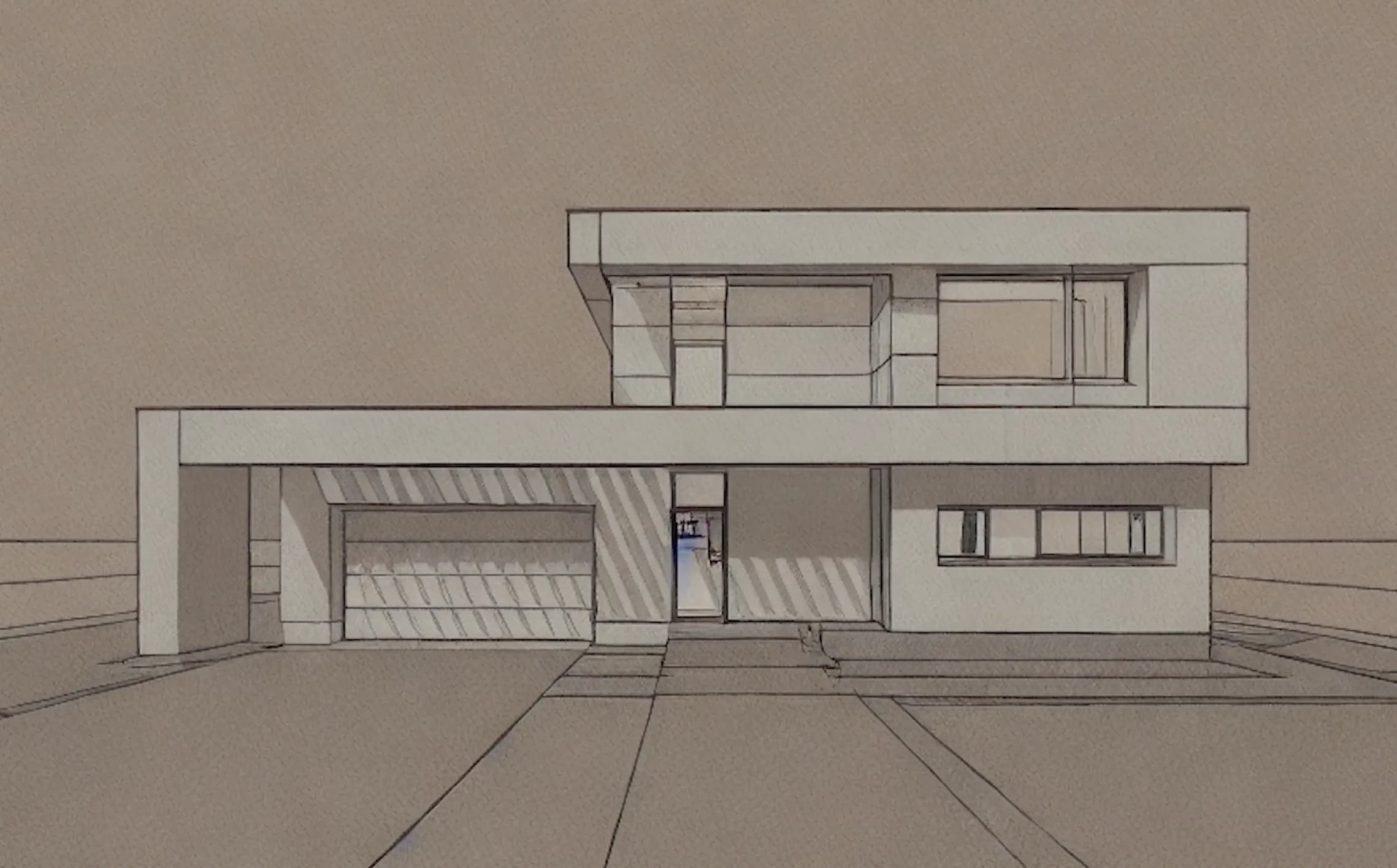 Studio sketch
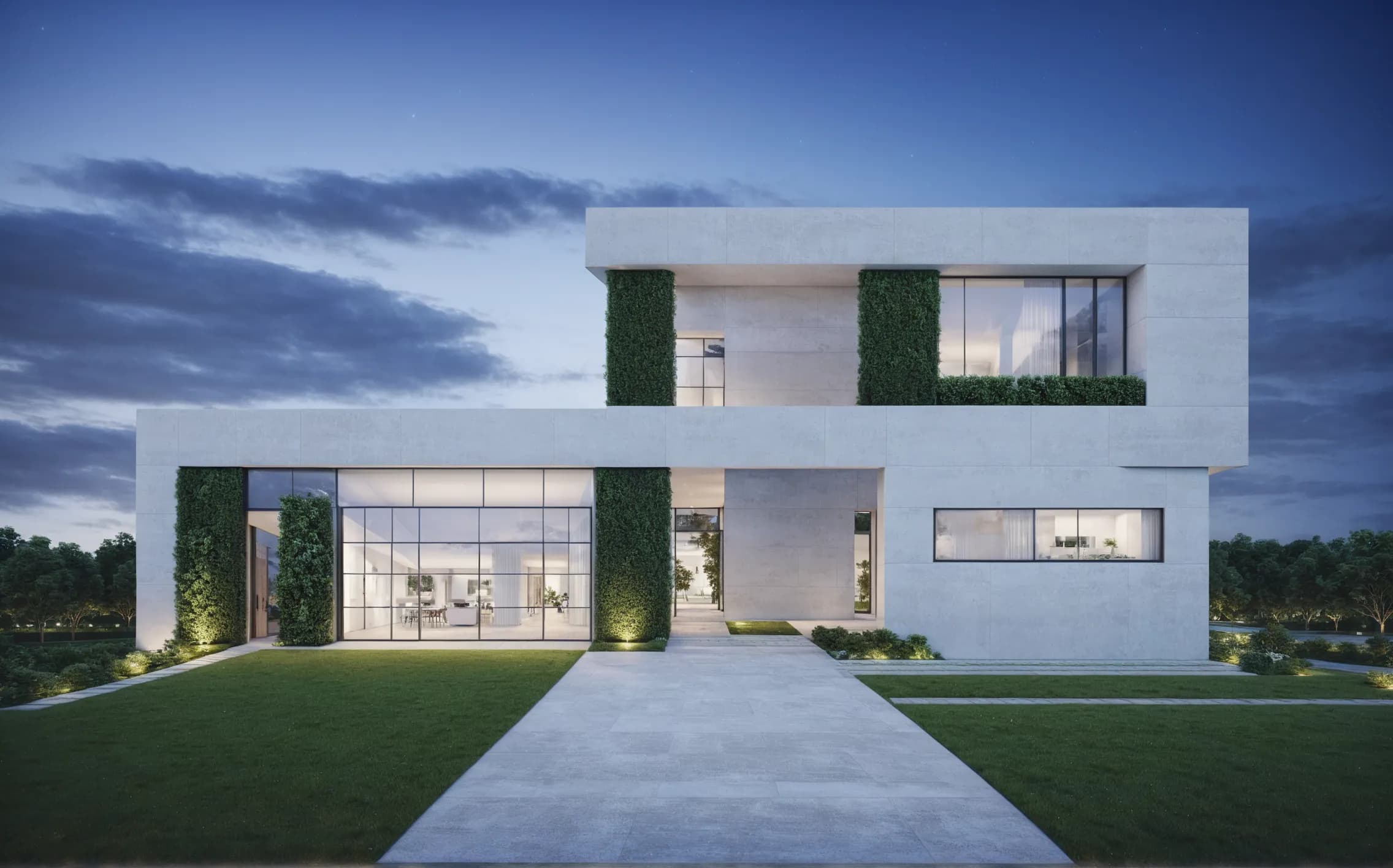 Portfolio render
Sketch to Image reads linework and proportion from hand-drawn or digital sketches. You don't need a finished 3D model to produce a compelling portfolio visual. Early-stage concept drawings work just as well as polished CAD.

Edit & Modify lets you change materials, finishes, and lighting conditions on an existing render without re-uploading. Tutors ask for revisions during a crit. You can address them before the session ends.

“The renders that stand out in portfolio reviews are the ones that communicate atmosphere, not just geometry. Students who can show daylight, materiality, and scale together are telling a more complete design story.”
Carve gives architecture students access to the same quality of visualization that professional practices use, at a price and speed that fits a studio deadline.
Student plan available, no credit card needed
Crea Renders fotorrealistas de renovación en menos de 60 segundos. Ayuda a los propietarios a visualizar los resultados antes y después de firmar un contrato.
Produce renders precisos para permisos de planificación de extensiones residenciales en menos de 60 segundos. Ofrece a los funcionarios de planificación y vecinos una vista clara y fotorrealista.
Genera múltiples visualizaciones distintas para concursos a partir de un solo modelo en menos de 60 segundos. Carve ofrece a los arquitectos Renders listos para el cliente antes de que llegue la fecha límite.
