
Property developers and sales teams use Carve to produce photorealistic exterior renders from CAD files or sketches, giving buyers and investors the visuals needed to commit off-plan.
Accepts CAD exports, sketches, and site photos
Commissioning a traditional render studio means briefing rounds, revision queues, and turnarounds measured in days or weeks. Your sales launch date does not move to suit their schedule.
5-15 business days typicalA single photorealistic exterior scene from a specialist studio can cost thousands. Running multiple facade angles, daylight variations, or seasonal options multiplies that figure quickly.
£1,500-£5,000 per sceneAt the off-plan stage, you may only have a planning drawing, a SketchUp export, or a hand sketch. Most render pipelines need clean, fully detailed geometry before they can start.
Drop in a CAD export, planning drawing, or site photo. Carve reads your geometry and uses it as the structural foundation for every Render.
Choose facade materials, landscaping context, and time of day using Exterior AI and Style Transfer. Pick from 49+ built-in styles or define your own.
Your Renders are ready in under 60 seconds. Use Edit and Modify to swap cladding, adjust massing, or produce day and dusk variations without re-briefing.
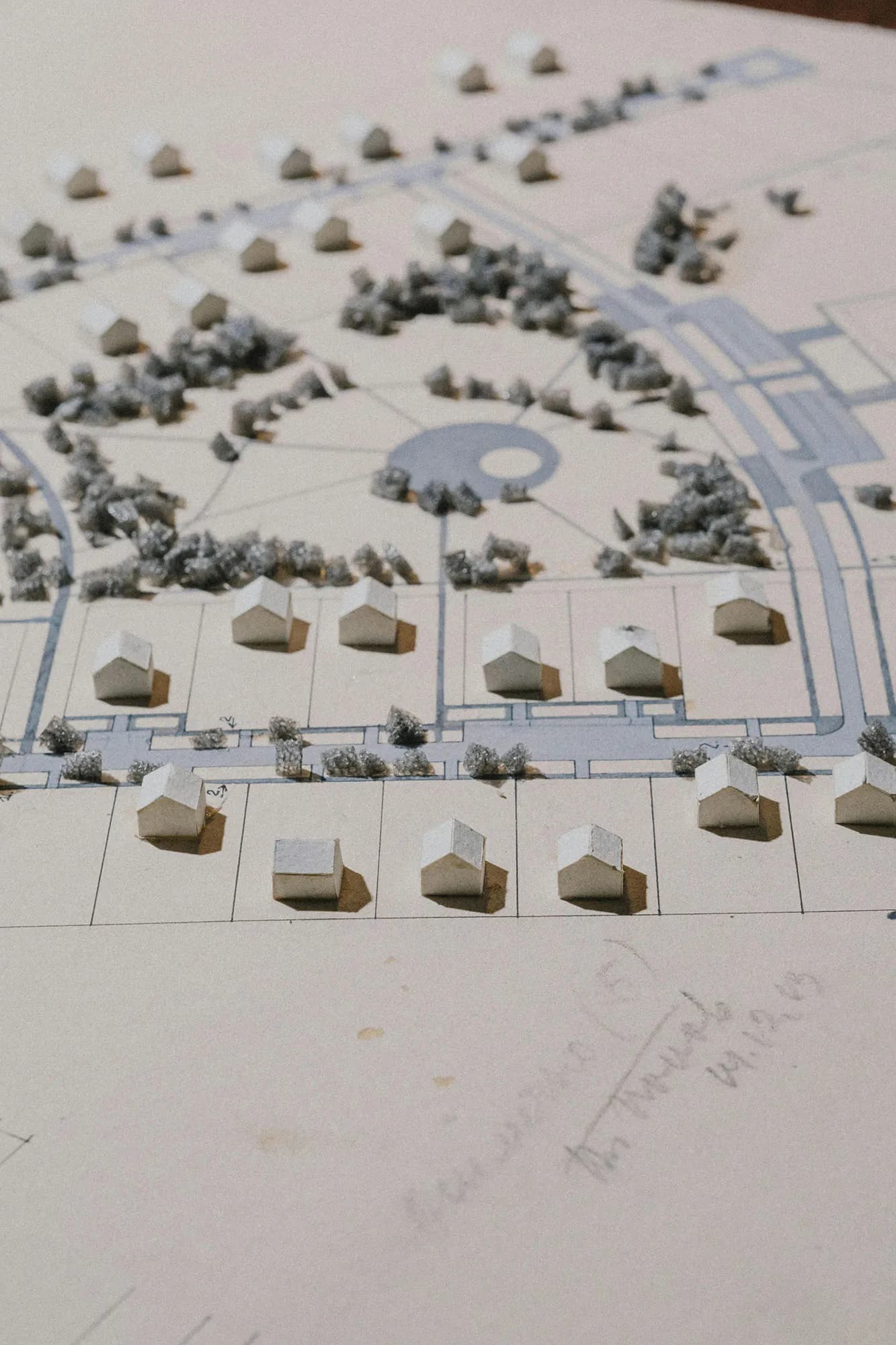 Site model
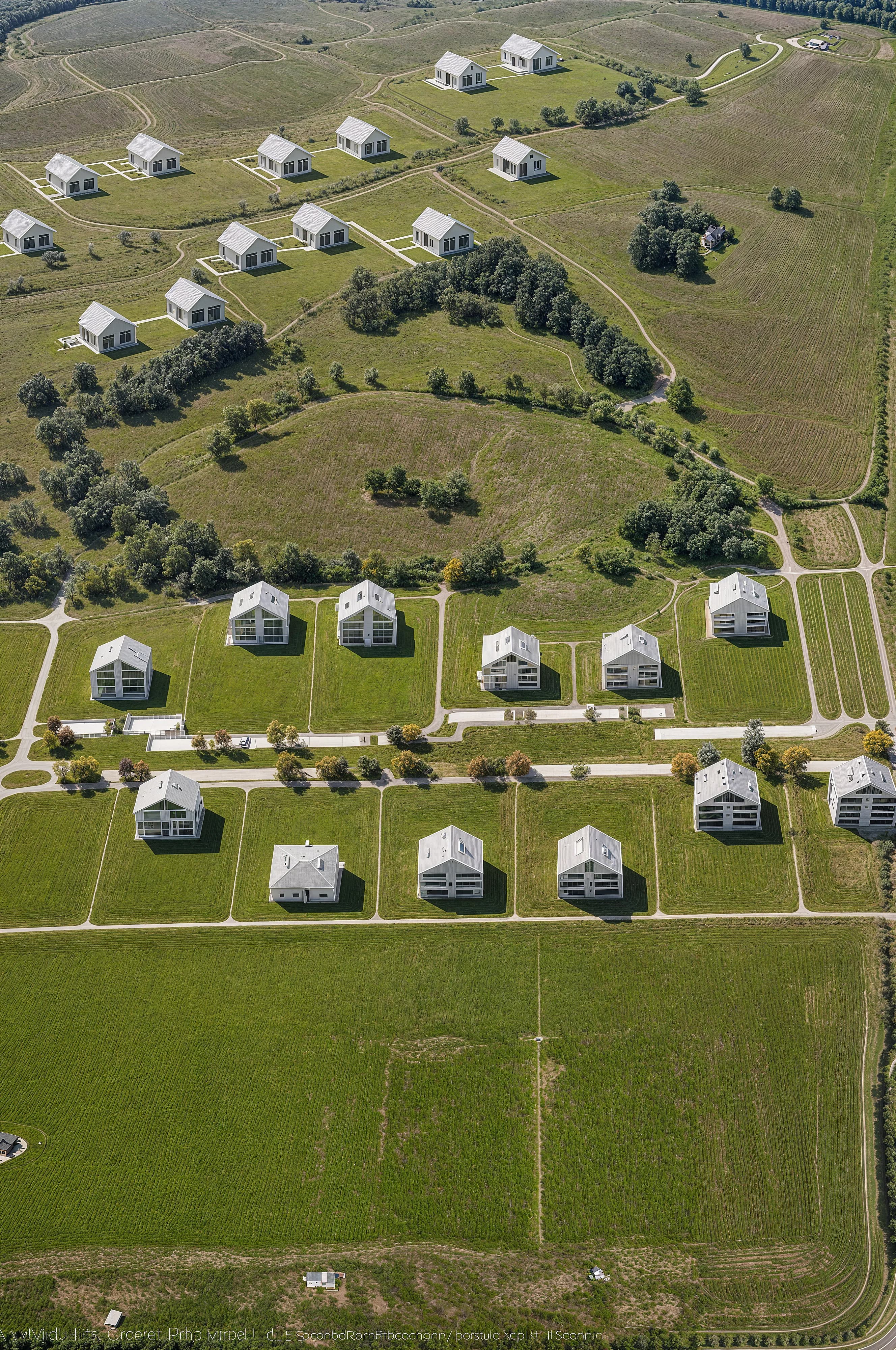 Marketing render
Exterior AI reads your uploaded file and applies accurate lighting, material textures, and environmental context. You get consistent facade visuals across multiple angles without rebuilding geometry each time. Carve preserves your massing and proportions throughout.

Edit and Modify lets you change facade materials, window treatments, or landscaping after your first Render is produced. No new brief, no queue. Iterate across brick, render, and glazing options inside the same Studio session.

“Off-plan buyers are making six-figure decisions from a brochure. The quality of your exterior visuals is the quality of your product, as far as they are concerned. Speed to market matters as much as the image itself.”
Upload a planning drawing or CAD export and have your first photorealistic facade visual ready in under a minute. No studio brief, no waiting.
No credit card needed to start
Genera Render fotorealistici di immobili commerciali in meno di 60 secondi. Aiuta broker e sviluppatori a locare spazi ufficio e retail prima che la costruzione sia completata.
Allestisci virtualmente gli immobili vuoti in meno di 60 secondi con Carve. Renders fotorealistici che aiutano gli agenti immobiliari a concludere le trattative più velocemente, senza bisogno di uno stager fisico.
