
Interior designers and architects use Carve to produce multiple material and finish variations of the same room, so clients can compare options and sign off faster.
Works with photos, CAD exports, and sketches
Rebuilding a scene to test a different stone, timber, or paint finish is rarely quick. Most designers spend half a day per variation, time that doesn't appear on any invoice.
4-8 hrs per variationVerbal descriptions and physical swatches rarely close a decision. Clients ask for 'something warmer' or 'a bit more industrial' and the back-and-forth stretches across weeks of email threads.
Sending a brief to a visualization studio means waiting days for a first draft, then more days for revisions. By the time the renders arrive, the client's preferences may have already shifted.
5-10 day turnaroundDrop a photo, CAD export, or sketch into Studio. Carve reads the spatial layout and preserves the room's proportions and geometry.
Use Interior AI to set the scene, then run Style Transfer to cycle through finish palettes: matte stone, oiled oak, polished concrete, whatever the brief calls for.
Deliver a grid of photorealistic Renders showing every option side by side. Clients can compare finishes in context and confirm their choice in one meeting.
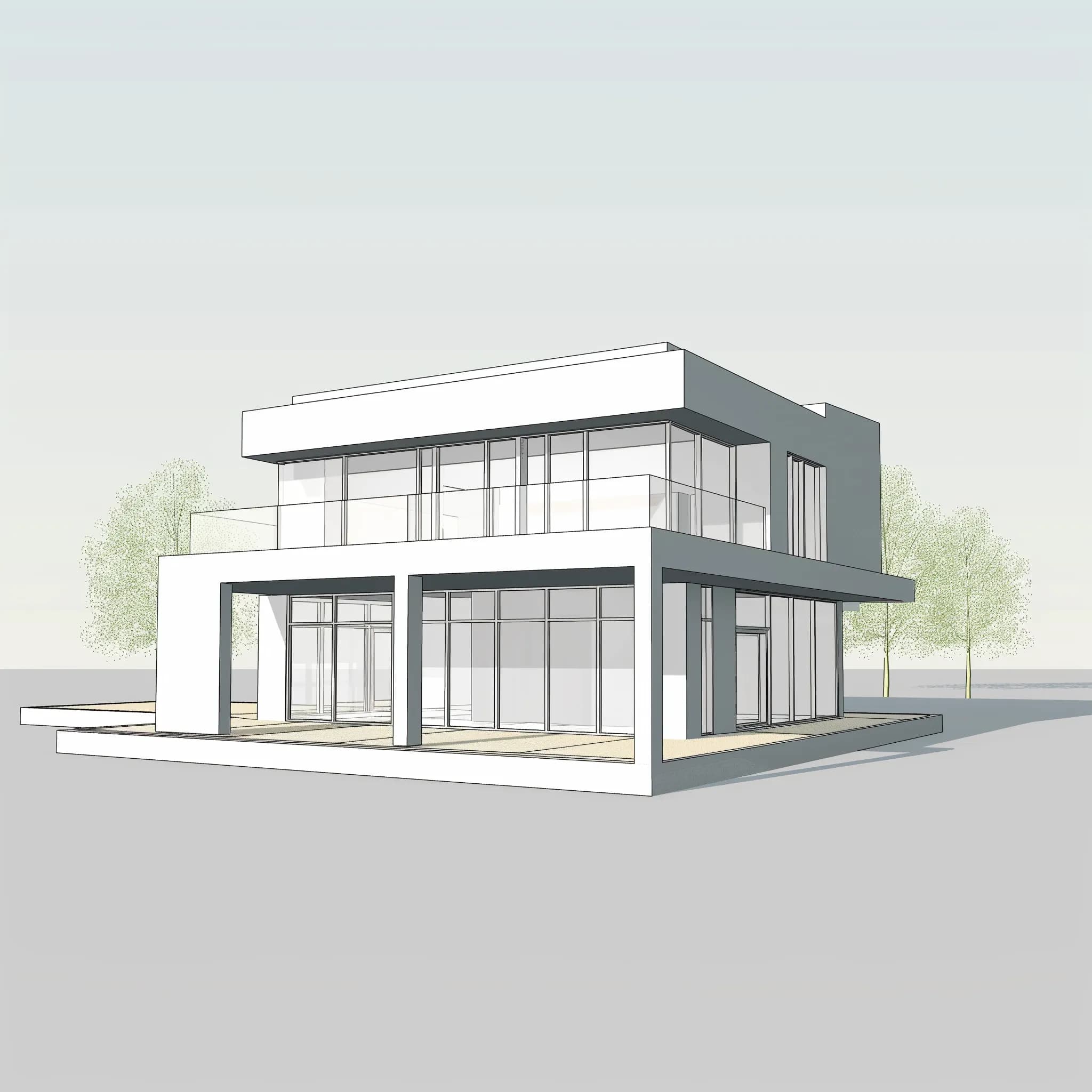 Base scheme
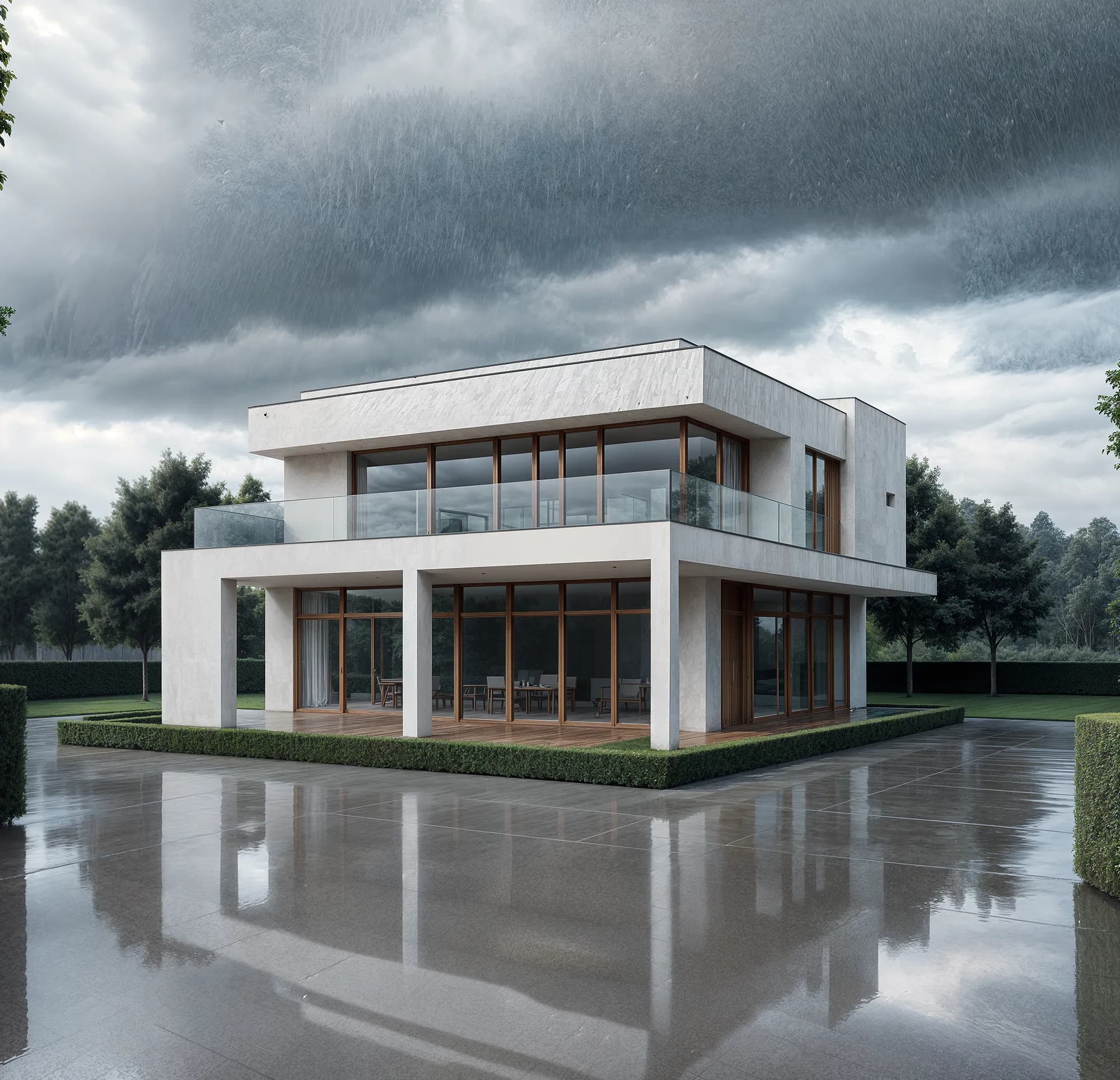 Variant in seconds
Style Transfer applies a new material palette to your existing Render, keeping the spatial composition intact. You can run a dozen finish options from one base scene. Each output is a full-resolution Render, not a filtered thumbnail.

Edit & Modify lets you target a single wall, floor, or surface and update only that element. Clients who want 'the same scheme but with the dark floor' get an answer in minutes. The rest of the room stays exactly as approved.

“Clients almost never approve the first finish on the first presentation. Having four or five photorealistic options ready to show in the same meeting changes the entire dynamic. The decision gets made while everyone is still in the room.”
Open Studio, upload a room photo or CAD file, and generate a full finish comparison in under five minutes. No scene rebuilding, no outsourcing, no waiting.
No credit card needed to try your first Render
Crea Renders fotorealistici di interni alberghieri in meno di 60 secondi con Carve. Vinci le gare nel settore hospitality più velocemente con visual pronti per il cliente.
Trasforma i concept di interior design in render fotorealistici in meno di 60 secondi con Carve. Mostra ai clienti ambienti arredati con materiali e illuminazioni variati, all'istante.
