
Carve est l'alternative Vizcom pour un rendu rapide et photoréaliste
Vizcom transforme des esquisses en concepts rendus sur un canevas infini, populaire auprès des designers de produits et de concepts, et utilisé également par les architectes. Carve est un moteur de rendu IA spécifique à l'architecture qui intègre la saisie CAO, la mise en scène virtuelle et la vidéo. Voici comment ils se comparent.
 Carve
CarveCarve vs Vizcom : en un coup d'œil
Vizcom feels like drawing. You sketch on an infinite canvas and it renders your lines into a concept in seconds, following the drawing closely. For ideation and concept work, the experience is excellent and fluid.
Carve is built around architecture delivery. It renders from sketches too, but also from CAD exports and photos, preserves geometry through ControlNet, and adds virtual staging, 4K, and short video.
Pick Vizcom for sketch-led concept design across product and architecture. Pick Carve for an architecture workflow that runs from CAD or photos through to staging and video.
Carve
Rendu IA dans le navigateur pour les architectes, les designers d'intérieur et les équipes immobilières
$29
/mo
Strengths
- Renders à partir de croquis, de fichiers CAD et de photos
- Mise en scène virtuelle et courte vidéo
- Préréglages ajustés pour l'architecture
- Offre gratuite, à partir de 29 $/mois
Limitations
- Moins un canevas de dessin libre que Vizcom
Vizcom
Transformez des esquisses en concepts rendus sur un canvas infini
$29
/mo
Strengths
- Canevas Sketch to Image de référence
- Apprécié pour l'idéation de concepts
- Convient également au design produit et industriel
- Offre gratuite, à partir de 29 $/mois
Limitations
- Pas d'import CAD ni de home staging virtuel
- Aucune sortie vidéo
- Pas spécifique à l'architecture
Le crédit là où il est dû
Vizcom offre l'une des meilleures expériences de Sketch to Image disponibles, avec un canvas fluide que les designers apprécient vraiment. Pour l'idéation de concept, c'est un plaisir à utiliser et bien en avance sur la plupart des outils.
Cette page n'est pas là pour contredire cela. Vizcom couvre de nombreux domaines du design plutôt que de se concentrer sur l'architecture, ce qui fait que l'import CAD, le home staging virtuel et la vidéo ne font pas partie de son cœur de métier. C'est là que Carve est plus spécialisé.
3 raisons de choisir Carve plutôt que Vizcom
Les trois principales raisons pour lesquelles les équipes passent de Vizcom à Carve.
Entrées CAD et photo
Carve génère des Renders à partir d'exports CAD et de photos, pas seulement de croquis. Vizcom est orienté croquis et images.
Mise en scène virtuelle et vidéo
Carve met en scène des pièces vides et produit de courtes vidéos. Vizcom se concentre sur les images de concept Render.
Conçu pour la livraison de projets architecturaux
Les presets et le workflow de Carve ciblent les bâtiments et les intérieurs jusqu'au rendu prêt pour le client, pas le concept art généraliste.
Une expérience de rendu fondamentalement différente
Les deux outils restituent fidèlement votre esquisse grâce à l'IA. La différence tient au périmètre. Vizcom est un espace de conception généraliste, optimisé pour l'idéation de concepts en design produit, automobile et architecture. Carve est conçu spécifiquement pour l'architecture et l'immobilier : entrées CAD et photo, rendu ancré sur la géométrie, mise en scène, vidéo et sketch-to-render.
Pourquoi les agences modernes choisissent Carve plutôt que Vizcom
Des résultats photoréalistes en moins d'une minute
Le pipeline IA de Carve produit une image photoréaliste et finalisée en moins d'une minute, directement dans le navigateur. Aucune scène à assembler, aucun GPU local à faire tourner.
Render directement depuis un croquis ou un fichier CAD
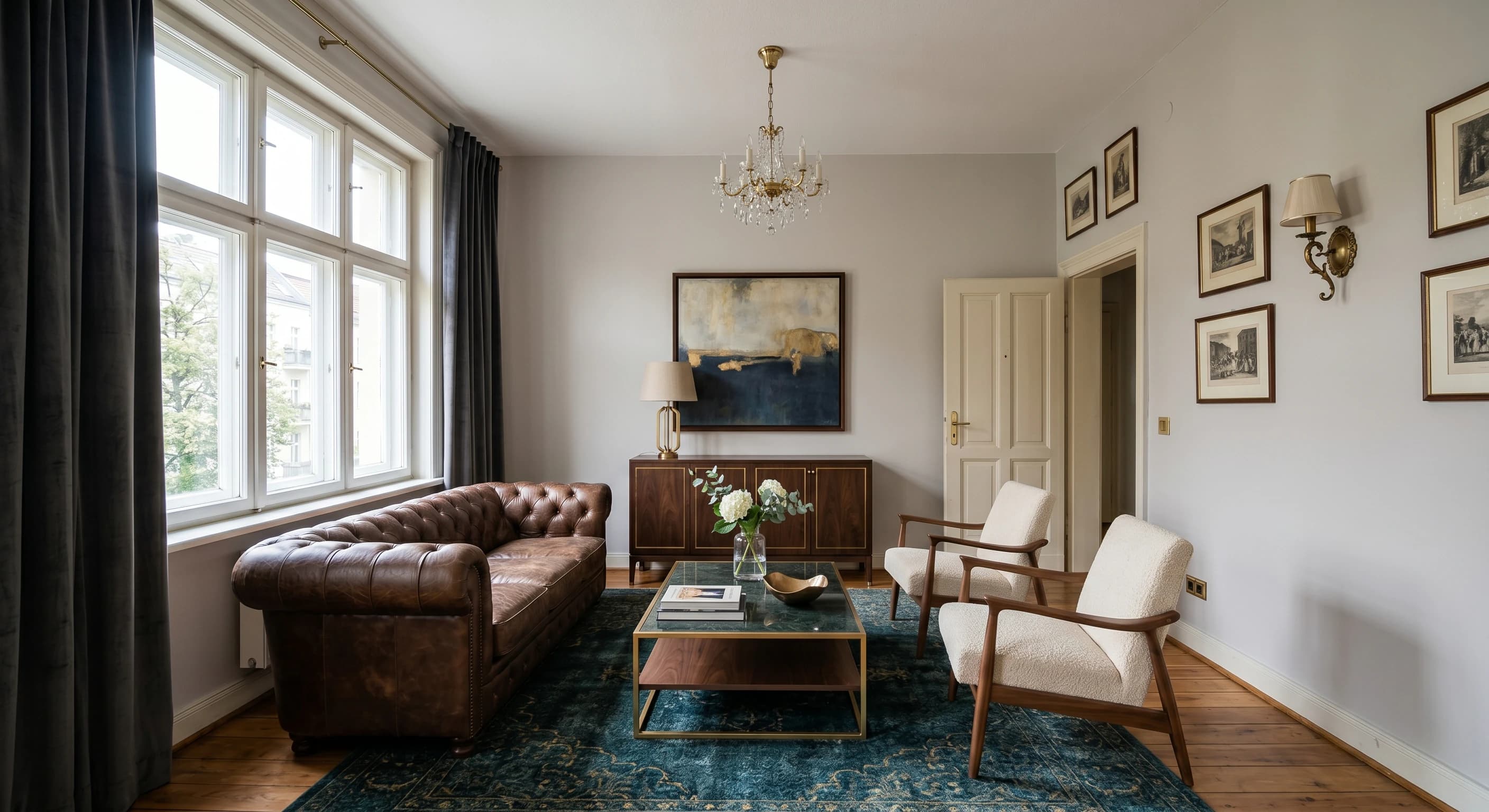
Importez un croquis à la main, un export CAD ou un modèle SketchUp et Carve produit des Renders directement à partir de celui-ci. Le routage de profondeur et de contours préserve la géométrie fidèle à votre conception.
Mise en scène virtuelle à partir d'une seule photo
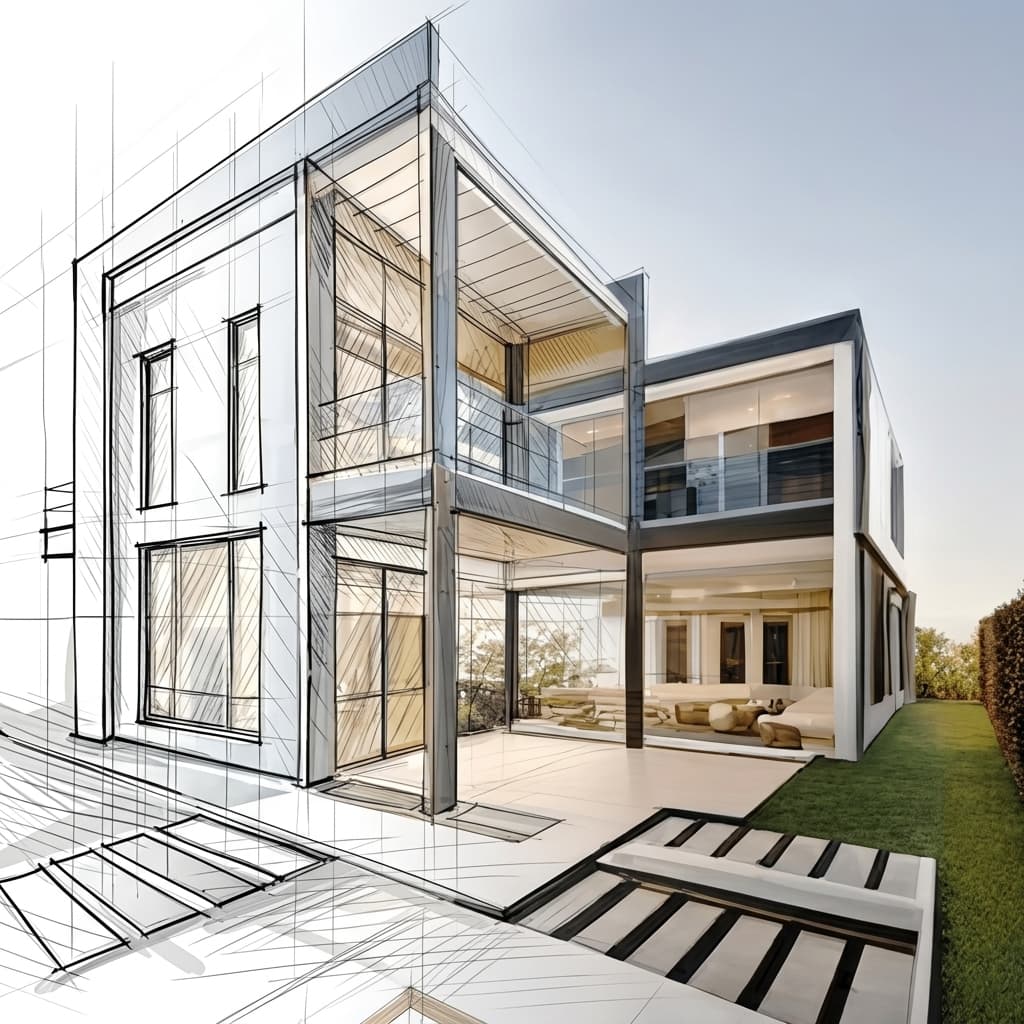
Meublez et redécorez une pièce vide à partir d'une seule photographie. Pas de modèle 3D ni de mise en scène manuelle, juste une image prête pour une annonce immobilière.
Aucune installation, fonctionne sur n'importe quelle machine
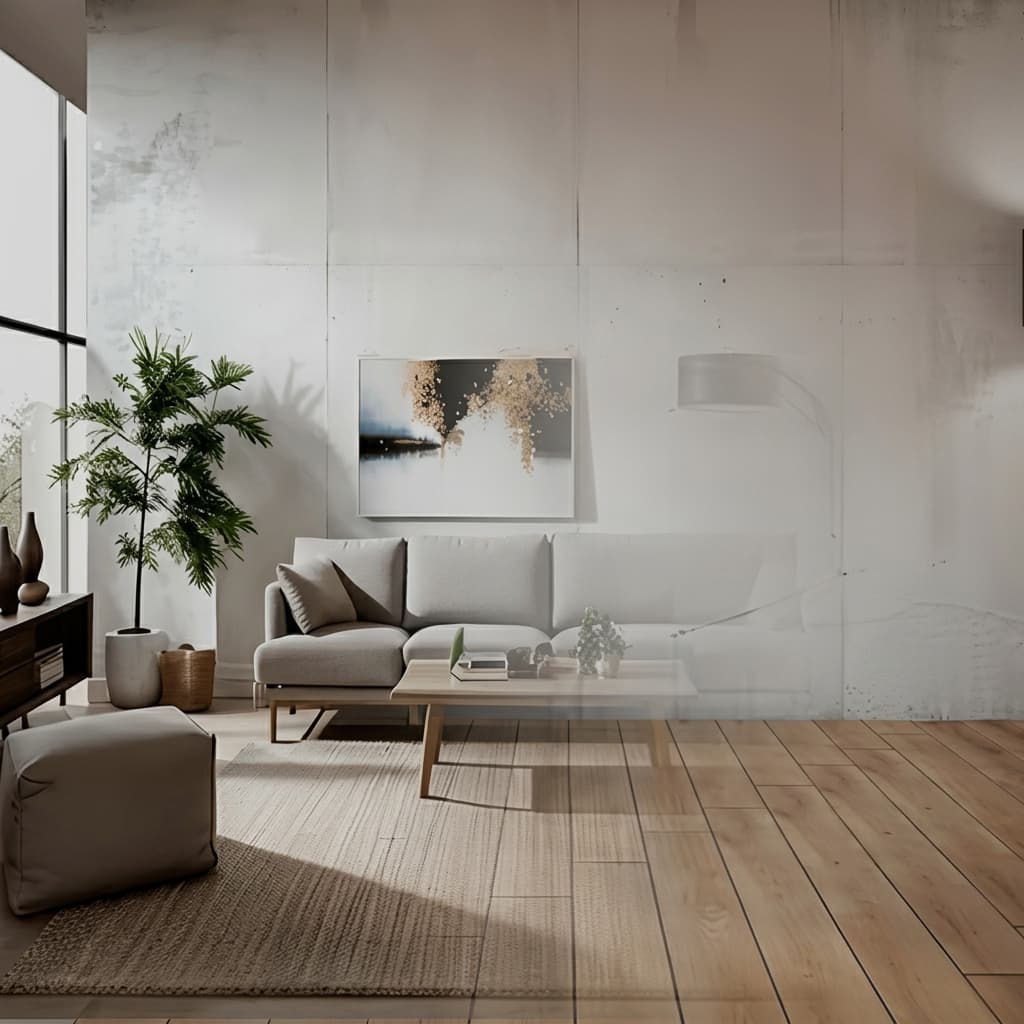
Carve fonctionne entièrement dans le cloud, sans rien à télécharger ni de GPU à acheter. Connectez-vous depuis n'importe quel navigateur sur Mac, Windows ou Chromebook et lancez des Renders à partir d'exports créés dans Revit, SketchUp, Rhino et bien d'autres.

Une fraction du coût
Carve commence à 29 $ par mois, sans engagement annuel et sans matériel à acheter. Vous obtenez des Renders photoréalistes, prêts pour vos clients, pour une fraction du coût d'un studio de rendu traditionnel ou d'une suite logicielle de bureau.
 Pushpit, Co-Fondateur
Support fondé par le fondateur
Le moteur de Render de Carve est alimenté par l'IA, mais le support derrière lui vient des personnes qui construisent le produit. Contactez l'équipe directement par e-mail et chat en direct, et obtenez de vraies réponses, généralement en quelques heures.
Comparatif des tarifs
Carve$29/mo (50 credits)
$29/mo (Pro)
Répartition par catégorie
6 axes où les deux outils diffèrent le plus. Carve remporte 3 points, Vizcom en remporte 2, et 1 est à égalité.
Idéation par esquisse
VizcomLe canevas infini de Vizcom offre une expérience Sketch to Image de premier ordre.
Entrée CAD et photo
CarveCarve crée des Renders à partir d'exports CAO et de photos. Vizcom est orienté esquisse et image.
Staging virtuel
CarveCarve transforme des pièces vides en espaces meublés à partir d'une photo. Vizcom ne propose pas cette fonctionnalité.
Vidéo
CarveCarve inclut de courtes vidéos. Vizcom se concentre sur les images fixes.
Utilisation pluridisciplinaire
VizcomVizcom s'adresse au design produit et industriel, ainsi qu'à l'architecture.
Tarifs
TiedLes deux proposent un niveau gratuit et débutent à 29 $/mois.
Comparaison des fonctionnalités
CarveBased on each tool's publicly listed features. Vizcom capabilities may change.
Pour qui Vizcom est-il le mieux adapté ?
Vizcom est le meilleur choix quand le croquis et l'idéation conceptuelle sont au cœur de votre travail. Vizcom est préférable si vous :
- Esquissez des concepts et souhaitez un canvas de dessin fluide
- Travaillez en design produit, industriel ou conceptuel, ainsi qu'en architecture
- Privilégiez la sensation d'idéation plutôt qu'un pipeline de livraison
- N'avez pas besoin d'import CAD, de mise en scène ou de vidéo
Pour qui Carve est-il fait ?
Carve est le meilleur choix quand la rapidité, le coût et l'accessibilité sont les priorités. Optez pour Carve si vous :
- N'avez pas d'équipe dédiée au rendu
- Travaillez avec des délais clients serrés
- Avez besoin de visuels de concept et de marketing rapidement
- Voulez travailler depuis un Mac, Windows ou un navigateur
- Faites attention au coût par image
Lequel choisir ?
Carve wins2Rendre un export CAD pour un client
Carve produit des Renders à partir de CAD en préservant la géométrie ; Vizcom, lui, part du croquis.
Mettre en scène un bien immobilier à partir d'une photo
Carve inclut le virtual staging ; Vizcom ne le propose pas.
Esquisser des concepts sur une toile
Le canevas infini de Vizcom est conçu pour une idéation de croquis fluide.
Verdict
Verdict final
Vizcom est le meilleur outil de conception à partir de croquis, avec un canvas fluide apprécié dans de nombreux domaines du design. Carve est le meilleur pipeline pour l'architecture, avec des entrées CAD et photo, la mise en scène virtuelle et la vidéo. Choisissez Vizcom pour l'idéation, Carve pour la livraison.
Découvrez comment Carve se compare aux autres outils
Même méthodologie de test, différentes comparaisons. Choisissez un concurrent.
Carve est bien plus qu'une alternative à Vizcom.
Importez un croquis ou un export CAD et obtenez un Render photoréaliste en moins d'une minute, pour une fraction du coût de Vizcom.
Gratuit pour commencer. Aucune carte de crédit requise.
Questions fréquemment posées
Oui, pour les projets d'architecture. Carve génère des Renders à partir de croquis comme Vizcom, et ajoute des entrées CAO et photo, la mise en scène virtuelle, et la vidéo. Vizcom reste plus performant pour le croquis conceptuel libre dans différents domaines du design.