
Commercial real estate brokers and developers use Carve to produce photorealistic office, retail, and industrial renders that close leases and win investor confidence off-plan.
Accepts CAD exports, floor plans, and site photos
A single scene from a visualization studio can take 10 to 20 business days. By the time assets arrive, the listing window has narrowed and competing spaces have already landed in your prospect's inbox.
10-20 business days per sceneProfessional CGI studios bill per render, per revision, and per format. A small campaign covering lobby, floor plate, and exterior can consume a significant portion of a leasing budget before a single prospect tours.
£1,500-£5,000 per sceneFloor plan PDFs tell tenants what a space measures. A photorealistic render shows them where they'll hold their all-hands, display their products, or park their logistics fleet. That difference shows up in enquiry quality.
Drop in a CAD export, a scanned floor plan, or a site photo. Carve reads the geometry and space type automatically.
Pick from 49+ architectural styles inside Studio, set the space as office, retail, or industrial, and define the finish level your target tenant expects.
Download high-resolution Renders for property listings, investor decks, and social media in under 60 seconds per scene.
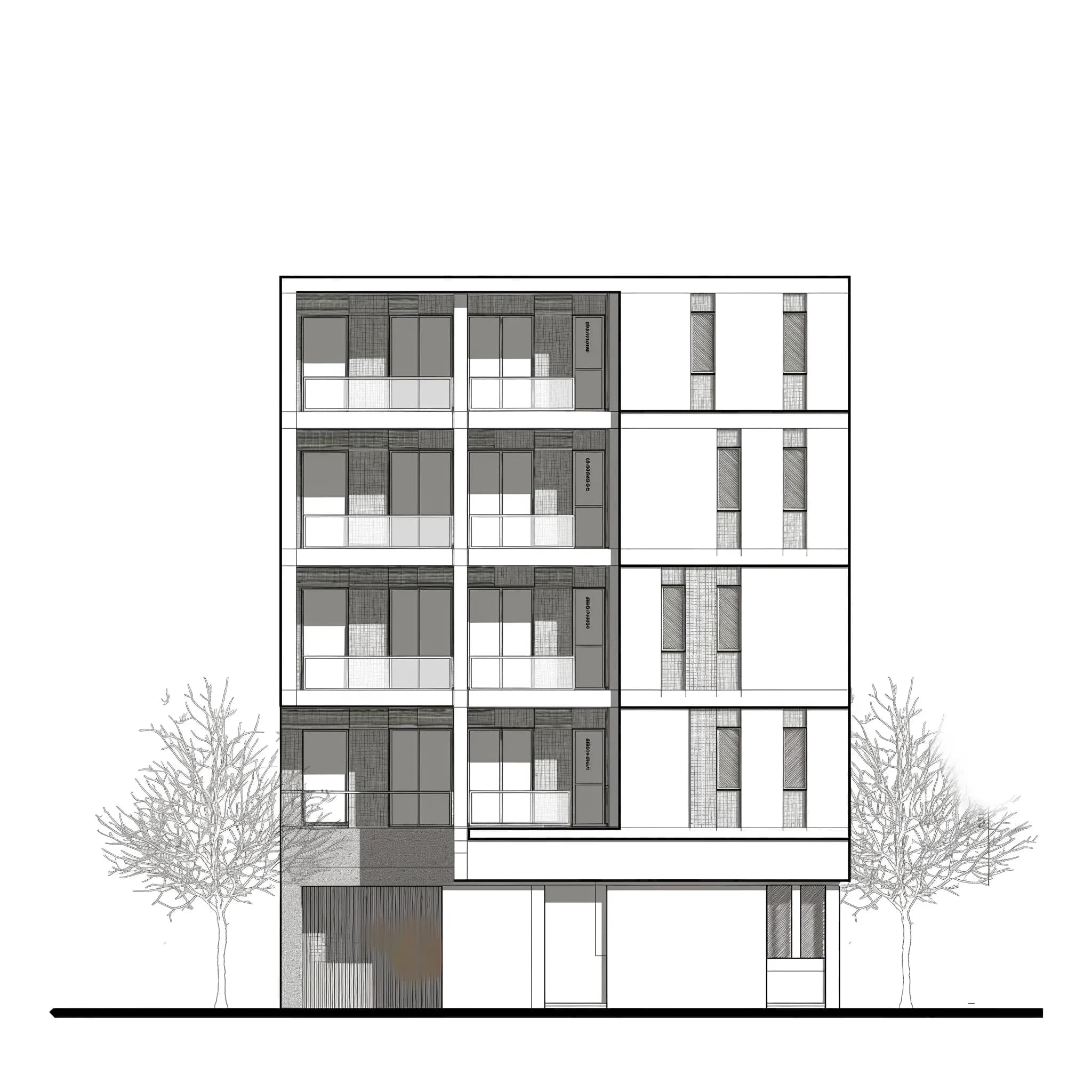 Floor plan
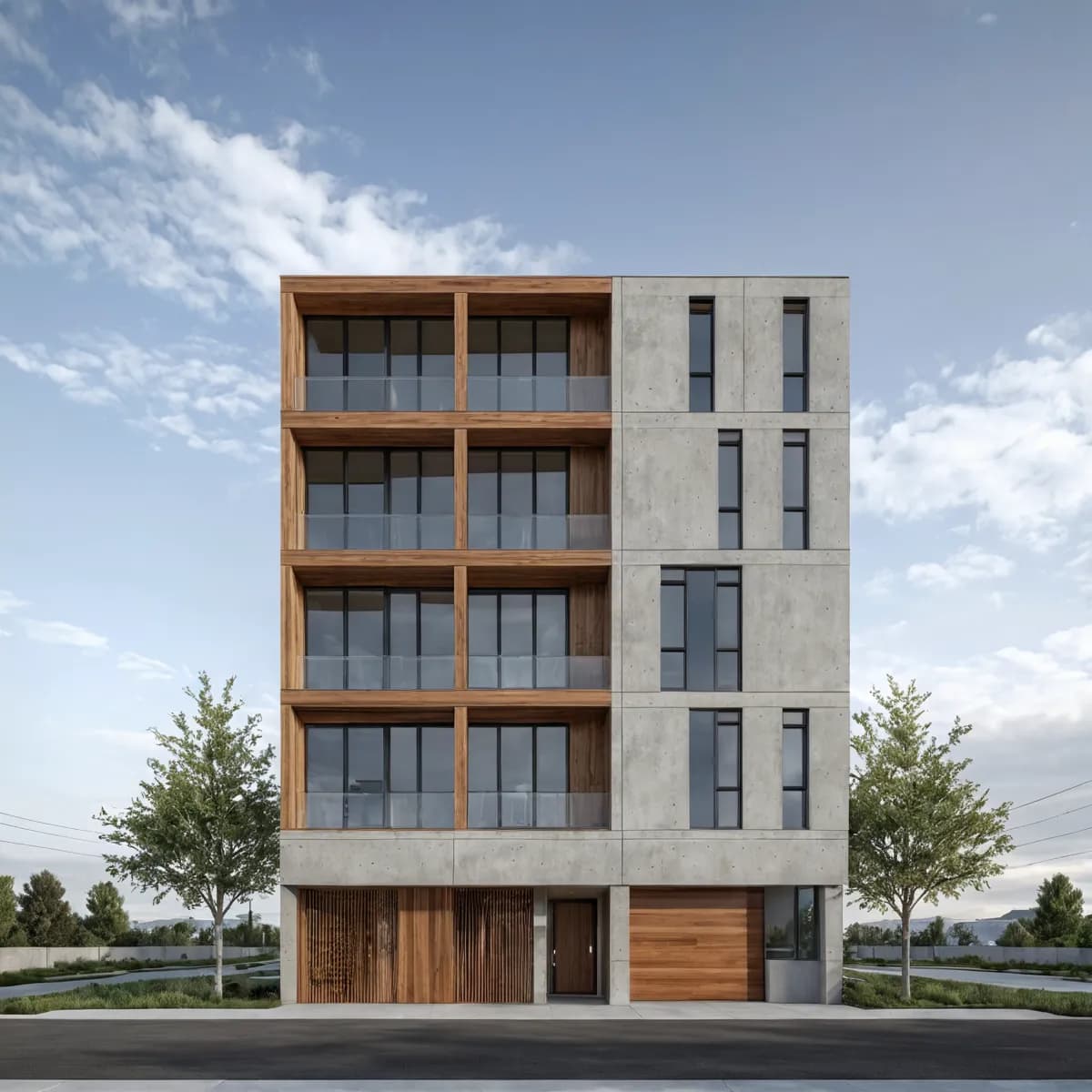 Leasing visual
Swap flooring, partition layouts, or ceiling finishes directly inside Studio. Each Edit & Modify cycle produces a new Render in seconds. You can present three fit-out scenarios to a tenant in a single meeting.

Set a design language once and push it across lobby, floor plate, and exterior Renders using Style Transfer. Every asset in your marketing pack reads as one coherent space. Consistency matters when you're building an investor deck.

“Off-plan leasing lives or dies on the quality of the visuals. A prospective tenant can't walk the space, so the render has to do that work. Speed matters too: a deal can move in days, and waiting two weeks for a revised scene is not an option.”
Upload a floor plan or CAD file, pick a style, and produce your first photorealistic commercial Render in under 60 seconds inside Studio.
No 3D modelling experience required
Carve transforme les fichiers CAD et les croquis en Renders extérieurs photoréalistes en moins de 60 secondes, offrant aux promoteurs immobiliers des visuels pour pré-vendre des unités avant la construction.
Mettez en scène virtuellement des biens vacants en moins de 60 secondes avec Carve. Des Renders photoréalistes qui aident les agents immobiliers à conclure plus vite, sans recourir à un home stager physique.
Transformez n'importe quelle structure en Render photoréaliste en moins d'une minute.
En savoir plus →Donnez vie à vos images fixes avec des mouvements de caméra cinématiques.
En savoir plus →Appliquez un Style Transfer cohérent à l'ensemble d'un projet.
En savoir plus →