
Architects preparing competition submissions use Carve to generate multiple distinct, high-quality Renders from a single model before the deadline.
Accepts CAD exports, sketches, and reference photos
Outsourcing competition renders typically takes 5 to 10 working days per round. Revision cycles add more. By the time finals arrive, your design has moved on but your visuals haven't.
5-10 days per roundJuries expect exterior approaches, interior atmosphere, and contextual massing reads. Producing all three from the same model at a traditional studio means three separate briefs, three separate invoices.
3+ scenes per submissionA facade revision at day six of an eight-day deadline leaves no time to re-render. You submit visuals that no longer match the scheme, or you skip the change entirely to protect the imagery.
Bring in a CAD export, a massing screenshot, or a hand sketch. Carve reads the geometry and preserves your proportions.
Choose Exterior AI or Interior AI, pick a style, and run your first Render. Apply Style Transfer to produce distinct visual directions from the same base in one session.
Use Edit & Modify to adjust materials, lighting mood, or context without re-uploading. Export your final Renders at full resolution for boards and PDFs.
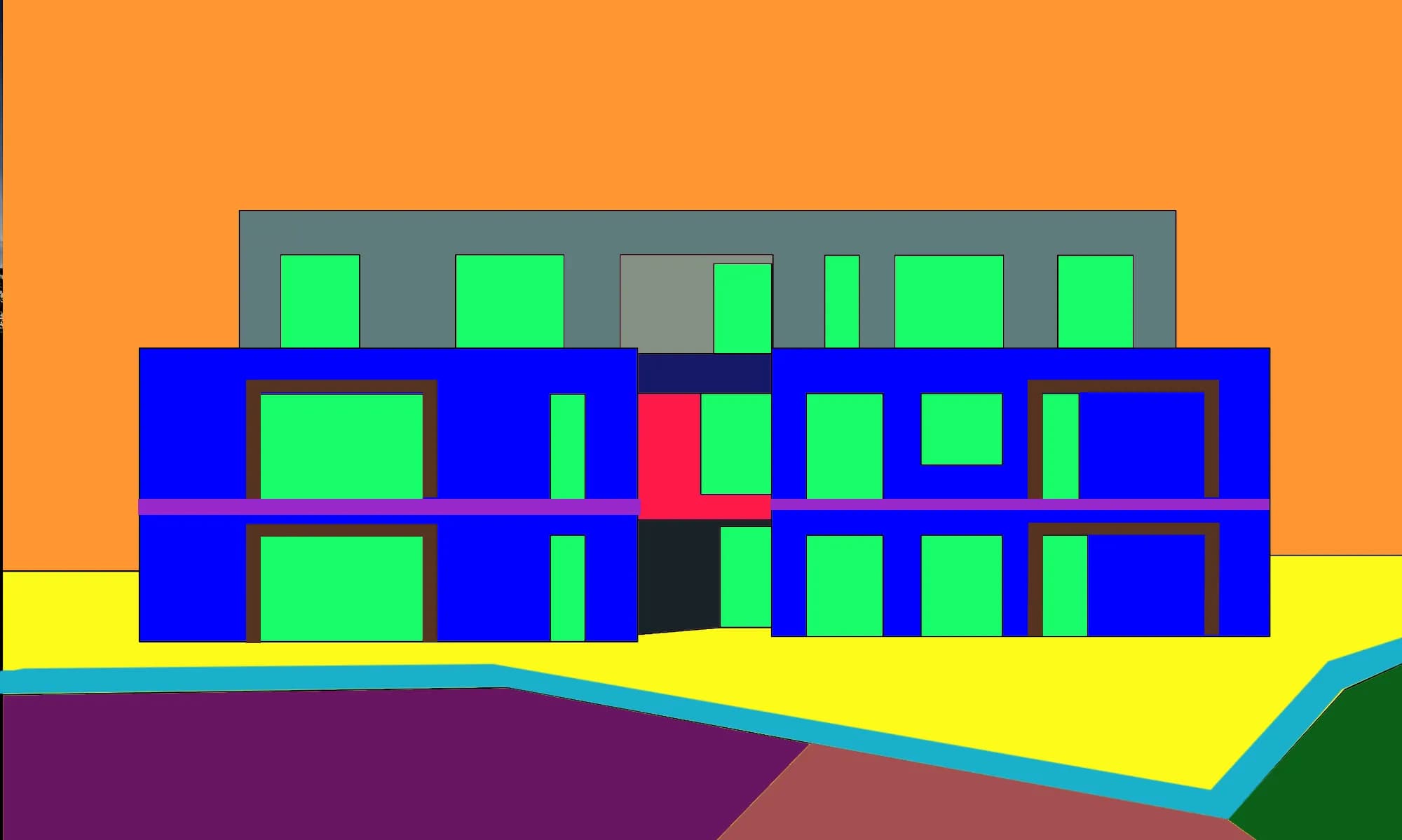 Massing study
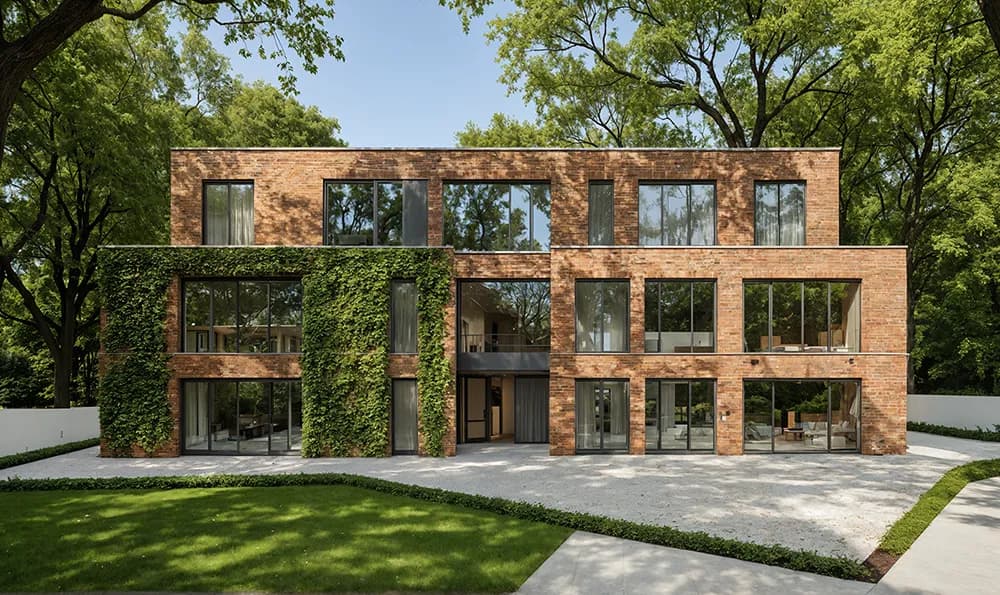 Competition visual
Style Transfer applies different material palettes, lighting conditions, and rendering aesthetics to one uploaded model. You get a coherent set of competition visuals that all read from the same geometry. No extra modeling time required.

Sketch to Image reads line work and proportional intent, so early-stage ideas become presentation-quality visuals before the design is fully resolved. Iteration stays fast when the concept is still fluid. You keep momentum without committing to a finished model.

“The gap between a good competition entry and a winning one is often the visuals. Juries respond to atmosphere and narrative, not just plans. Getting strong imagery fast changes what you can actually submit.”
Open Studio, upload your model or sketch, and have a full visual set ready before the end of the working day.
No credit card needed to get started
Les étudiants en architecture utilisent Carve pour transformer les dessins de leurs projets Studio en renders prêts pour le portfolio en moins de 60 secondes, sans pipeline de visualisation requis.
Créez des Renders de rénovation photoréalistes en moins de 60 secondes. Aidez les propriétaires à visualiser les résultats avant/après avant de signer un contrat.
Produisez des Renders précis pour les demandes de permis de construire pour des extensions résidentielles en moins de 60 secondes. Offrez aux agents d'urbanisme et aux voisins une vue claire et photoréaliste.
Transformez n'importe quelle structure en Render photoréaliste en moins d'une minute.
En savoir plus →Donnez vie à vos images fixes avec des mouvements de caméra cinématiques.
En savoir plus →Appliquez un Style Transfer cohérent à l'ensemble d'un projet.
En savoir plus →