
Architects preparing residential extension applications use Carve to turn CAD drawings into photorealistic planning portal visuals in under 60 seconds.
Accepts DWG, DXF, PDF sketches, and site photos
Outsourcing planning visuals to a studio adds days to your programme. Revision rounds stretch further when the application window is already tight.
5-10 working days typical turnaroundPlanning officers and neighbours struggle to read flat line drawings. Ambiguous visuals invite objections and requests for further information that delay decisions.
A single commissioned render for a rear extension or loft conversion can cost several hundred pounds. On a modest residential job, that fee is hard to justify or pass on.
£300-£800 per scene at many studiosDrop in a DWG export, a scanned sketch, or a site photograph. Carve reads geometry and context without manual tracing.
Choose Exterior AI, pick a material palette, and adjust lighting to match the site's aspect. Use Edit & Modify to refine brickwork, glazing, or landscaping detail.
Download a high-resolution Render scaled and labelled for your application. Produce additional views or a Style Transfer variant for the design-and-access statement.
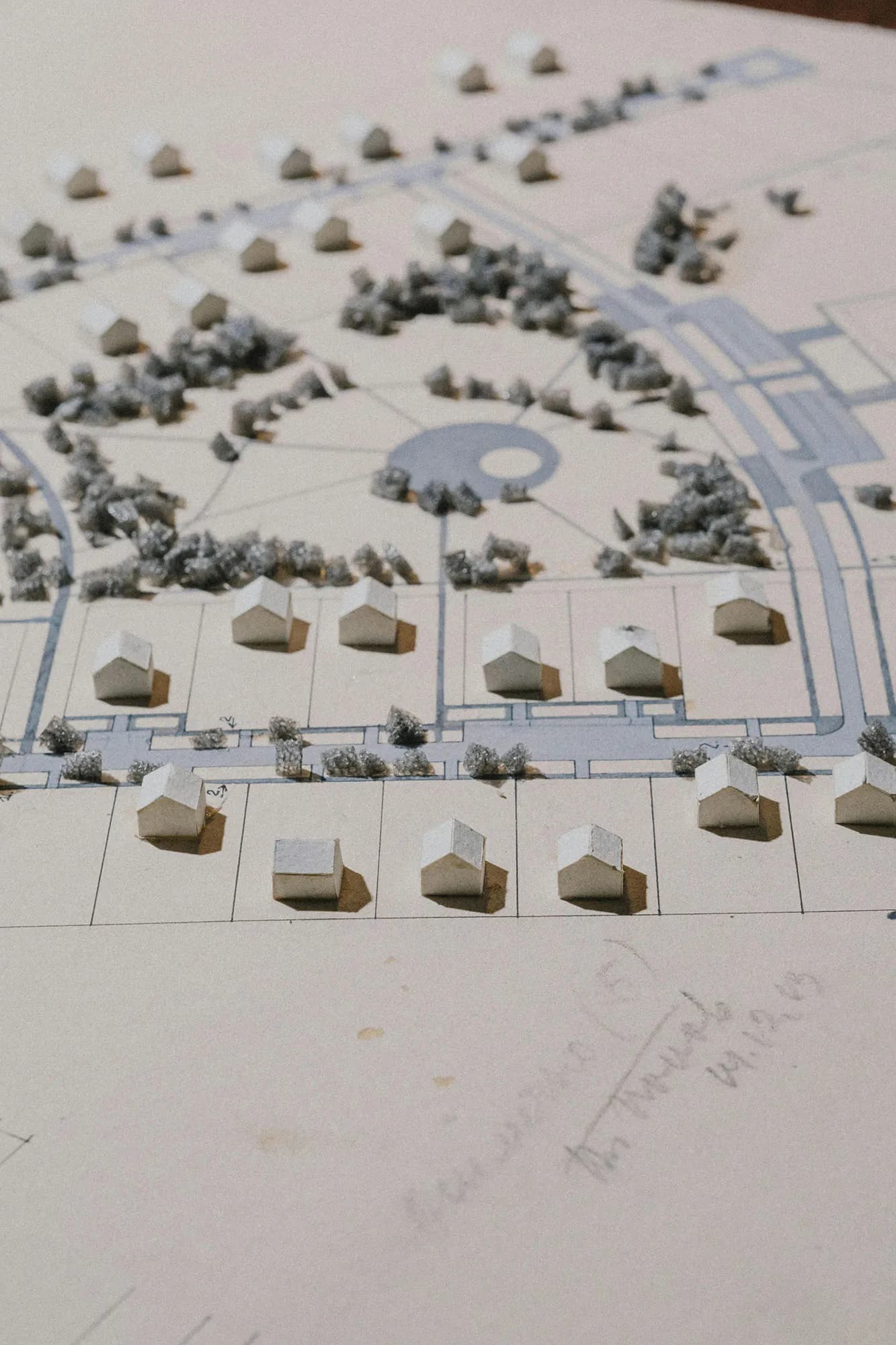 Massing study
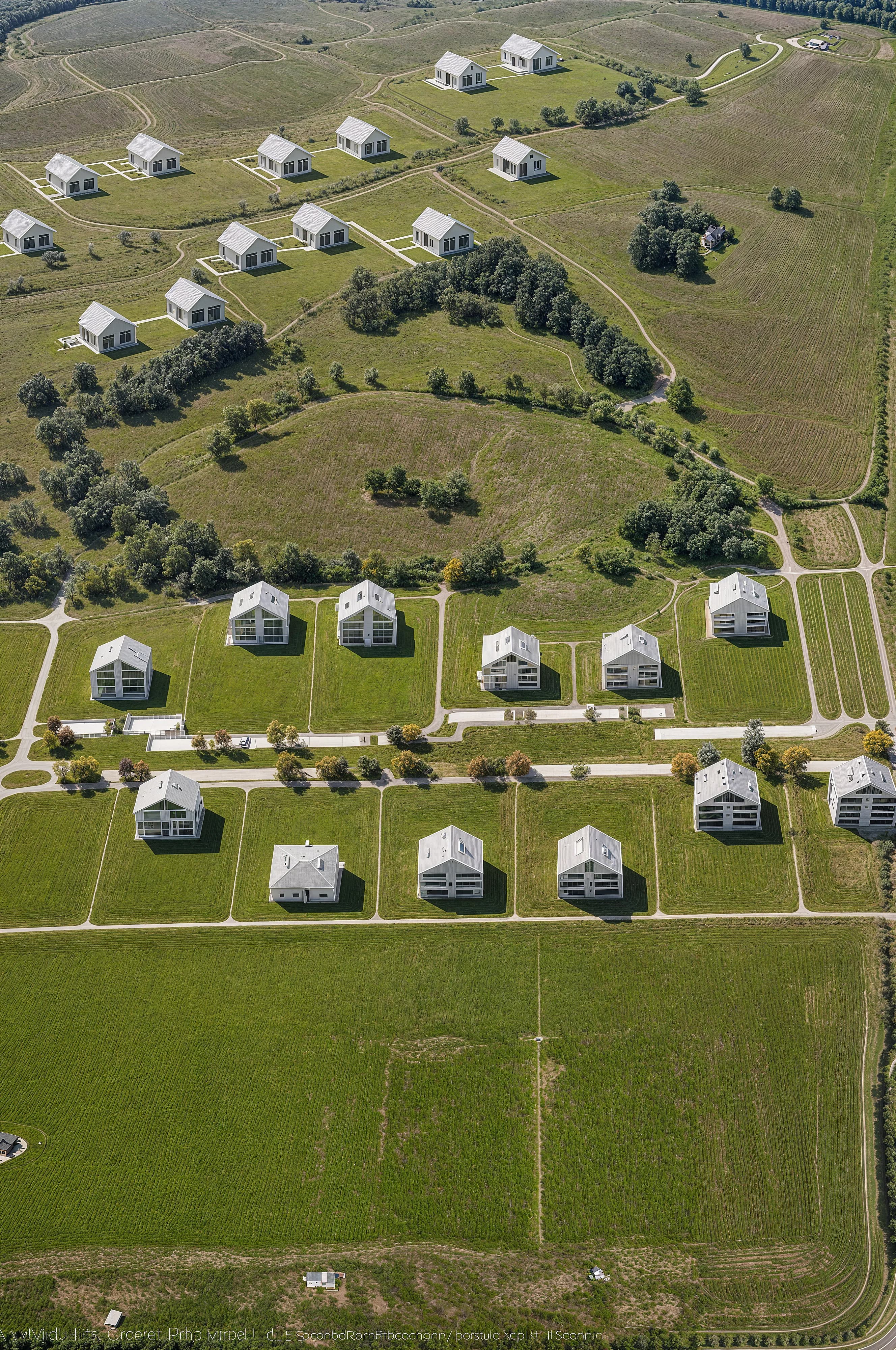 Planning visual
Exterior AI preserves the proportions in your drawings so the Render matches what you've designed, not an approximation. Officers can read roof pitch, eaves height, and fenestration clearly. No separate modelling step is needed.

Edit & Modify lets you swap cladding, change window sizes, or adjust the boundary treatment directly inside Studio. Each change produces a fresh Render in seconds. You can address a pre-application comment the same afternoon it arrives.

“The planning officer's first read of an application is visual. A clear, accurate Render answers the massing question before anyone has to ask it. That alone reduces the back-and-forth.”
Open Studio, upload your extension drawings, and have a client-ready Render before your next site visit. No briefing calls, no waiting.
No credit card needed to get started
Los estudiantes de arquitectura usan Carve para convertir los dibujos de sus proyectos de Studio en Renders listos para el portafolio en menos de 60 segundos, sin necesidad de ningún pipeline de visualización.
Crea Renders fotorrealistas de renovación en menos de 60 segundos. Ayuda a los propietarios a visualizar los resultados antes y después de firmar un contrato.
Genera múltiples visualizaciones distintas para concursos a partir de un solo modelo en menos de 60 segundos. Carve ofrece a los arquitectos Renders listos para el cliente antes de que llegue la fecha límite.
