
Architects, contractors, and design-build firms use Carve to generate photorealistic renovation renders during the sales conversation, closing projects faster.
Works with sketches, photos, and CAD exports
Most homeowners can't read floor plans or visualize spatial change from a mood board. Without a clear picture of the outcome, sign-off drags out across weeks of revisions and second-guessing.
3-6 week average decision cycleOutsourced visualization studios return finished renders in days or weeks. By that point, the homeowner has already decided, or walked. You need the visual in the room during the pitch.
3-10 day turnaround typicalEach change request to an external studio means another invoice and another wait. Showing three kitchen finish options or two open-plan layouts shouldn't require three separate briefs and three separate budgets.
Drop in a site photo, a CAD export, or a hand sketch of the existing room. Carve reads the geometry and preserves it through the Render.
Choose a finish direction from 49+ built-in styles or use Style Transfer to match a reference your client brought in. Interior AI fills the space with accurate materials and furniture.
Your Render is ready in under 60 seconds. Show the before photo next to the finished result, iterate on finishes live, and leave the client with a file that same afternoon.
 Current state
 After renovation
Interior AI reads the room dimensions from your uploaded photo or CAD file and builds the Render around them. Walls stay where they are, windows hold their proportions, and spatial changes you've drawn in are reflected accurately. Clients see a realistic version of their specific home, not a generic showroom.

Edit & Modify lets you swap a countertop material, shift a cabinet style, or open up a wall in the same Render session. Each iteration takes seconds. You can walk a client through three kitchen schemes in a single meeting without queuing a new brief each time.

“The decision usually comes down to trust. When a homeowner can see exactly what their kitchen will look like before any demolition starts, the conversation changes completely. You're no longer asking them to imagine it.”
Open Studio, upload a photo of the existing space, and have a photorealistic before-and-after ready before your next client meeting.
No credit card needed to get started
Les étudiants en architecture utilisent Carve pour transformer les dessins de leurs projets Studio en renders prêts pour le portfolio en moins de 60 secondes, sans pipeline de visualisation requis.
Produisez des Renders précis pour les demandes de permis de construire pour des extensions résidentielles en moins de 60 secondes. Offrez aux agents d'urbanisme et aux voisins une vue claire et photoréaliste.
Générez plusieurs visuels de concours distincts à partir d'un seul modèle en moins de 60 secondes. Carve donne aux architectes des Renders prêts pour les clients avant que la date limite n'arrive.
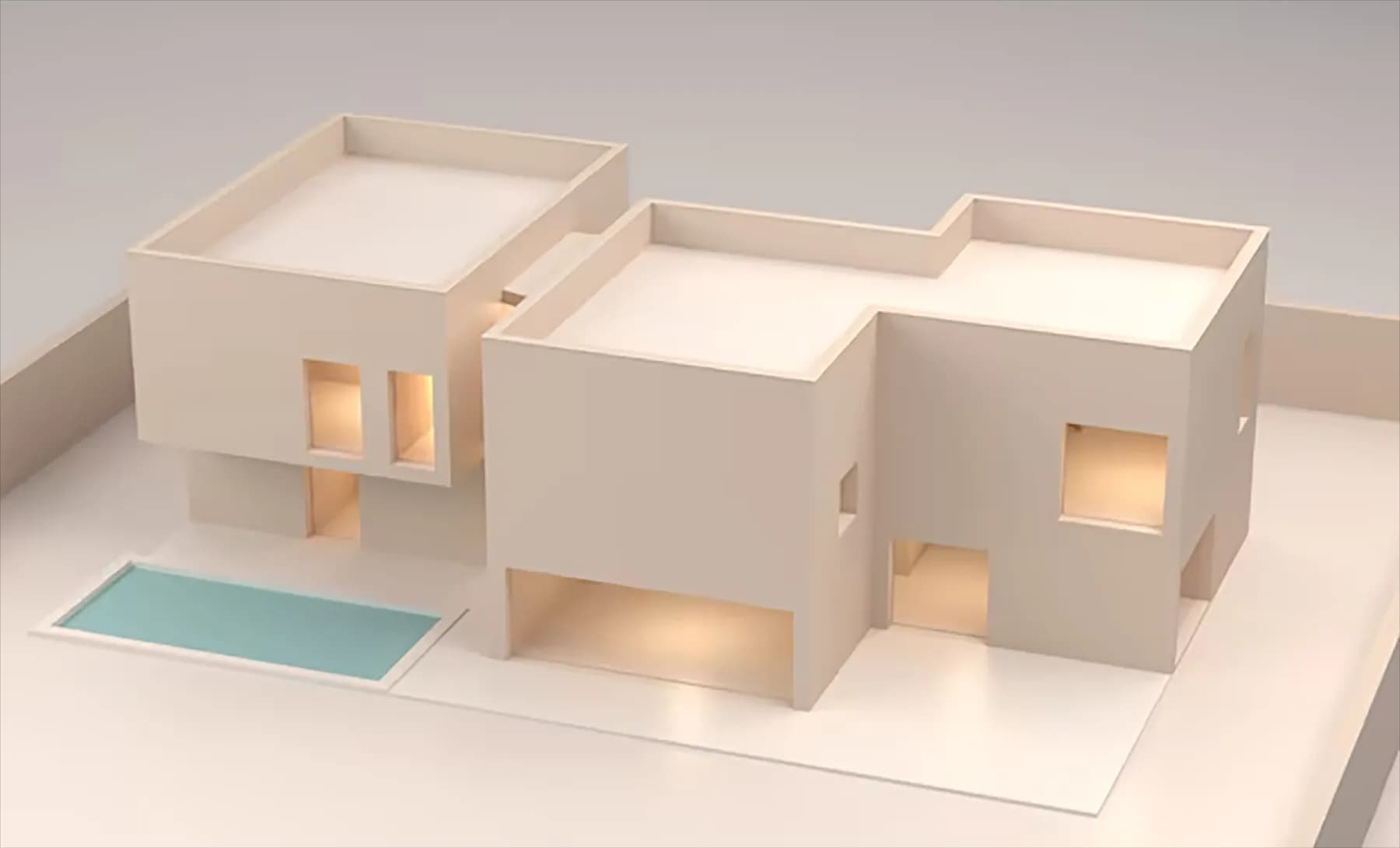
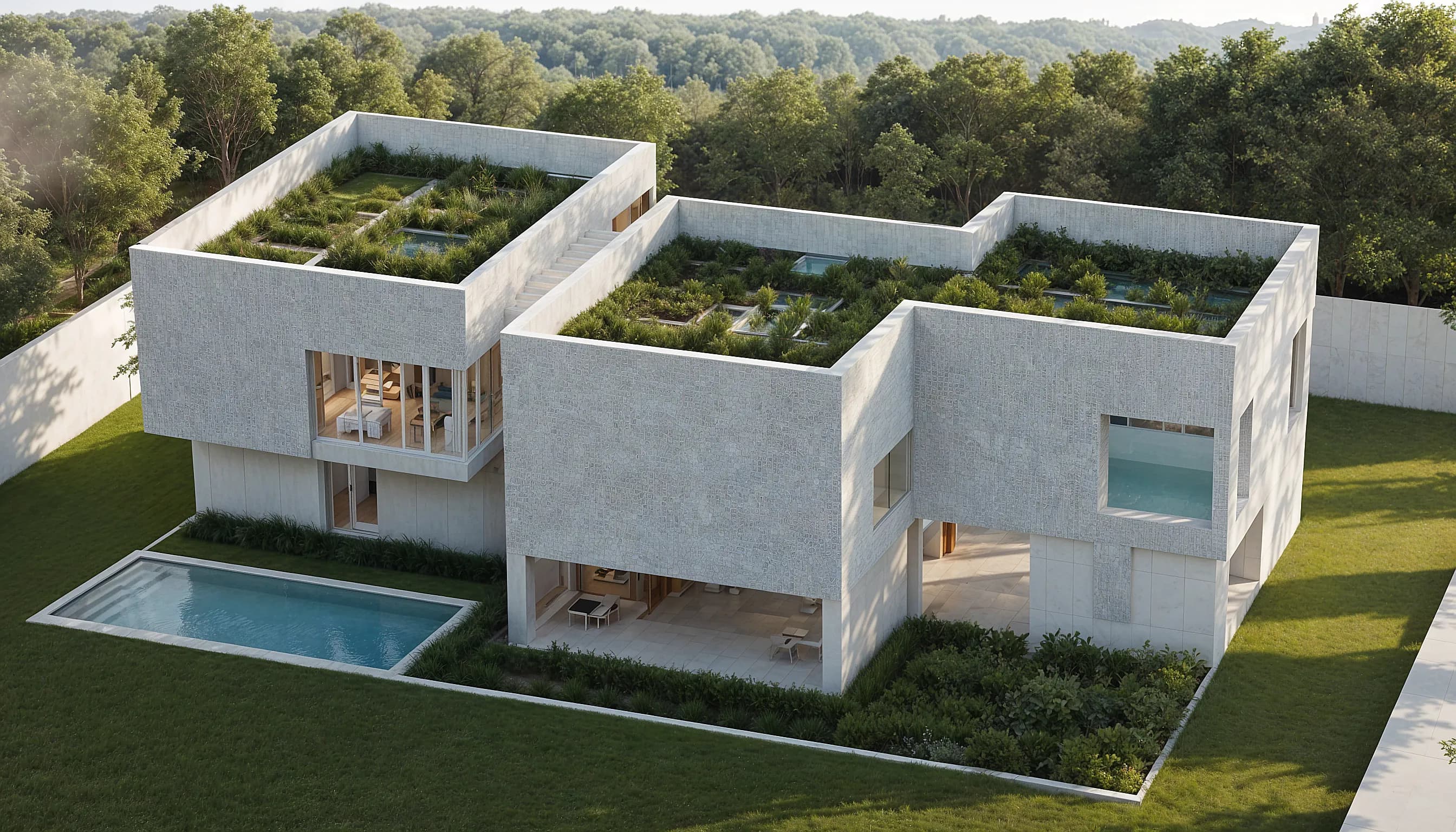
Transformez n'importe quelle structure en Render photoréaliste en moins d'une minute.
En savoir plus →Donnez vie à vos images fixes avec des mouvements de caméra cinématiques.
En savoir plus →Appliquez un Style Transfer cohérent à l'ensemble d'un projet.
En savoir plus →