
Carve is the Architect Render alternative for fast, photorealistic rendering
Architect Render is a browser tool that turns sketches and photos into renders, with AI redesign and virtual staging. Carve is also a browser-based AI renderer, adding CAD input, geometry control, and video. Here is how they compare.
 Carve
CarveCarve vs Architect Render: at a glance
Architect Render and Carve overlap closely on the real-estate and quick-redesign side. Both run in the browser, render from sketches and photos in seconds, and stage empty rooms, at a similar $29 entry price.
The differences sit around the edges. Carve adds CAD exports as input with geometry preserved, 4K output, short video, and a free tier. Architect Render keeps a focused sketch-render-and-stage flow.
For sketch-to-render and staging, the two are comparable. The deciding factors are CAD input, video, and whether you want a free tier.
Carve
Browser-based AI rendering for architects, interior designers, and real-estate teams
$29
/mo
Strengths
- CAD input with geometry preserved
- Short video and 4K output
- Free tier to start
- Interiors and exteriors
Limitations
- Core sketch-and-stage flow overlaps with Architect Render
Architect Render
Sketch-to-render, redesign, and virtual staging in the browser
$29
/mo
Strengths
- Sketch-to-render and staging in one
- Large user base
- Simple, affordable interface
- Also $29/mo to start
Limitations
- No CAD input
- No video or confirmed 4K
- No standing free tier
Credit where credit is due
Architect Render does the sketch-to-render and virtual staging job well, with a large user base and a clear, affordable offering. For quick redesigns and listing staging, it's a capable, easy tool.
This page won't overstate the gap. Carve and Architect Render overlap on the core flow, so the comparison is about CAD input, video, and pricing details rather than a big capability difference.
3 reasons to pick Carve over Architect Render
The three biggest reasons teams switch from Architect Render to Carve.
CAD input and geometry
Carve renders from CAD exports with geometry preserved. Architect Render works from sketches and photos.
Video and 4K
Carve adds short video and 4K output. Architect Render focuses on still renders.
A free tier
Carve has a free tier to try rendering. Architect Render offers free credits only through referrals.
A fundamentally different rendering experience
Both tools render from sketches and photos and stage rooms. Carve adds CAD exports as input with geometry preserved, 4K output, and short video, and organizes work as a branching project. Architect Render keeps a tighter sketch-render-and-stage flow. The core overlaps; the range differs.
Why modern firms choose Carve over Architect Render
Photoreal results in under a minute
Carve's AI pipeline returns a finished, photoreal image in under a minute, right in the browser. There's no scene to assemble and no local GPU to wait on.
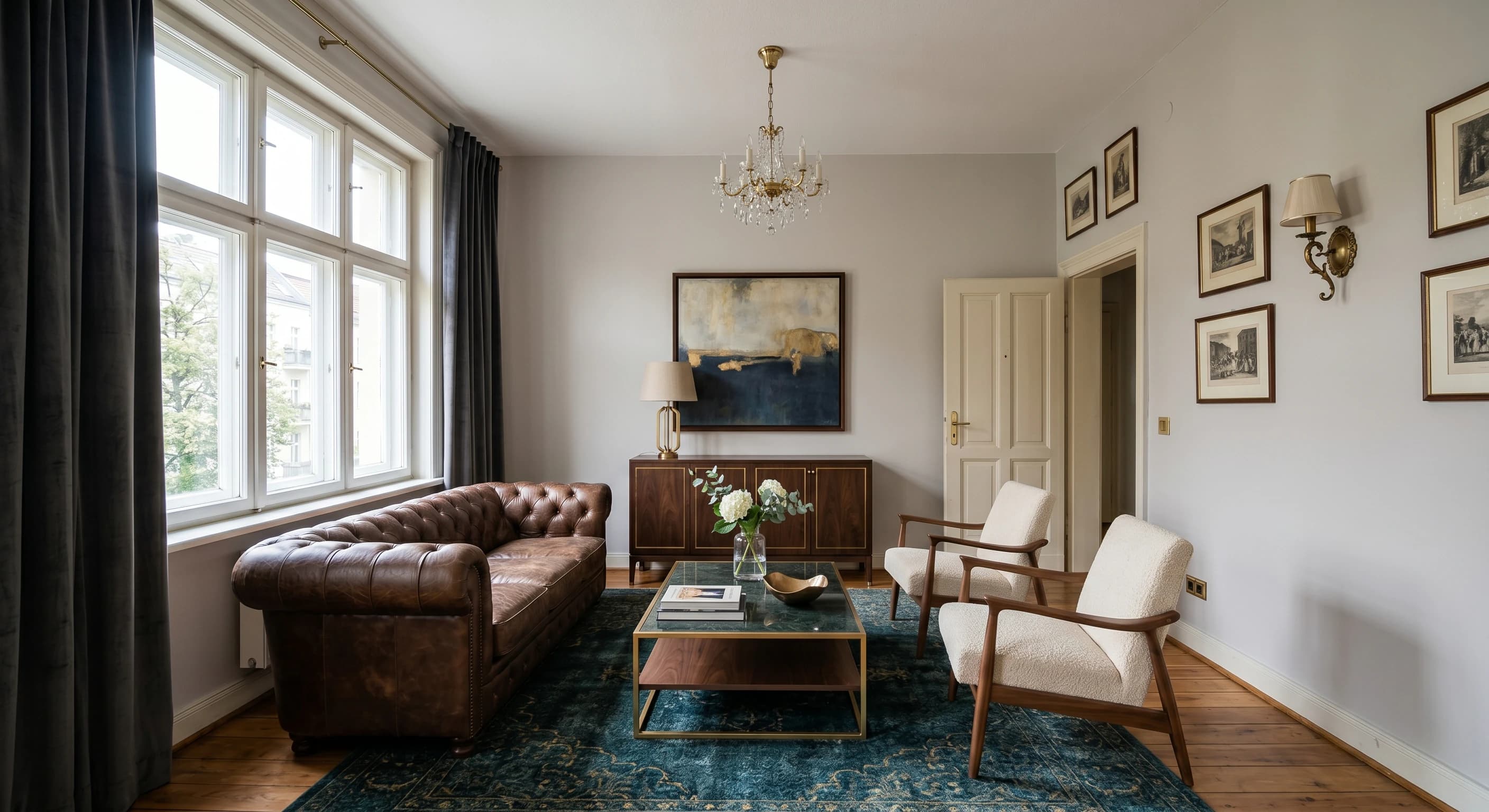
Render straight from a sketch or CAD
Upload a hand sketch, a CAD export, or a SketchUp model and Carve renders directly from it. Depth and edge routing keeps the geometry true to your design.
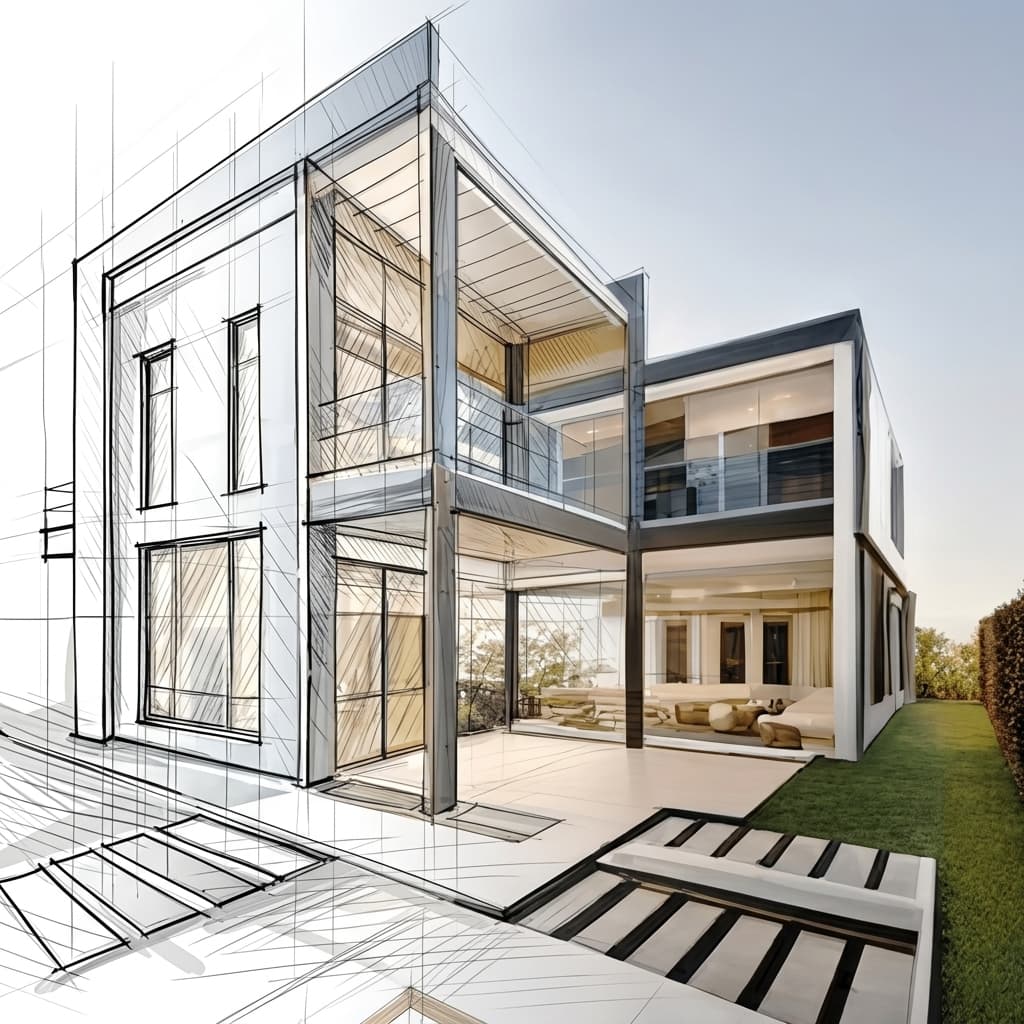
Virtual staging from a single photo
Furnish and restyle an empty room from one photograph. No 3D model and no manual set dressing, just a staged, listing-ready image.
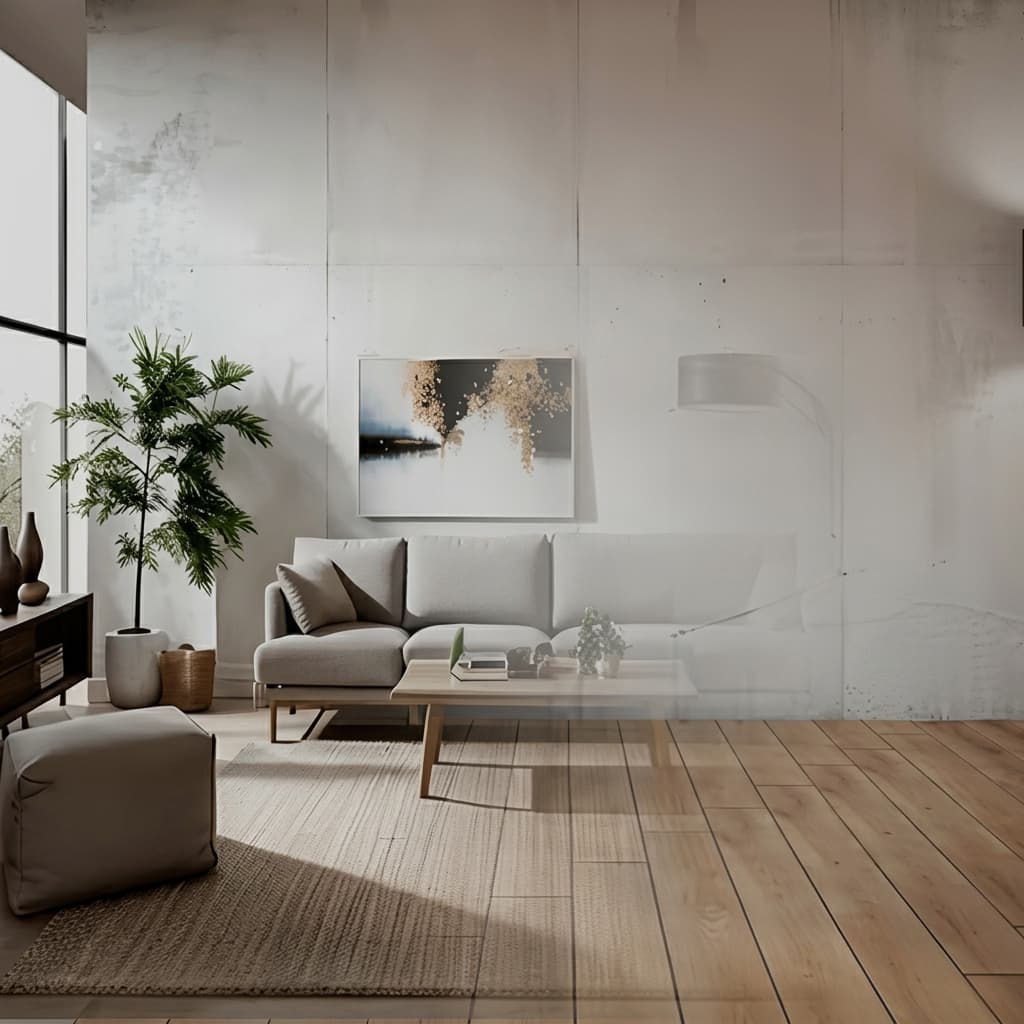
No installs, works on any machine
Carve runs entirely in the cloud, so there's nothing to download and no GPU to buy. Log in from any browser on Mac, Windows, or Chromebook and render from exports made in Revit, SketchUp, Rhino, and more.

A fraction of the cost
Carve starts at $29 a month with no annual contract and no hardware to buy. You get photoreal, client-ready renders for a fraction of what a traditional rendering studio or a desktop suite costs.

 Pushpit, Co-Founder
Founder-led support
Carve's rendering engine is powered by AI, but the support behind it comes from the people who build the product. Reach the team directly over email and live chat, and get real answers, usually within a few hours.
Pricing comparison
Carve$29/mo (50 credits)
$29/mo (Basic)
Category-by-category breakdown
6 axes where the two tools differ most. Carve wins 3, Architect Render wins 0, and 3 are tied.
Sketch to render
TiedBoth render photoreal images from sketches in seconds.
Virtual staging
TiedBoth stage empty rooms from a photo.
CAD input
CarveCarve renders from CAD exports with geometry preserved. Architect Render is image- and sketch-based.
Video
CarveCarve includes short video. Architect Render focuses on stills.
Free tier
CarveCarve offers a free tier. Architect Render gives free credits only via referrals.
Pricing
TiedBoth start at $29/mo.
Feature comparison
CarveBased on each tool's publicly listed features. Architect Render capabilities may change.
Who is Architect Render best for?
Architect Render is the better fit when you want a simple, affordable sketch-render-and-stage tool. Architect Render is the better choice if you:
- Render from sketches and photos and stage rooms
- Want a focused, easy interface
- Work mostly on real-estate redesign and listings
- Don't need CAD input or video
Who is Carve best for?
Carve is the stronger choice when speed, cost, and accessibility matter most. Consider Carve if you:
- Don't have a dedicated rendering team
- Work on tight client deadlines
- Need concept and marketing visuals fast
- Want to work from a Mac, Windows, or a browser
- Care about the cost per image
Which one should you pick?
Carve wins2Rendering from a CAD export
Carve imports CAD with geometry preserved; Architect Render is image-based.
Adding a short clip to a listing
Carve outputs short video; Architect Render outputs stills.
Quick sketch-to-render and staging
Both handle sketch rendering and room staging well.
Verdict
Final verdict
Architect Render and Carve are close on sketch-to-render and staging at the same $29 entry. Carve adds CAD input, 4K, video, and a free tier; Architect Render keeps a focused flow. Pick Architect Render for simple sketch-and-stage work, Carve for the broader toolset.
See how Carve compares to other tools
Same testing methodology, different head-to-heads. Pick a competitor.
Carve is more than just a Architect Render alternative.
Upload a sketch or CAD export and get a photoreal render in under a minute, at a fraction of the cost of Architect Render.
Free to start. No credit card required.
Frequently asked questions
Yes. They're close on sketch-to-render and staging. Carve adds CAD input, 4K, video, and a free tier.