Carve is the Typus alternative for fast, photorealistic rendering
Typus is an AI rendering tool with native Revit, Rhino, and ArchiCAD plugins, built for geometry-faithful renders. Carve is a browser-based AI renderer with broader inputs and built-in video and staging. Here is how they compare.
 Carve
CarveCarve vs Typus: at a glance
Typus is built for architects who live in CAD. Its plugins for Revit, Rhino, and ArchiCAD push your model straight into a geometry-faithful render, and it can upscale to very high resolutions. For a precise CAD-first pipeline, it's strong.
Carve takes a broader approach. It renders from sketches, CAD exports, and photos in the browser, and adds virtual staging and short video. It doesn't ship native CAD plugins, but it covers more of the concept-to-client range.
Pick Typus for a plugin-native, geometry-precise CAD workflow with extreme upscaling. Pick Carve for broader inputs, staging, and video without per-host plugins.
Carve
Browser-based AI rendering for architects, interior designers, and real-estate teams
$29
/mo
Strengths
- Renders from sketches, CAD, and photos
- Virtual staging and short video included
- Free tier to try
- No plugins to install
Limitations
- No native CAD plugins
Typus
Plugin-native, geometry-faithful renders for Revit, Rhino, and ArchiCAD
$31
/mo
Strengths
- Native Revit, Rhino, and ArchiCAD plugins
- Very high-resolution upscaling
- Geometry-faithful CAD rendering
Limitations
- No video or virtual staging
- Only a one-day trial
- EUR pricing plus VAT
Credit where credit is due
Typus has the strongest CAD-plugin story of any tool here, with native integrations into Revit, Rhino, and ArchiCAD and upscaling far beyond what most tools offer. For a precise, model-driven pipeline, it's genuinely good.
This page isn't here to argue otherwise. Typus is narrower on scope, though, with no video or virtual staging and only a short trial, so the comparison is about range versus CAD-pipeline depth.
3 reasons to pick Carve over Typus
The three biggest reasons teams switch from Typus to Carve.
No plugins to install
Carve runs in the browser and renders from a CAD export directly. Typus relies on per-host plugins for its best workflow.
Staging and video included
Carve adds virtual staging and short video. Typus focuses on rendering and upscaling only.
A real free tier
Carve has a free tier to try rendering. Typus offers only a one-day trial.
A fundamentally different rendering experience
Typus is built around your CAD model and its plugins. Carve is built around speed and range: upload a sketch, a CAD export, or a photo in the browser, and get a render, a staged room, or a short clip without installing a plugin.
The trade is depth versus breadth. Typus goes deeper into the CAD pipeline and high-resolution output. Carve spreads across more inputs and outputs, including staging and video.
Why modern firms choose Carve over Typus
Photoreal results in under a minute
Carve's AI pipeline returns a finished, photoreal image in under a minute, right in the browser. There's no scene to assemble and no local GPU to wait on.
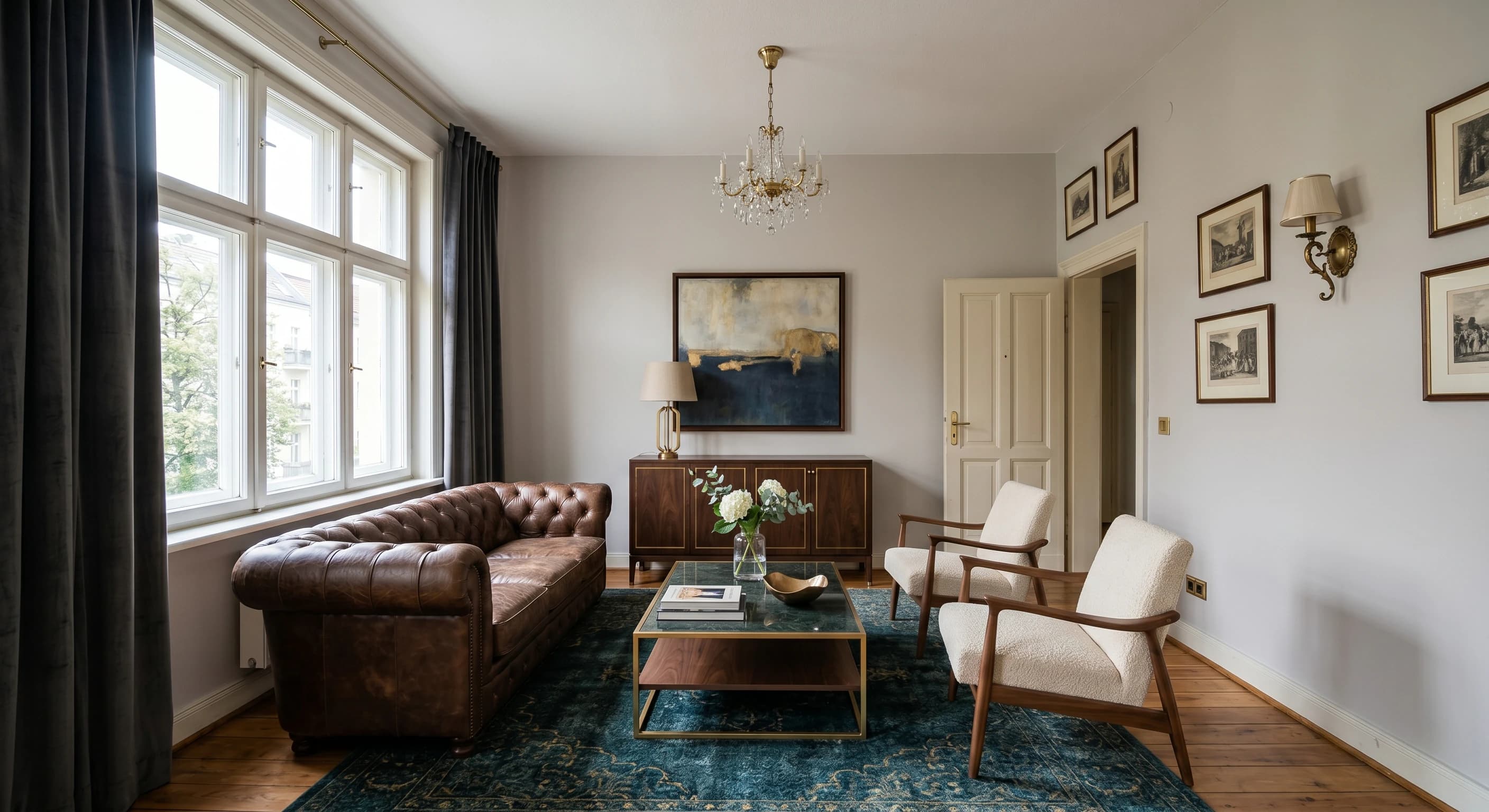
Render straight from a sketch or CAD
Upload a hand sketch, a CAD export, or a SketchUp model and Carve renders directly from it. Depth and edge routing keeps the geometry true to your design.
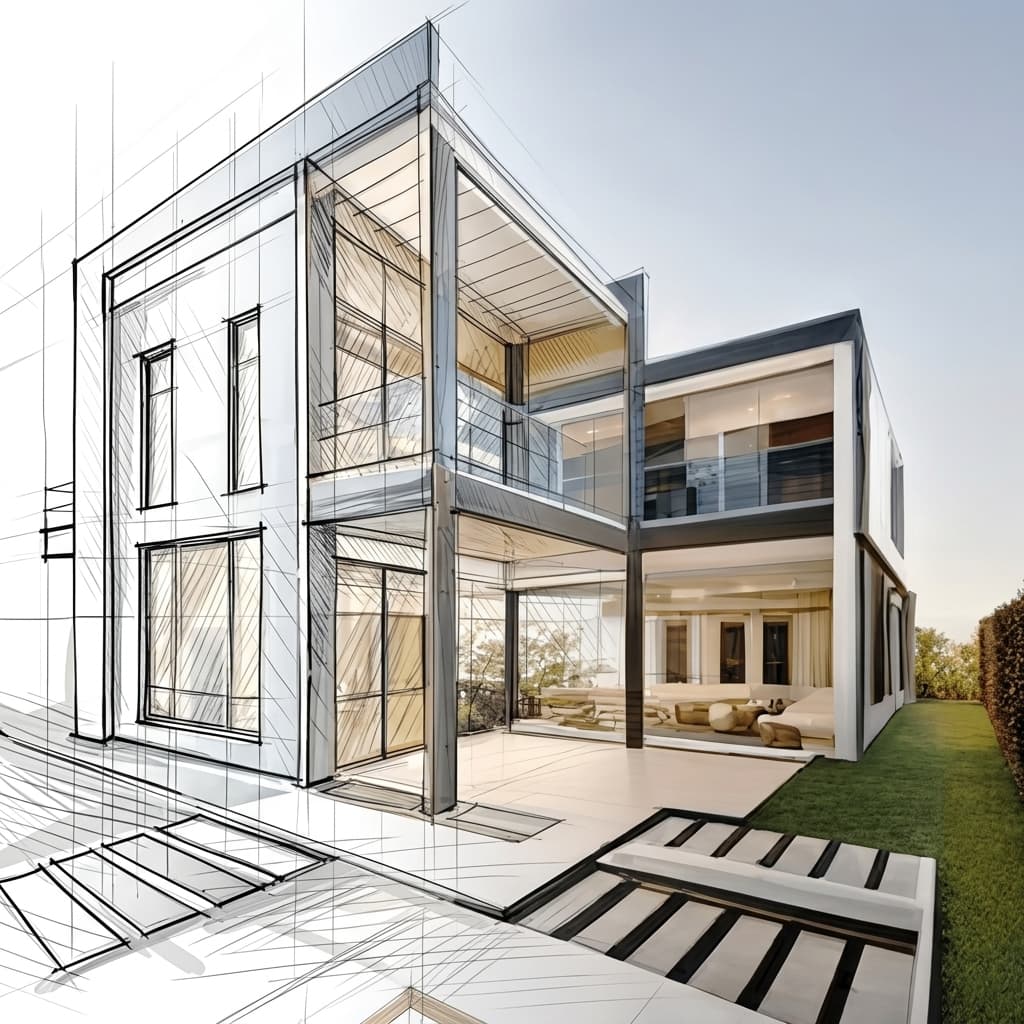
Virtual staging from a single photo
Furnish and restyle an empty room from one photograph. No 3D model and no manual set dressing, just a staged, listing-ready image.

No installs, works on any machine
Carve runs entirely in the cloud, so there's nothing to download and no GPU to buy. Log in from any browser on Mac, Windows, or Chromebook and render from exports made in Revit, SketchUp, Rhino, and more.

A fraction of the cost
Carve starts at $29 a month with no annual contract and no hardware to buy. You get photoreal, client-ready renders for a fraction of what a traditional rendering studio or a desktop suite costs.
 Pushpit, Co-Founder
Founder-led support
Carve's rendering engine is powered by AI, but the support behind it comes from the people who build the product. Reach the team directly over email and live chat, and get real answers, usually within a few hours.
Pricing comparison
Carve$29/mo (50 credits)
$31/mo (billed yearly)
Category-by-category breakdown
6 axes where the two tools differ most. Carve wins 4, Typus wins 2.
CAD plugin depth
TypusTypus ships native Revit, Rhino, and ArchiCAD plugins. Carve renders from CAD exports without per-host plugins.
Max resolution
TypusTypus upscales to very high resolutions, beyond Carve's 4K.
Input range
CarveCarve renders from sketches, CAD, and photos. Typus is focused on CAD and sketches.
Virtual staging
CarveCarve stages empty rooms from a photo. Typus doesn't offer staging.
Video
CarveCarve includes short video. Typus has no video output.
Trial access
CarveCarve offers a free tier; Typus offers only a one-day trial.
Feature comparison
CarveBased on each tool's publicly listed features. Typus capabilities may change.
Who is Typus best for?
Typus is the better fit when you work inside CAD and want plugin-native, geometry-precise renders. Typus is the better choice if you:
- Work in Revit, Rhino, or ArchiCAD and want native plugins
- Need very high-resolution output
- Prioritize exact geometry fidelity from your model
- Don't need video or virtual staging
Who is Carve best for?
Carve is the stronger choice when speed, cost, and accessibility matter most. Consider Carve if you:
- Don't have a dedicated rendering team
- Work on tight client deadlines
- Need concept and marketing visuals fast
- Want to work from a Mac, Windows, or a browser
- Care about the cost per image
Which one should you pick?
Carve wins2Staging a listing or adding a clip
Carve includes virtual staging and short video; Typus does not.
Trying the tool before paying
Carve has a free tier; Typus offers only a one-day trial.
Rendering inside a Revit or Rhino pipeline
Typus's native plugins push your model straight to a render.
Verdict
Final verdict
Typus is the better tool for a plugin-native, geometry-precise CAD pipeline with extreme upscaling. Carve is the better all-rounder, with broader inputs, virtual staging, video, and a free tier. Choose Typus for CAD depth, Carve for range.
See how Carve compares to other tools
Same testing methodology, different head-to-heads. Pick a competitor.
Carve is more than just a Typus alternative.
Upload a sketch or CAD export and get a photoreal render in under a minute, at a fraction of the cost of Typus.
Free to start. No credit card required.
Frequently asked questions
Yes, if you want broader inputs, virtual staging, and video without per-host plugins. Typus remains stronger for plugin-native CAD rendering and very high-resolution output.