
Carve is the Veras alternative for fast, photorealistic rendering
Veras, by EvolveLAB, is an AI rendering plugin that runs inside Revit, SketchUp, Rhino, and Archicad. Carve is a browser-based AI renderer with broader inputs, staging, and video. Here is how they compare.
 Carve
CarveCarve vs Veras: at a glance
Veras renders from inside your BIM tool. It reads the model you're already working in and generates AI visualizations without leaving Revit, SketchUp, or Rhino. For teams committed to a BIM pipeline, that integration is the draw.
Carve takes the opposite approach. It runs in the browser with no plugin, and renders from sketches, CAD exports, or photos. It adds virtual staging and short video, and works on any machine.
Pick Veras for AI inside your modeling tool. Pick Carve for a no-install workflow with broader inputs, staging, and video.
Carve
Browser-based AI rendering for architects, interior designers, and real-estate teams
$29
/mo
Strengths
- No plugin, runs in the browser
- Sketch, CAD, and photo inputs
- Virtual staging and short video
- Works on any machine
Limitations
- No native BIM plugin
Veras
AI rendering inside Revit, SketchUp, Rhino, and Archicad
$20
/mo
Strengths
- AI rendering inside your BIM tool
- Reads the model you already have open
- Native Revit, SketchUp, Rhino, Archicad
- Tight modeling-to-render loop
Limitations
- Tied to a host application and a capable machine
- No sketch or photo input
- No virtual staging or video
Credit where credit is due
Veras is the cleanest answer to the question many architects ask: can I get AI rendering without leaving my BIM tool. EvolveLAB built a tight, model-aware integration, and for BIM-first teams it's genuinely convenient.
This page isn't here to dispute that. Veras is tied to your modeling host and a capable machine, though, with no sketch or photo input and no video. That's where Carve covers more ground.
3 reasons to pick Carve over Veras
The three biggest reasons teams switch from Veras to Carve.
No plugin to install
Carve runs in the browser and renders from a CAD export directly. Veras is a plugin tied to a host application.
Sketch and photo inputs
Carve renders from hand sketches and photos as well as CAD. Veras works from the model in its host.
Staging and video
Carve stages empty rooms and produces short video. Veras focuses on rendering the model.
A fundamentally different rendering experience
Veras lives inside your modeling tool and renders the model you have open. Carve runs in the browser and renders from a sketch, a CAD export, or a photo, with no plugin to install. Veras favors BIM integration; Carve favors no-install access and broader inputs, plus staging and video.
Why modern firms choose Carve over Veras
Photoreal results in under a minute
Carve's AI pipeline returns a finished, photoreal image in under a minute, right in the browser. There's no scene to assemble and no local GPU to wait on.

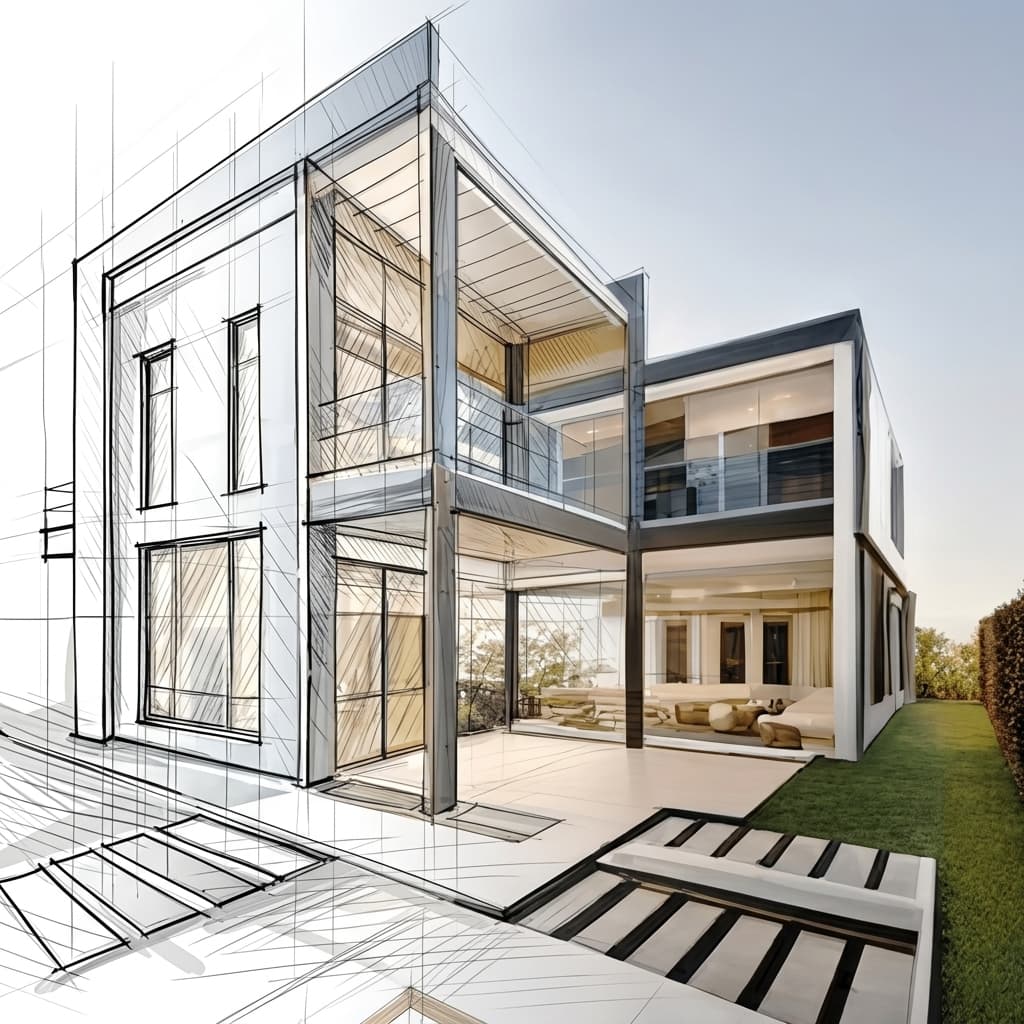
Render straight from a sketch or CAD
Upload a hand sketch, a CAD export, or a SketchUp model and Carve renders directly from it. Depth and edge routing keeps the geometry true to your design.
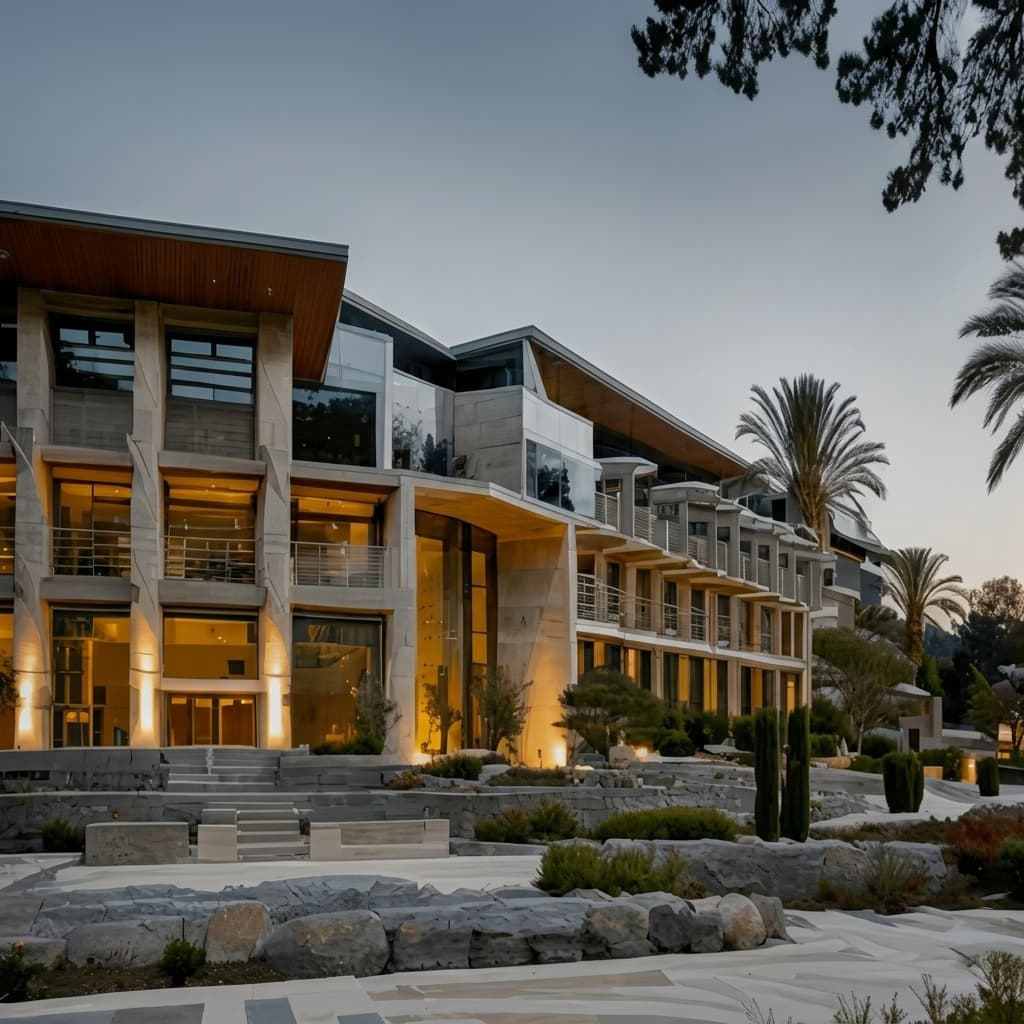
Virtual staging from a single photo
Furnish and restyle an empty room from one photograph. No 3D model and no manual set dressing, just a staged, listing-ready image.

No installs, works on any machine
Carve runs entirely in the cloud, so there's nothing to download and no GPU to buy. Log in from any browser on Mac, Windows, or Chromebook and render from exports made in Revit, SketchUp, Rhino, and more.

A fraction of the cost
Carve starts at $29 a month with no annual contract and no hardware to buy. You get photoreal, client-ready renders for a fraction of what a traditional rendering studio or a desktop suite costs.
 Pushpit, Co-Founder
Founder-led support
Carve's rendering engine is powered by AI, but the support behind it comes from the people who build the product. Reach the team directly over email and live chat, and get real answers, usually within a few hours.
Pricing comparison
Carve$29/mo (50 credits)
$20/mo
Category-by-category breakdown
6 axes where the two tools differ most. Carve wins 4, Veras wins 1, and 1 is tied.
BIM integration
VerasVeras renders inside Revit, SketchUp, Rhino, and Archicad. Carve renders from exports without a plugin.
Setup and install
CarveCarve runs in the browser with nothing to install. Veras is a host plugin.
Input range
CarveCarve renders from sketches, CAD, and photos. Veras works from the host model.
Virtual staging
CarveCarve stages empty rooms from a photo. Veras doesn't.
Video
CarveCarve includes short video. Veras outputs stills.
Model fidelity
TiedBoth keep your geometry intact, Veras from the live model and Carve through depth and edge maps.
Feature comparison
CarveBased on each tool's publicly listed features. Veras capabilities may change.
Who is Veras best for?
Veras is the better fit when you want AI rendering inside your BIM tool. Veras is the better choice if you:
- Work in Revit, SketchUp, Rhino, or Archicad and want a native plugin
- Render the model you already have open
- Prefer staying inside one modeling environment
- Don't need sketch or photo input, staging, or video
Who is Carve best for?
Carve is the stronger choice when speed, cost, and accessibility matter most. Consider Carve if you:
- Don't have a dedicated rendering team
- Work on tight client deadlines
- Need concept and marketing visuals fast
- Want to work from a Mac, Windows, or a browser
- Care about the cost per image
Which one should you pick?
Carve wins2Rendering from a sketch or photo
Carve renders from sketches and photos with no plugin; Veras needs the host model.
Staging a listing or adding a clip
Carve includes virtual staging and short video; Veras does not.
Rendering without leaving Revit
Veras runs inside the BIM tool and reads your open model.
Verdict
Final verdict
Veras is the better fit for AI rendering inside a BIM pipeline, reading the model you already have open. Carve is the better no-install tool, with sketch and photo inputs, virtual staging, and video. Pick Veras for BIM integration, Carve for range and accessibility.
See how Carve compares to other tools
Same testing methodology, different head-to-heads. Pick a competitor.
Carve is more than just a Veras alternative.
Upload a sketch or CAD export and get a photoreal render in under a minute, at a fraction of the cost of Veras.
Free to start. No credit card required.
Frequently asked questions
Yes, if you want a no-install tool with broader inputs. Carve renders from sketches, CAD, and photos and adds staging and video. Veras remains stronger for AI rendering inside a BIM tool.